#include "DisplayModule.h"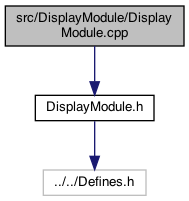
Go to the source code of this file.
Classes | |
| struct | TextPosition |
Typedefs | |
| typedef struct TextPosition | TextPositionStruct |
Functions | |
| boolean | inAlternateDisplay_displayModule () |
| void | printText (String text, int maxLen) |
| prints the text up to the maxLen (the setup of position, etc is already done) More... | |
| const char * | currentSemanticMarkerAddress_displayModule () |
| returns the current semantic marker (eg. guest page) More... | |
| int | screenTypeForTitle_displayModule (String title) |
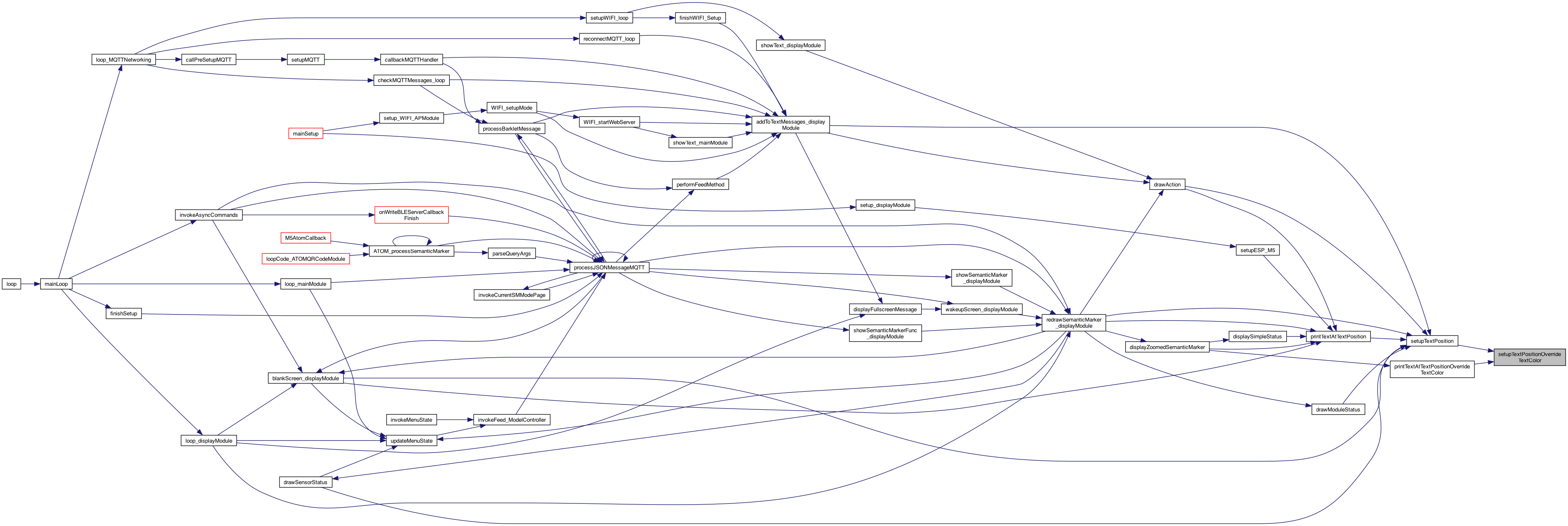
| void | setupTextPositionOverrideTextColor (TextPositionStruct textP, TextPositionStruct textColor) |
| init the text - but override the text color (stil using the textP.blankCOlor More... | |
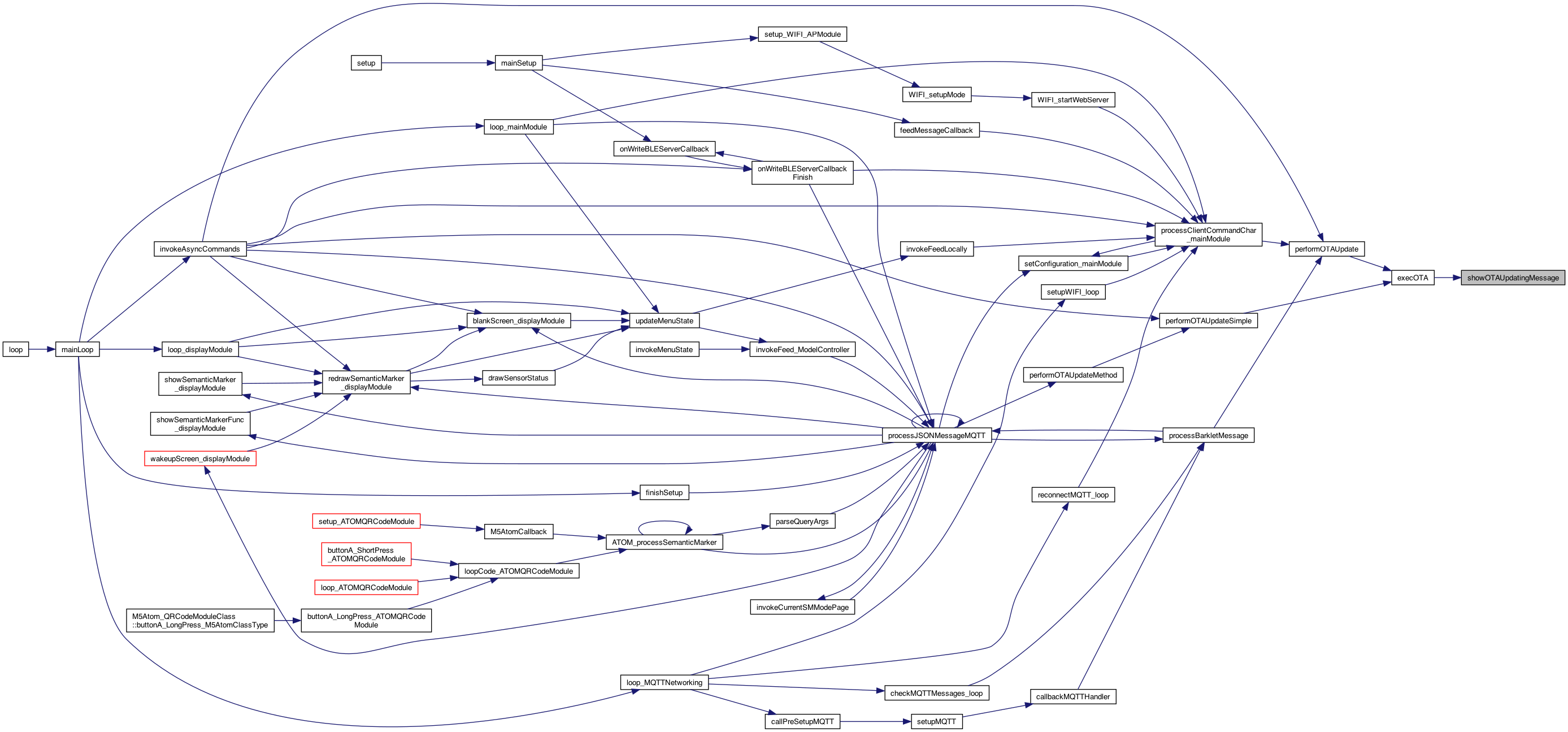
| void | showOTAUpdatingMessage () |
| show an OTA message.. More... | |
| void | displayFullscreenMessage (String text, boolean turnOn) |
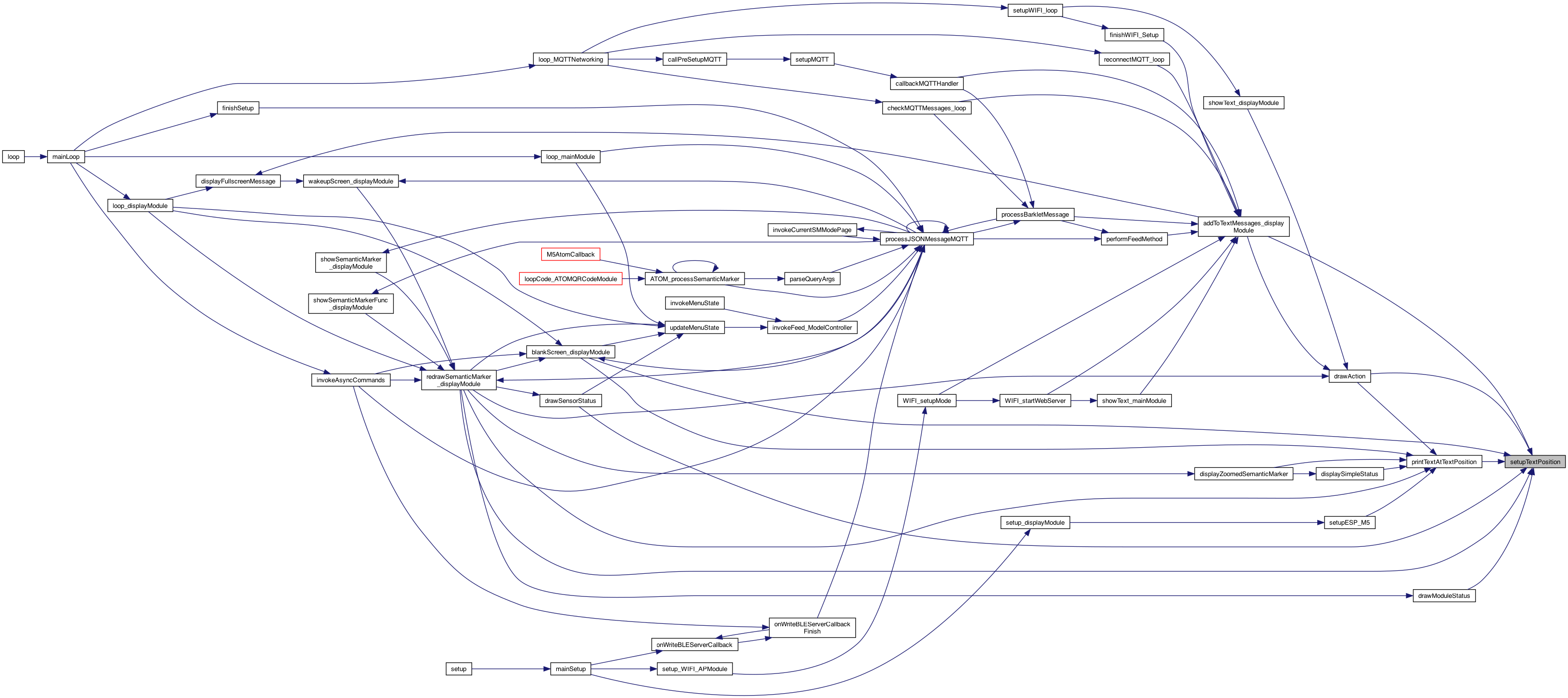
| void | setupTextPosition (TextPositionStruct textP) |
| init the text More... | |
| void | printTextAtTextPositionOverrideTextColor (String text, TextPositionStruct textPosition, TextPositionStruct textColor) |
| use the textPositionStruct - but override the text color More... | |
| void | printTextAtTextPosition (String text, TextPositionStruct textPosition) |
| use the textPositionStruct More... | |
| void | incrementScreenColor_displayModule () |
| int | getScreenColor_displayModule () |
| cache for getting the screen color 0..n. Will reset the cache as well More... | |
| void | setScreenColor_displayModule (int screenColor) |
| cache for getting the screen color 0..n. Will reset the cache as well More... | |
| void | incrementLoopTimer () |
| increment the loop timer More... | |
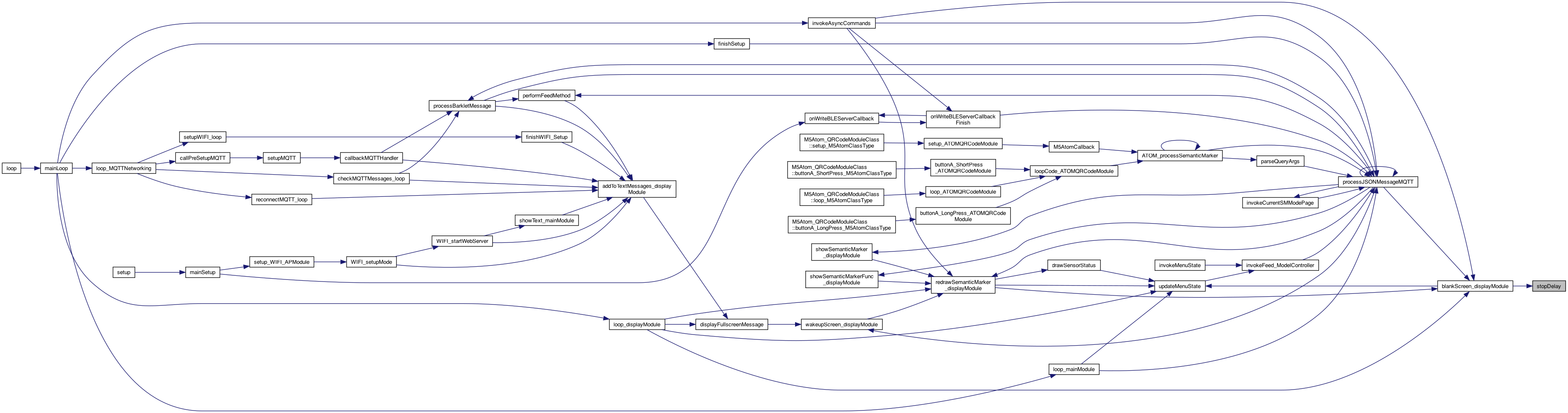
| void | stopLoopTimer () |
| stop the loop timer More... | |
| int | getLoopTimer_displayModule () |
| returns the loop timer (just a timer..) More... | |
| void | resetLoopTimer_displayModule () |
| reset the loop timer .. useful for testing, More... | |
| String | createSemanticAddress () |
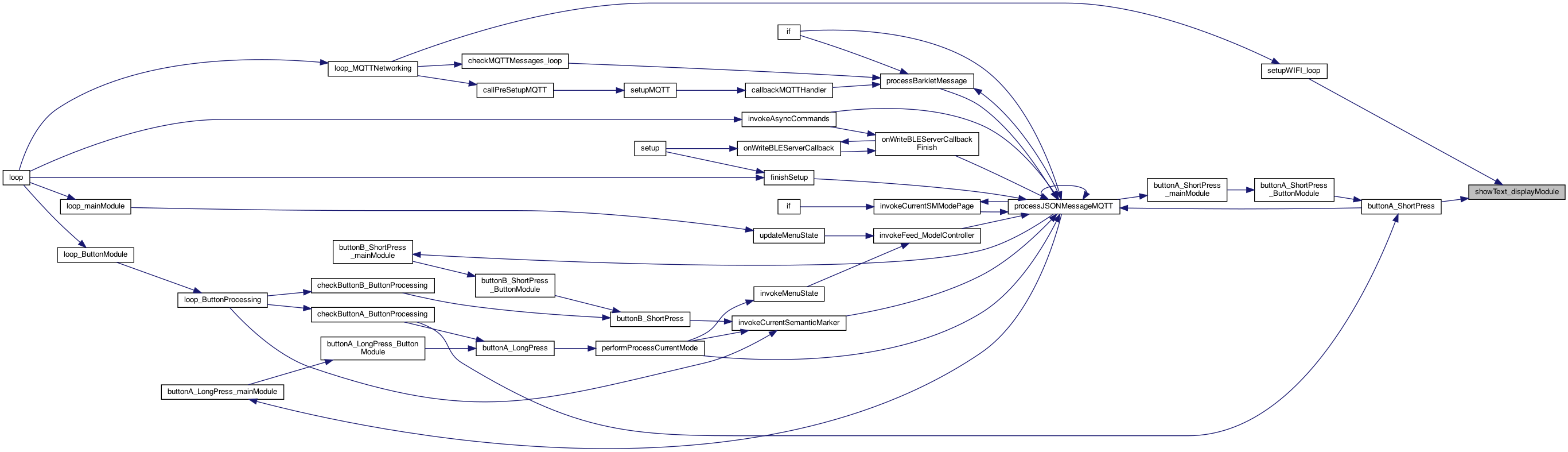
| void | startDelay (int seconds) |
| boolean | delayFinished () |
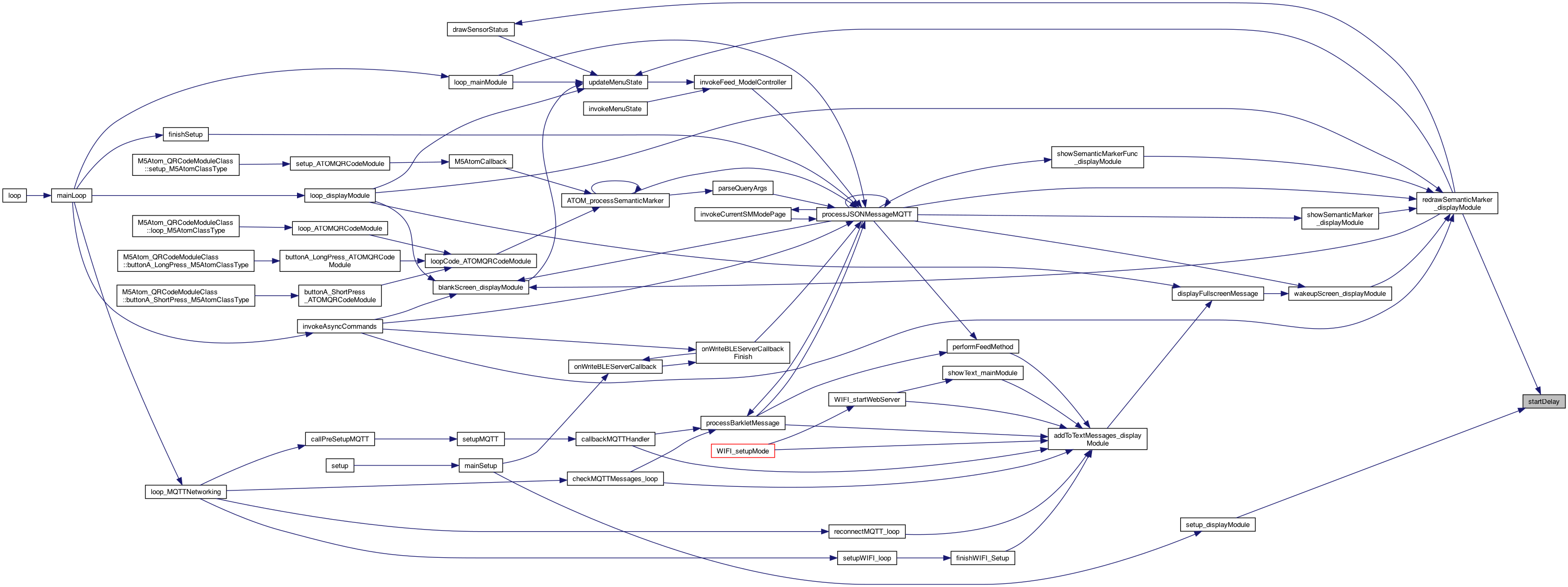
| void | stopDelay () |
| void | setBrightness_displayModule (int brightness) |
| void | blankScreen_displayModule () |
| blanks the screen More... | |
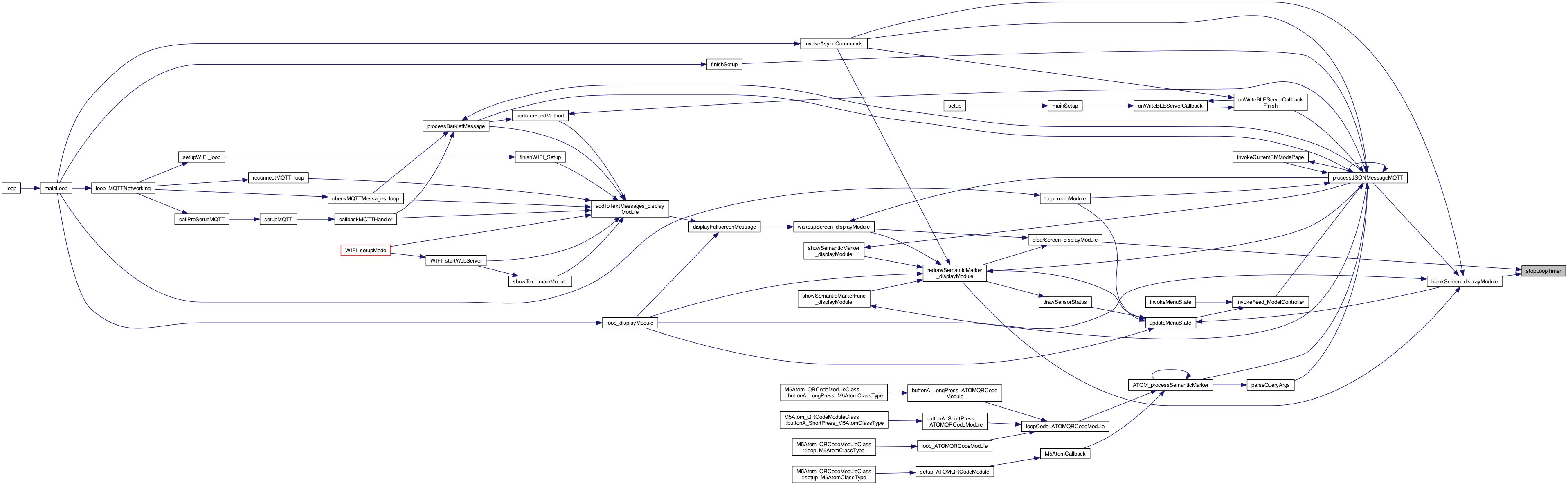
| void | wakeupScreen_displayModule () |
| wakes up the screen More... | |
| void | clearScreen_displayModule () |
| clears the screen (but not a blank screen) and stops the timer.. More... | |
| boolean | isBlankScreen_displayModule () |
| whether screen is blank (so the button can be a wake, vs action..) More... | |
| boolean | displayOnBlankScreen () |
| whether to display on a blank screen More... | |
| int | currentScreenTimeout () |
| current screen timeout More... | |
| void | setupESP_M5 () |
| setup the Lcd, etc.. More... | |
| void | setup_displayModule () |
| for types: String, boolean .. More... | |
| void | loop_displayModule () |
| called for the loop() of this plugin More... | |
| void | printTextPadSpaces (String text, TextPositionStruct textColor) |
| print the text, but pad with background color spaces.. More... | |
| void | drawAction (String title, int screenType) |
| sets the "ACTION" – The TOP line More... | |
| void | drawSensorStatus (int screenType) |
| sets the "Sensor Status" More... | |
| void | drawStatusText (String text, boolean isOn) |
| draws the text and differeent if ON or OFF More... | |
| boolean | containsMode (char *modesDesired, char mode) |
| returns if the modesDesired contains a mode character, but also true if modesDesired in null More... | |
| void | drawModuleStatus (char *modesDesired) |
| sets the "Module Status", will show only the modesDesired if non null More... | |
| void | displaySimpleStatus () |
| just draw the simple status at bottom More... | |
| void | displayZoomedSemanticMarker (int screenType) |
| perform a zoom .. of the semantic marker - or it might be something else.. More... | |
| void | redrawSemanticMarker_displayModule (boolean startNew) |
| redraws the image.. More... | |
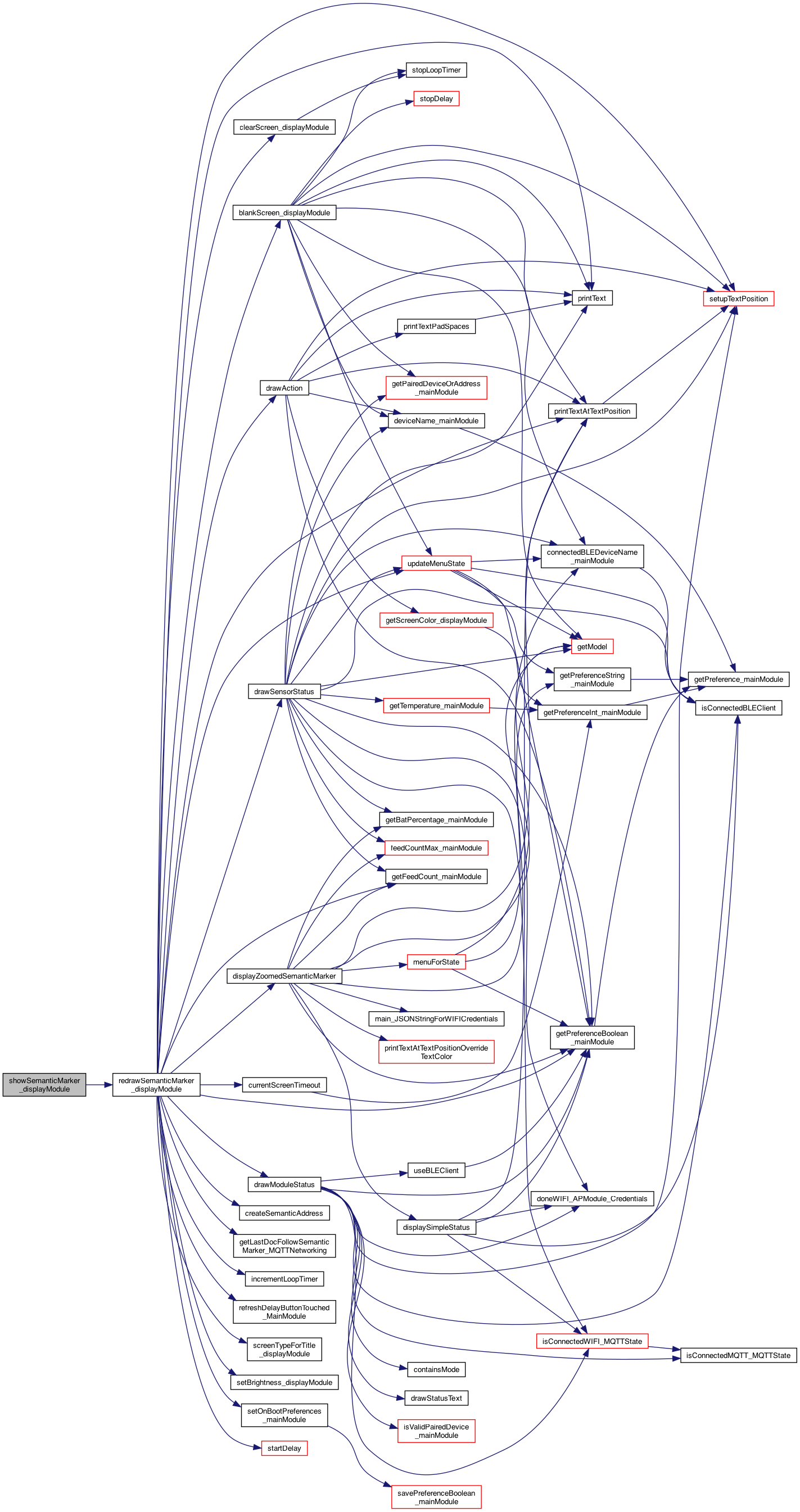
| void | showSemanticMarker_displayModule (String semanticMarkerAddress, String title) |
| displays the Semantic Marker (a super QR code) on the M5 screen (with an N second display) More... | |
| void | showSemanticMarkerFunc_displayModule (String semanticMarkerAddressBase, String title, const char *(*getStatusFunc)(void)) |
| finish the address after calling the function provided, called from MQTT for STATUS More... | |
| void | showText_displayModule (String text) |
| void | addToTextMessages_displayModule (String text) |
Macro Definition Documentation
◆ BIG_ACTION
| #define BIG_ACTION 0 |
Definition at line 339 of file DisplayModule.cpp.
◆ BLK_PWM_CHANNEL
| #define BLK_PWM_CHANNEL 7 |
new 12.29.22
//! https://github.com/Bodmer/TFT_eSPI/issues/226
TRY THIS:
Definition at line 644 of file DisplayModule.cpp.
◆ FONT_1
| #define FONT_1 1 |
Definition at line 264 of file DisplayModule.cpp.
◆ FONT_2
| #define FONT_2 2 |
Definition at line 263 of file DisplayModule.cpp.
◆ FONT_3
| #define FONT_3 3 |
Definition at line 262 of file DisplayModule.cpp.
◆ HEIGHT_1
| #define HEIGHT_1 10 |
Definition at line 259 of file DisplayModule.cpp.
◆ HEIGHT_2
| #define HEIGHT_2 10 |
Definition at line 258 of file DisplayModule.cpp.
◆ HEIGHT_3
| #define HEIGHT_3 20 |
Definition at line 253 of file DisplayModule.cpp.
◆ HEIGHT_3_2LINE
| #define HEIGHT_3_2LINE 60 |
Definition at line 254 of file DisplayModule.cpp.
◆ HEIGHT_4
| #define HEIGHT_4 40 |
Definition at line 256 of file DisplayModule.cpp.
◆ LOOP_COUNTER_MICROSECONDS
| #define LOOP_COUNTER_MICROSECONDS 20 |
◆ MAX_ACTION_TEXT_HOME_COLORS
| #define MAX_ACTION_TEXT_HOME_COLORS 5 |
these are grouped in an array for the color index to use. If index > max then use max.. (-1)
Definition at line 297 of file DisplayModule.cpp.
◆ MAX_ACTIONS
| #define MAX_ACTIONS 4 |
Definition at line 344 of file DisplayModule.cpp.
◆ QRAVATAR
| #define QRAVATAR |
◆ QRAVATAR_ACTION
| #define QRAVATAR_ACTION 3 |
Definition at line 342 of file DisplayModule.cpp.
◆ ROTATE_0
| #define ROTATE_0 0 |
Definition at line 261 of file DisplayModule.cpp.
◆ SCREEN_TYPE_AP
| #define SCREEN_TYPE_AP 7 |
Definition at line 128 of file DisplayModule.cpp.
◆ SCREEN_TYPE_BUZZ
| #define SCREEN_TYPE_BUZZ 6 |
Definition at line 127 of file DisplayModule.cpp.
◆ SCREEN_TYPE_DOC_FOLLOW
| #define SCREEN_TYPE_DOC_FOLLOW 17 |
Definition at line 139 of file DisplayModule.cpp.
◆ SCREEN_TYPE_FEED_GUEST
| #define SCREEN_TYPE_FEED_GUEST 9 |
Definition at line 130 of file DisplayModule.cpp.
◆ SCREEN_TYPE_GUEST_PAGE
| #define SCREEN_TYPE_GUEST_PAGE 8 |
Definition at line 129 of file DisplayModule.cpp.
◆ SCREEN_TYPE_HELP
| #define SCREEN_TYPE_HELP 3 |
Definition at line 124 of file DisplayModule.cpp.
◆ SCREEN_TYPE_HOME
| #define SCREEN_TYPE_HOME 1 |
for home screen
Definition at line 122 of file DisplayModule.cpp.
◆ SCREEN_TYPE_HOME_SIMPLE
| #define SCREEN_TYPE_HOME_SIMPLE 13 |
try simple menu
Definition at line 135 of file DisplayModule.cpp.
◆ SCREEN_TYPE_HOME_SIMPLE_1
| #define SCREEN_TYPE_HOME_SIMPLE_1 14 |
Definition at line 136 of file DisplayModule.cpp.
◆ SCREEN_TYPE_HOME_SIMPLE_2
| #define SCREEN_TYPE_HOME_SIMPLE_2 15 |
Definition at line 137 of file DisplayModule.cpp.
◆ SCREEN_TYPE_HOME_SIMPLE_3
| #define SCREEN_TYPE_HOME_SIMPLE_3 16 |
Definition at line 138 of file DisplayModule.cpp.
◆ SCREEN_TYPE_NORMAL
| #define SCREEN_TYPE_NORMAL 0 |
The type of screen (not the SM_home, etc, but using the SemanticTitle) NORMAL for normal display .. we can use NORMAL for the first page..
Definition at line 120 of file DisplayModule.cpp.
◆ SCREEN_TYPE_PAIRED_DEV
| #define SCREEN_TYPE_PAIRED_DEV 10 |
Definition at line 131 of file DisplayModule.cpp.
◆ SCREEN_TYPE_REBOOT
| #define SCREEN_TYPE_REBOOT 12 |
Definition at line 133 of file DisplayModule.cpp.
◆ SCREEN_TYPE_RESET
| #define SCREEN_TYPE_RESET 11 |
Definition at line 132 of file DisplayModule.cpp.
◆ SCREEN_TYPE_STATUS
| #define SCREEN_TYPE_STATUS 2 |
Definition at line 123 of file DisplayModule.cpp.
◆ SCREEN_TYPE_TILT
| #define SCREEN_TYPE_TILT 5 |
Definition at line 126 of file DisplayModule.cpp.
◆ SCREEN_TYPE_TIMER
| #define SCREEN_TYPE_TIMER 18 |
Definition at line 140 of file DisplayModule.cpp.
◆ SCREEN_TYPE_WIFI
| #define SCREEN_TYPE_WIFI 4 |
Definition at line 125 of file DisplayModule.cpp.
◆ SEMANTIC_MARKER_QR_VERSION
| #define SEMANTIC_MARKER_QR_VERSION 10 |
1.26.24 10 seems to be working..
Definition at line 116 of file DisplayModule.cpp.
◆ SM_ACTION
| #define SM_ACTION 1 |
Definition at line 340 of file DisplayModule.cpp.
◆ SM_ACTION_SMALL
| #define SM_ACTION_SMALL 2 |
Definition at line 341 of file DisplayModule.cpp.
◆ TRY_BLANKSCREEN_IN_LOOP
| #define TRY_BLANKSCREEN_IN_LOOP |
◆ TRY_CLEAR_WITH_RESET_TIMER
| #define TRY_CLEAR_WITH_RESET_TIMER |
◆ TRY_DEVICES_AND_PAIRED
| #define TRY_DEVICES_AND_PAIRED |
◆ TRY_SWAPPED_COLORS
| #define TRY_SWAPPED_COLORS |
Definition at line 346 of file DisplayModule.cpp.
◆ USE_TIMER_DELAY_CLASS
| #define USE_TIMER_DELAY_CLASS |
Definition at line 580 of file DisplayModule.cpp.
◆ WIDTH
| #define WIDTH 135 |
These are when the ESP_M5 isn't used, so the code below compiles..
Definition at line 250 of file DisplayModule.cpp.
Typedef Documentation
◆ TextPositionStruct
| typedef struct TextPosition TextPositionStruct |
defines the position constants Note some uses below just use the text color and size attributes, (Too much work to make a variable struct) eg. ORANGE,WHITE,BLACK
Function Documentation
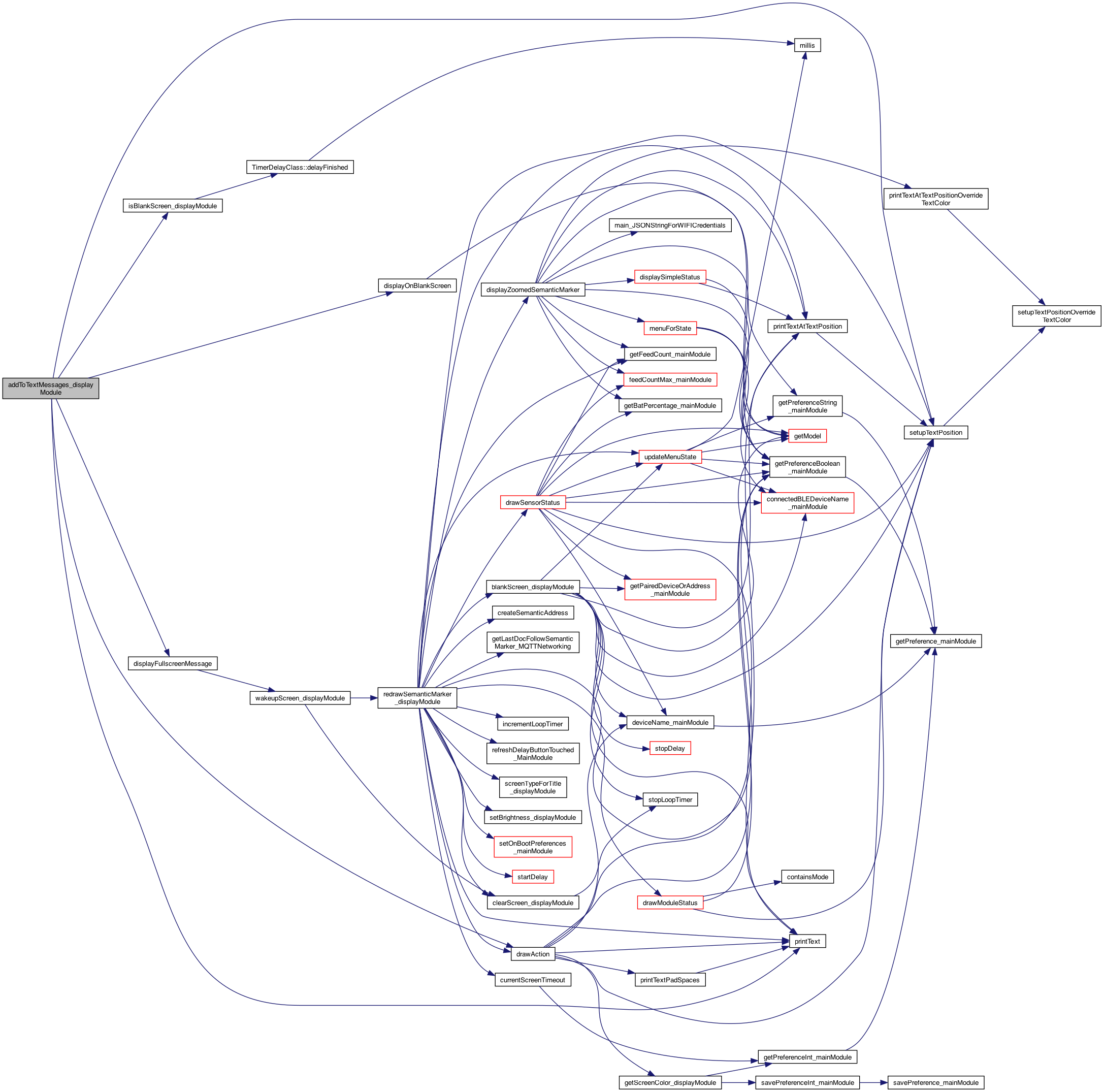
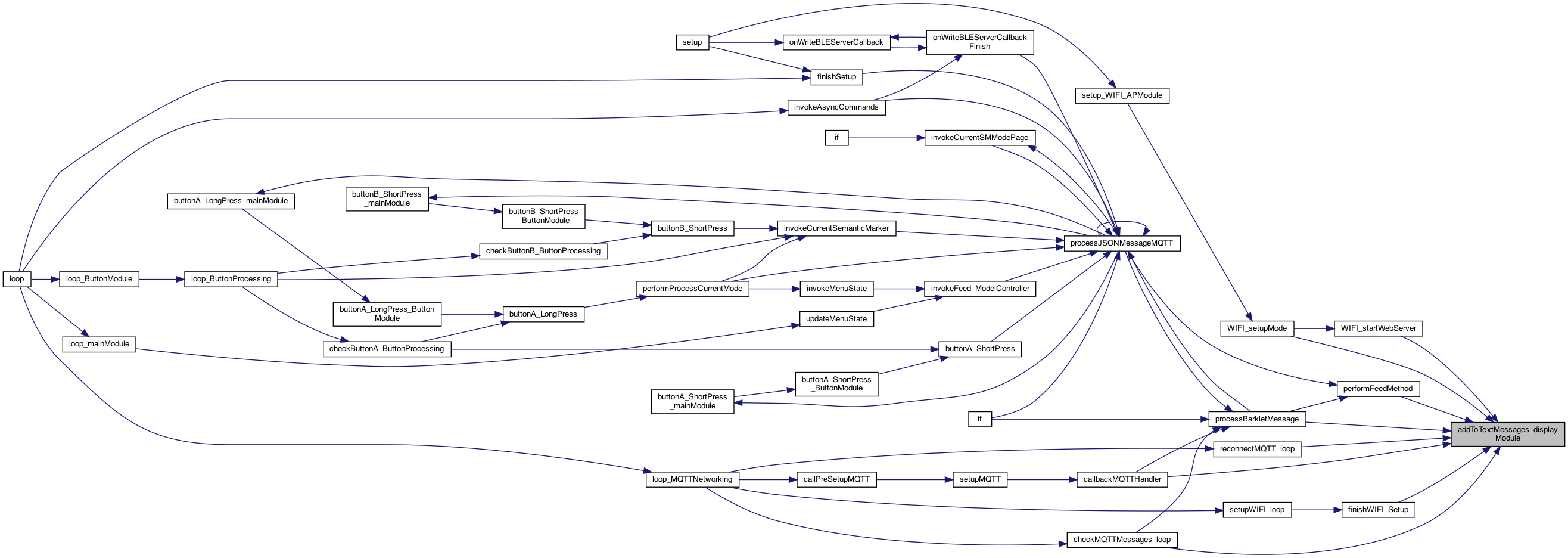
◆ addToTextMessages_displayModule()
| void addToTextMessages_displayModule | ( | String | text | ) |
adds messages that aren't shown unless in message window mode. NOTE: This will be a scrolling text as sometime ..
whether screen is blank (so the button can be a wake, vs action..)
different for home screen
ADD SCREEN_TYPE_HOME
use the zoomed amount
draw the text
testing 4.3.24 for large text
Definition at line 1964 of file DisplayModule.cpp.
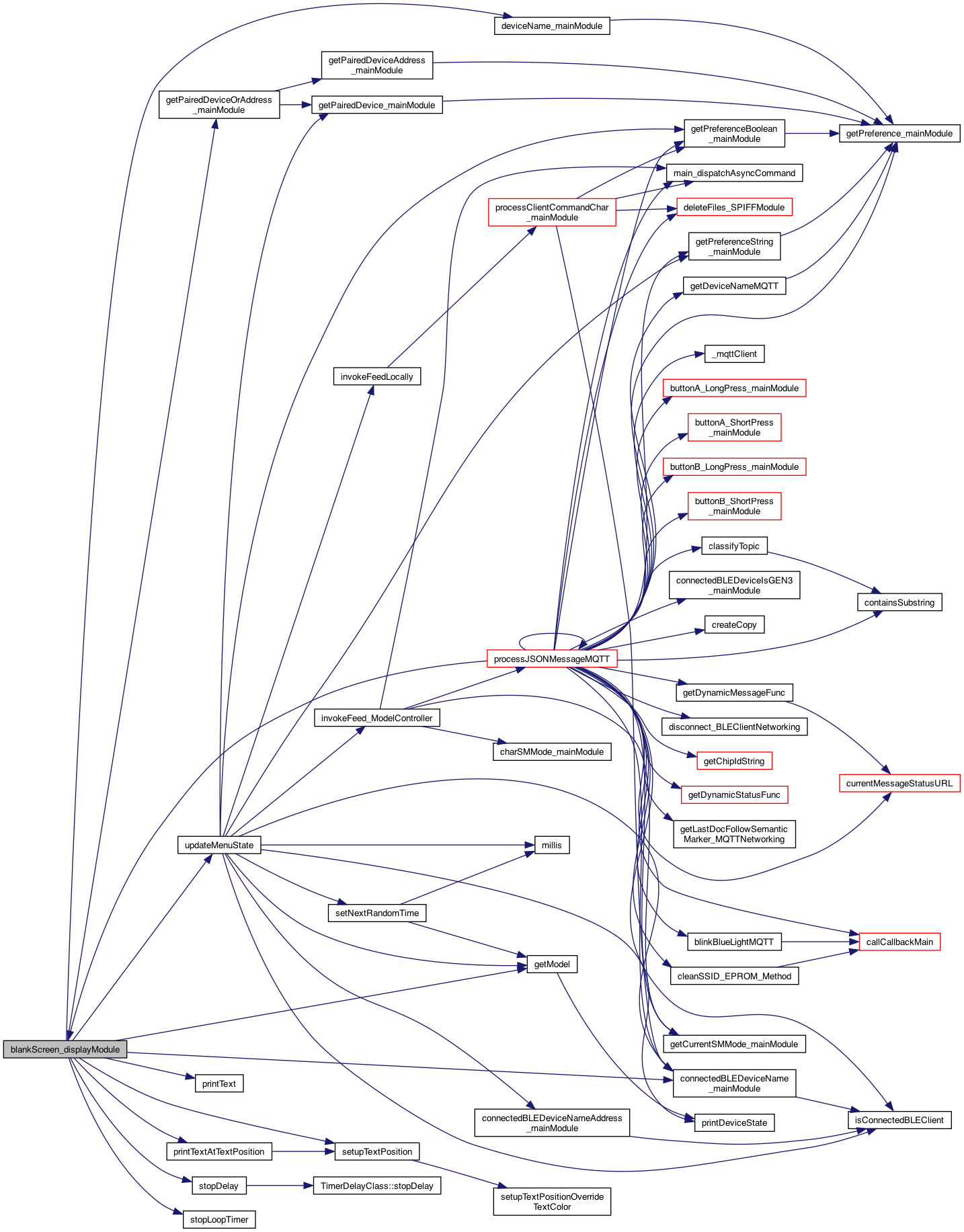
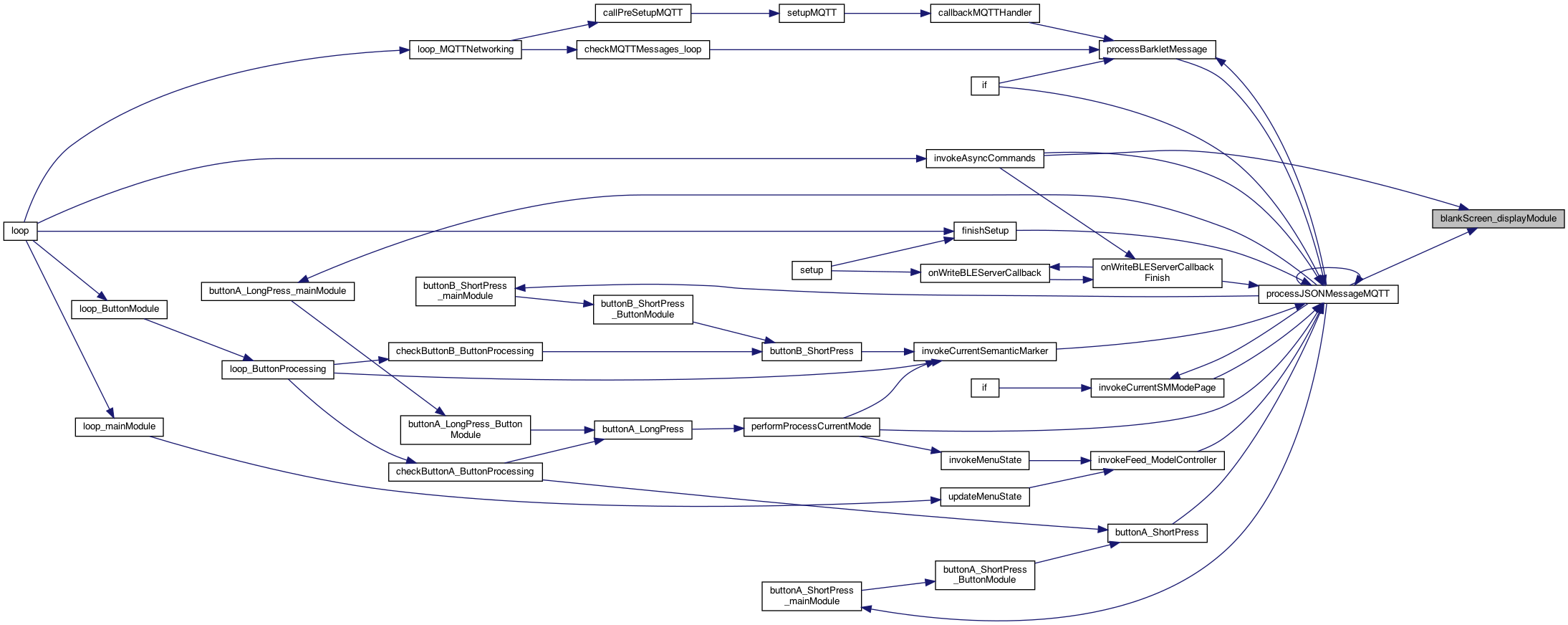
◆ blankScreen_displayModule()
| void blankScreen_displayModule | ( | ) |
blanks the screen
stop the delay which says delay finished .. so don't show anything.. 8.9.22
update the model for those drawing Dev and Connected Dev
just ask the deviceState...
factory default but not connecte to anything..
use the zoomed amount
draw the text
Definition at line 653 of file DisplayModule.cpp.
◆ clearScreen_displayModule()
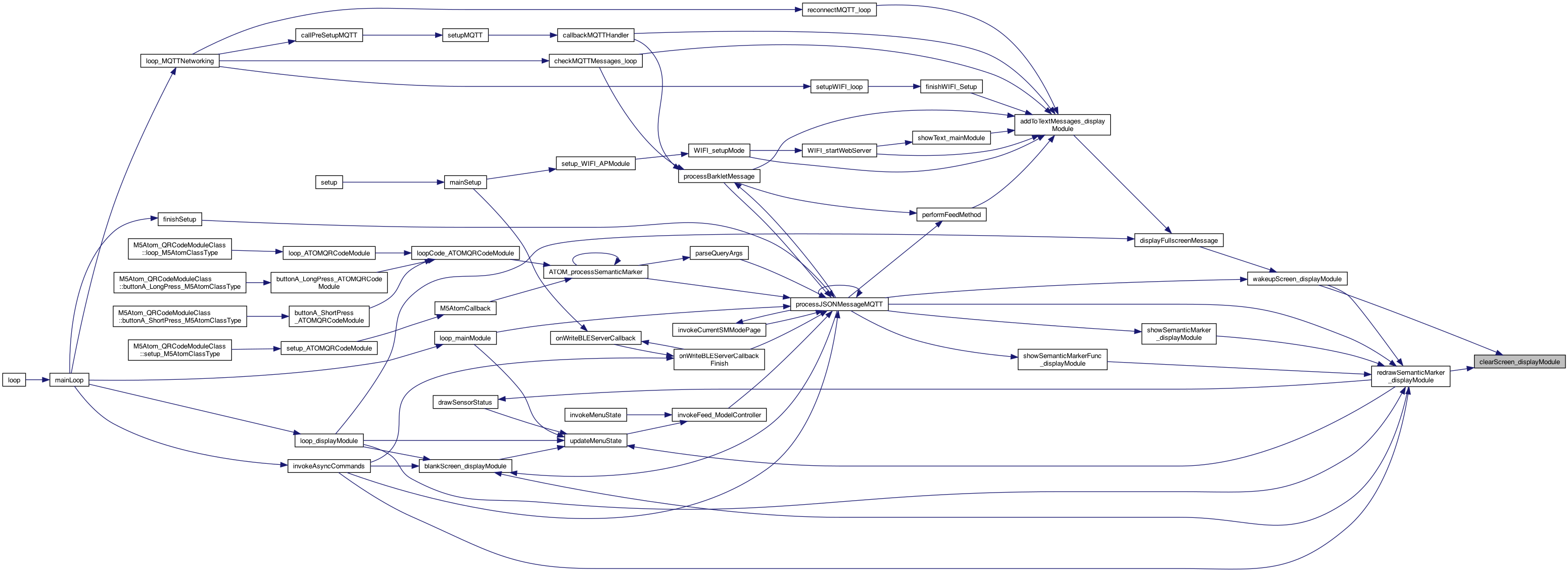
| void clearScreen_displayModule | ( | ) |
clears the screen (but not a blank screen) and stops the timer..
clears the screen
Definition at line 750 of file DisplayModule.cpp.

◆ containsMode()
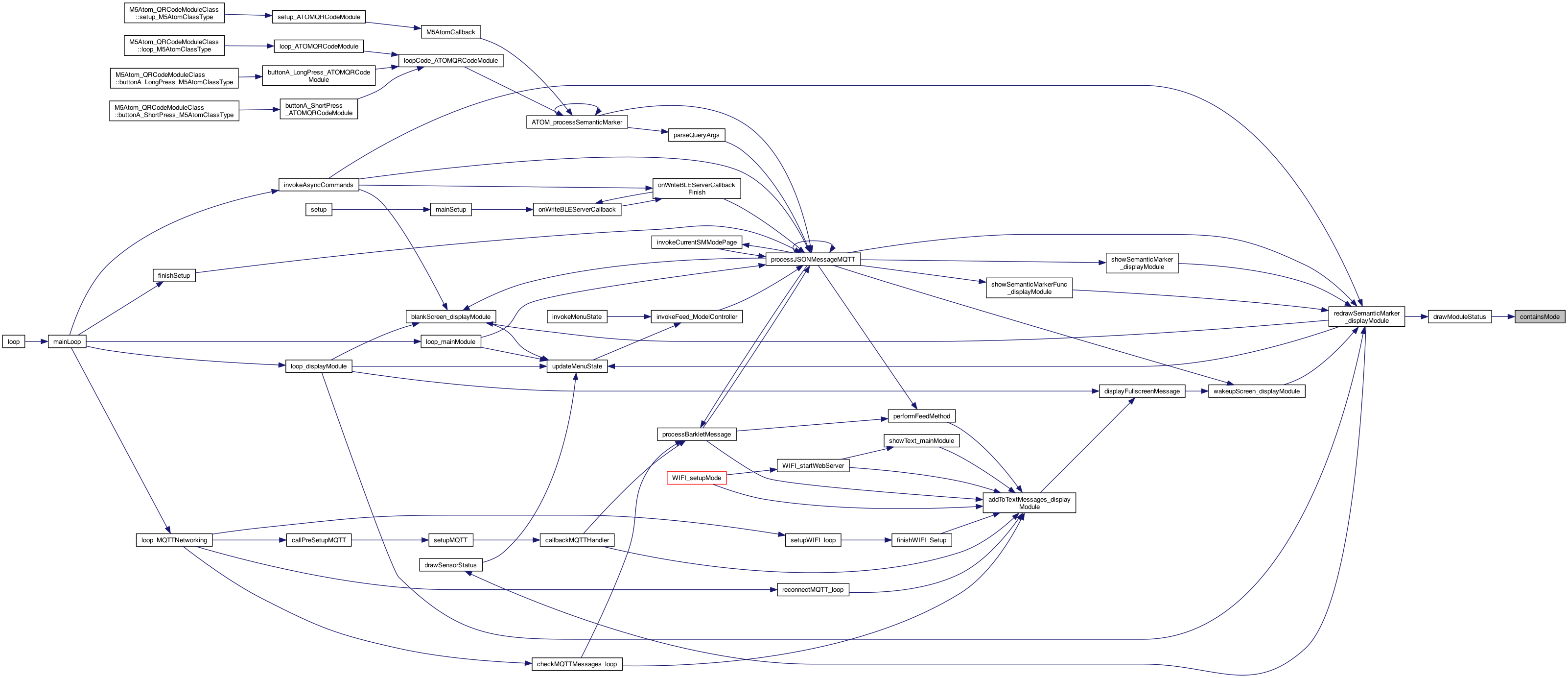
| boolean containsMode | ( | char * | modesDesired, |
| char | mode | ||
| ) |
returns if the modesDesired contains a mode character, but also true if modesDesired in null
Definition at line 1278 of file DisplayModule.cpp.
◆ createSemanticAddress()
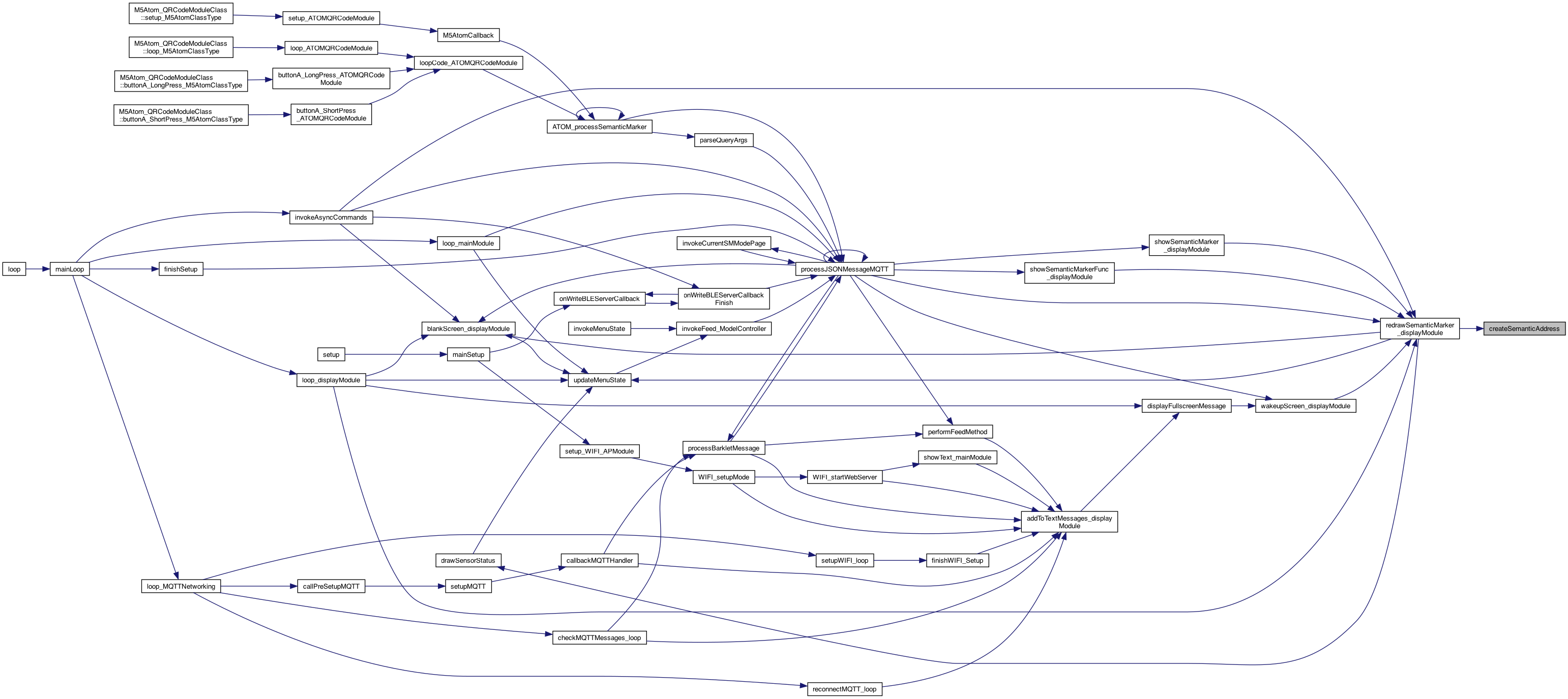
| String createSemanticAddress | ( | ) |

NOTE: need to add dev:deviceName creates semantic address, and if _getStatusFunc is non nil, call it to add to the address SemanticMarker™
if there is a status function to call, call it and add to the address (and tack on the _loopTimer) Otherwise, just use the provided address (not a status like address)
Definition at line 545 of file DisplayModule.cpp.
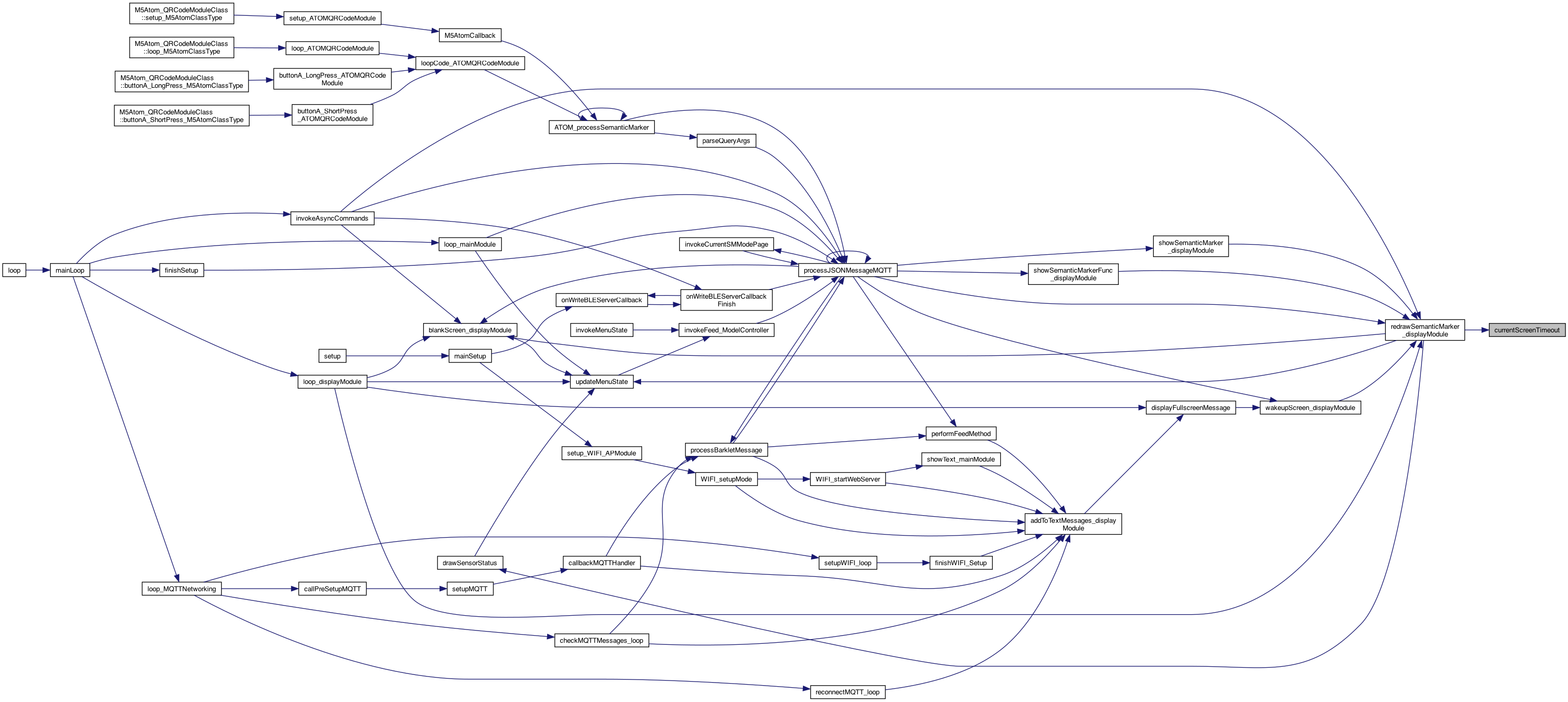
◆ currentScreenTimeout()
| int currentScreenTimeout | ( | ) |
current screen timeout
Definition at line 791 of file DisplayModule.cpp.

◆ currentSemanticMarkerAddress_displayModule()
| const char * currentSemanticMarkerAddress_displayModule | ( | ) |
returns the current semantic marker (eg. guest page)
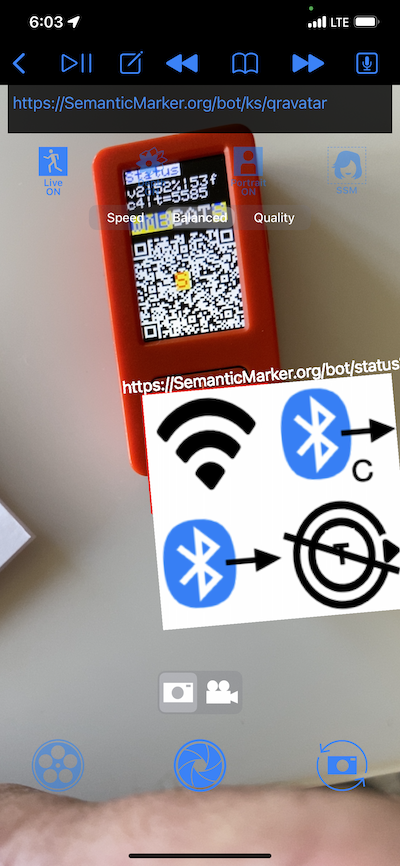
Definition at line 100 of file DisplayModule.cpp.
◆ delayFinished()
| boolean delayFinished | ( | ) |
Definition at line 588 of file DisplayModule.cpp.


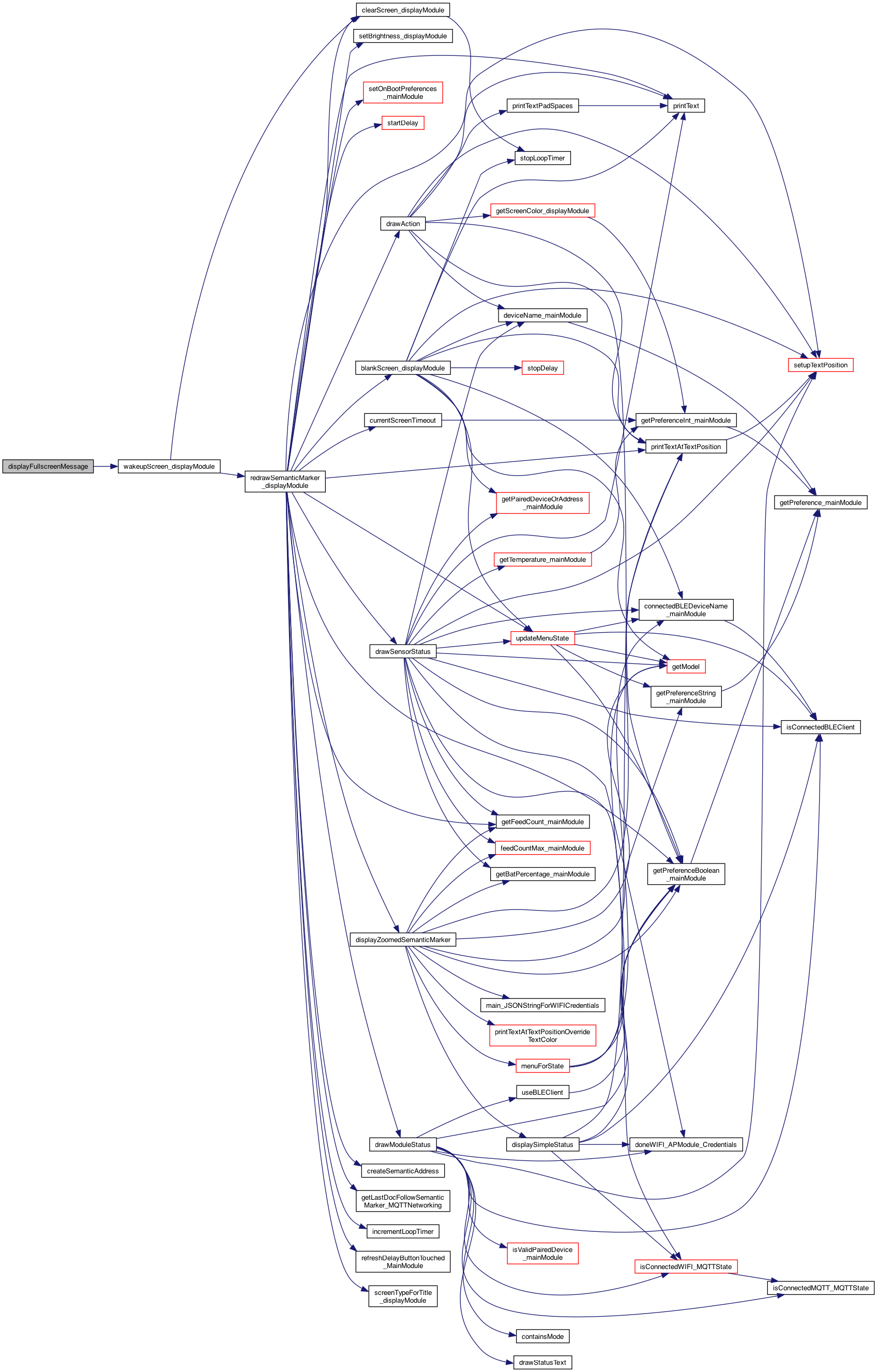
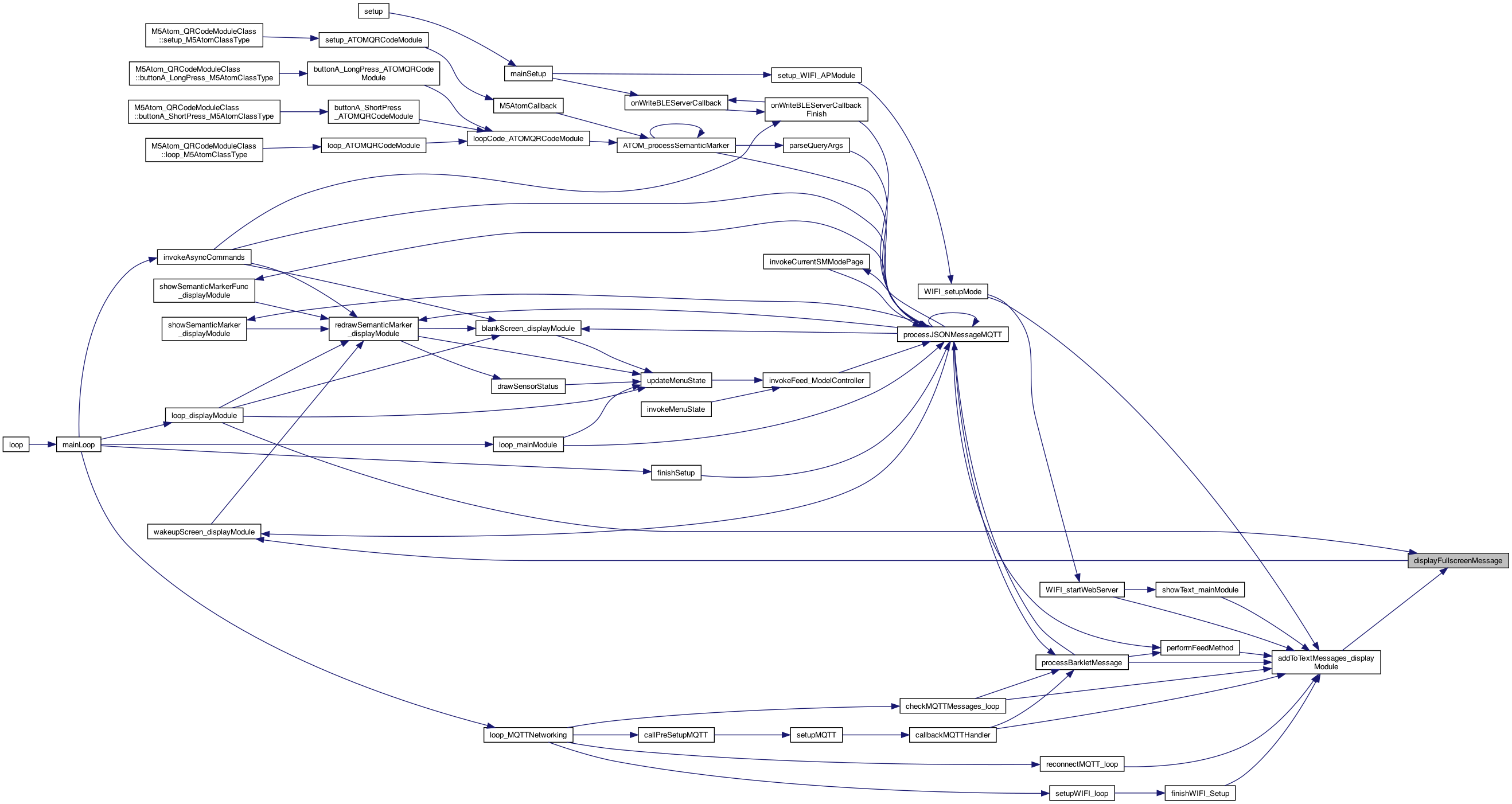
◆ displayFullscreenMessage()
| void displayFullscreenMessage | ( | String | text, |
| boolean | turnOn | ||
| ) |
4.3.24 show text in big letters
- See also
- https://github.com/konacurrents/ESP_IOT/issues/323 show full screen message..
Definition at line 407 of file DisplayModule.cpp.
◆ displayOnBlankScreen()
| boolean displayOnBlankScreen | ( | ) |
whether to display on a blank screen
Definition at line 785 of file DisplayModule.cpp.

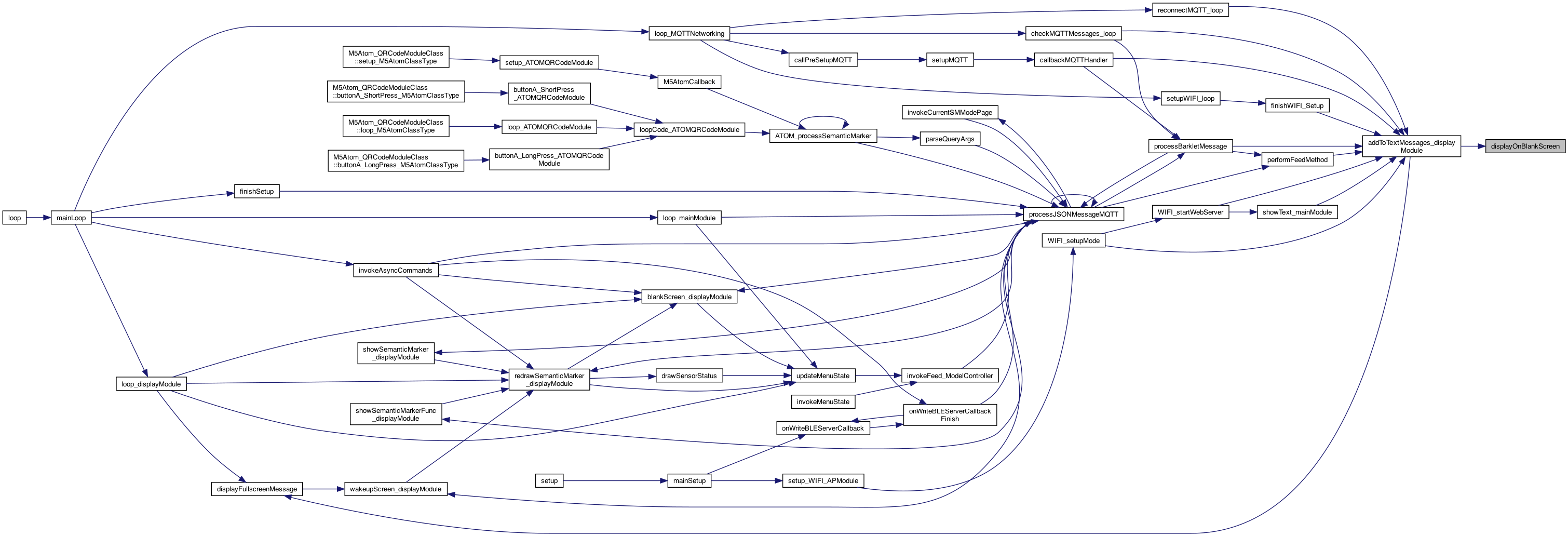
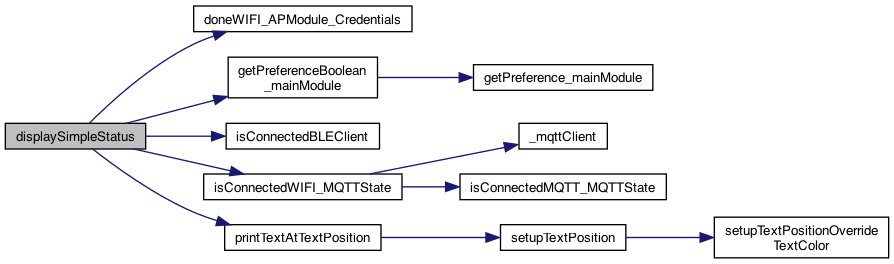
◆ displaySimpleStatus()
| void displaySimpleStatus | ( | ) |
just draw the simple status at bottom
show the BLE connected status at the bottom (G3 if gen3), WIFI, and AP if APmode
8.16.25 BLE CLIENT
8.16.25 MQTT
8.16.25 WIFI AP
Definition at line 1350 of file DisplayModule.cpp.
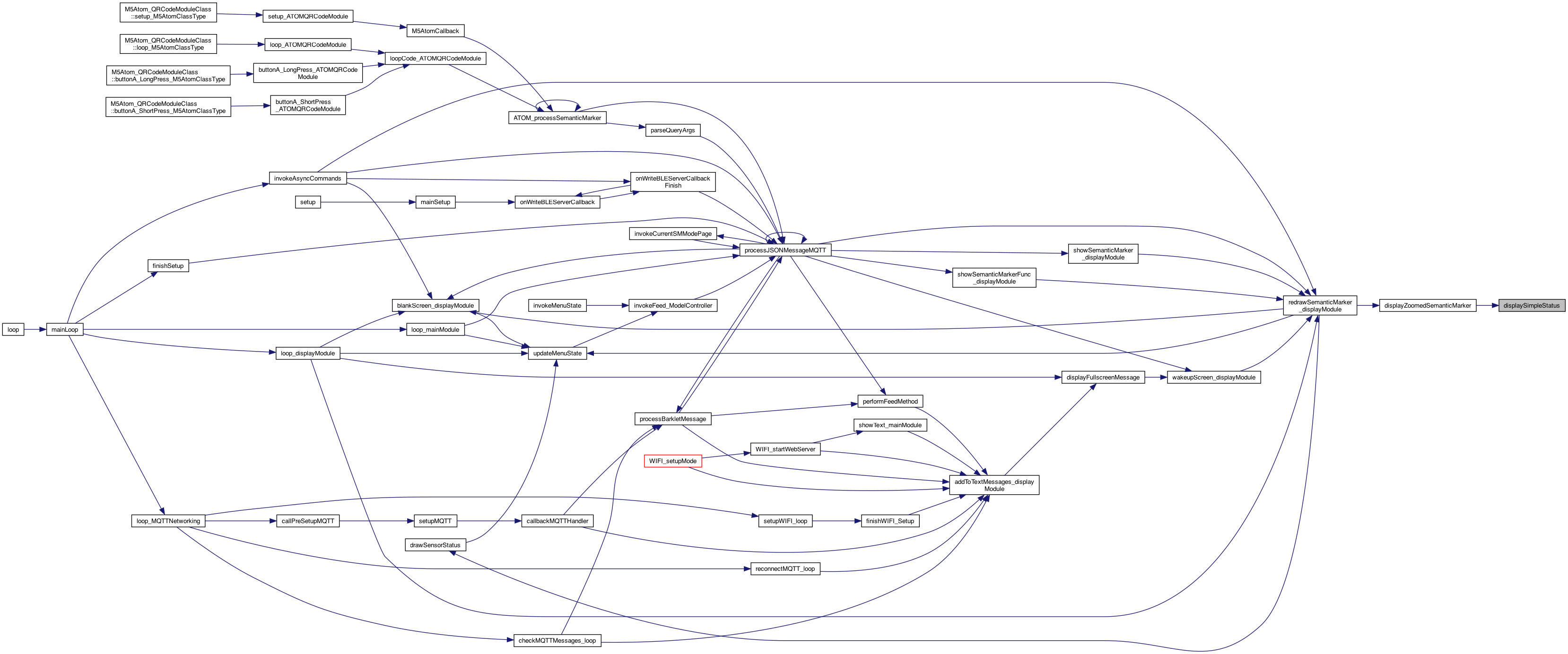
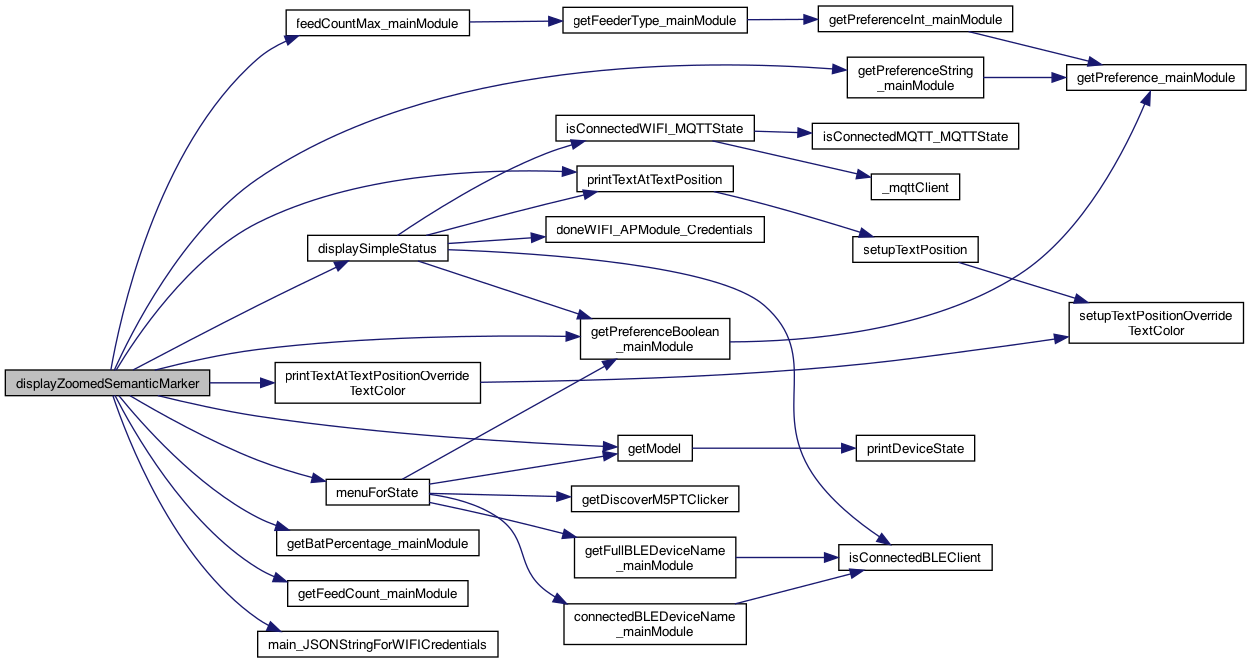
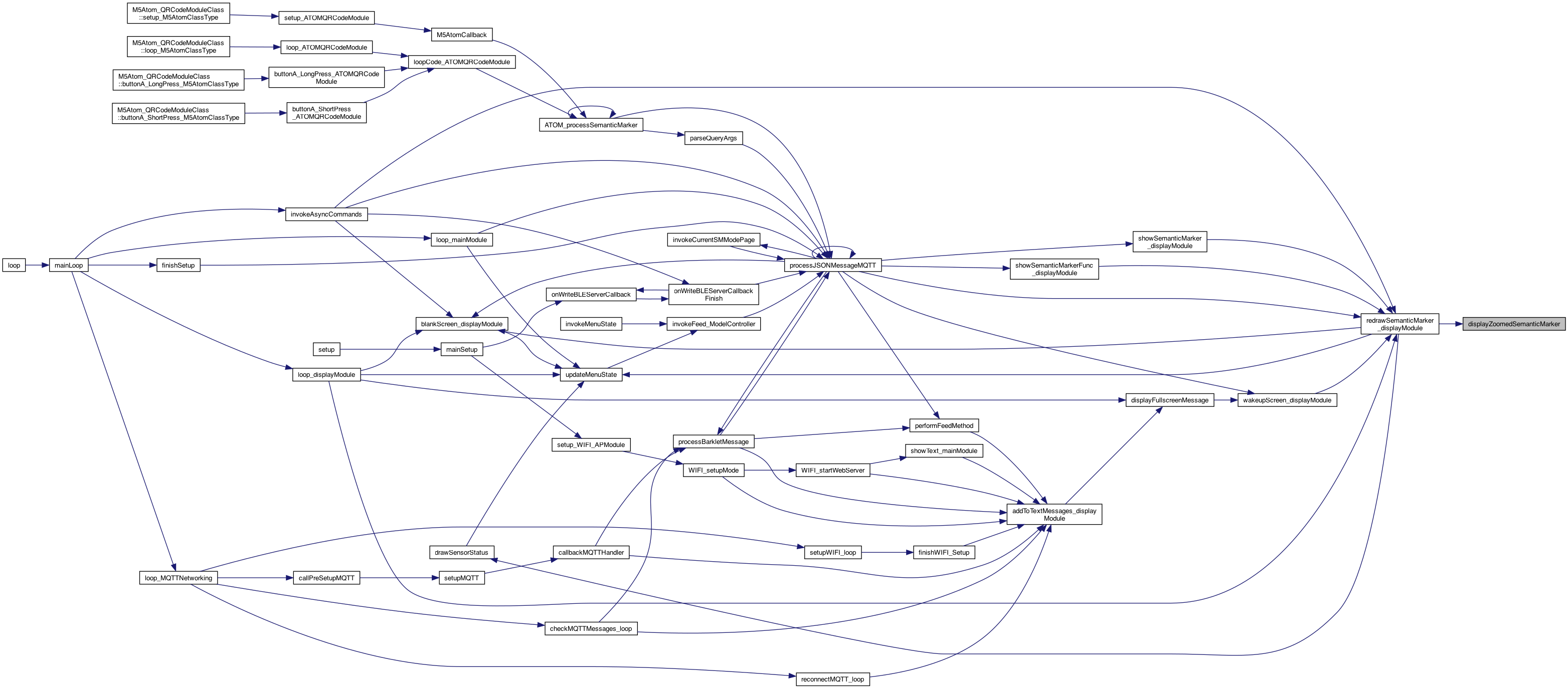
◆ displayZoomedSemanticMarker()
| void displayZoomedSemanticMarker | ( | int | screenType | ) |
perform a zoom .. of the semantic marker - or it might be something else..
used in the new model versions below..
ADD SCREEN_TYPE_HOME
upate the model (done at beginning of loop()
grab this model.
try a rolling window..
This sends the M5's WIFI credentials down to the paired device over BLE
Definition at line 1381 of file DisplayModule.cpp.
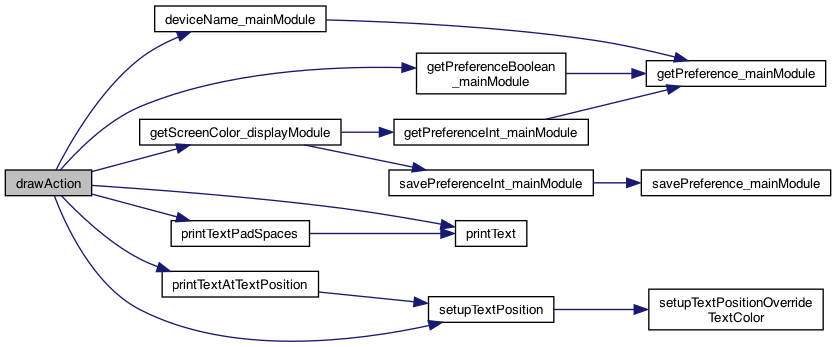
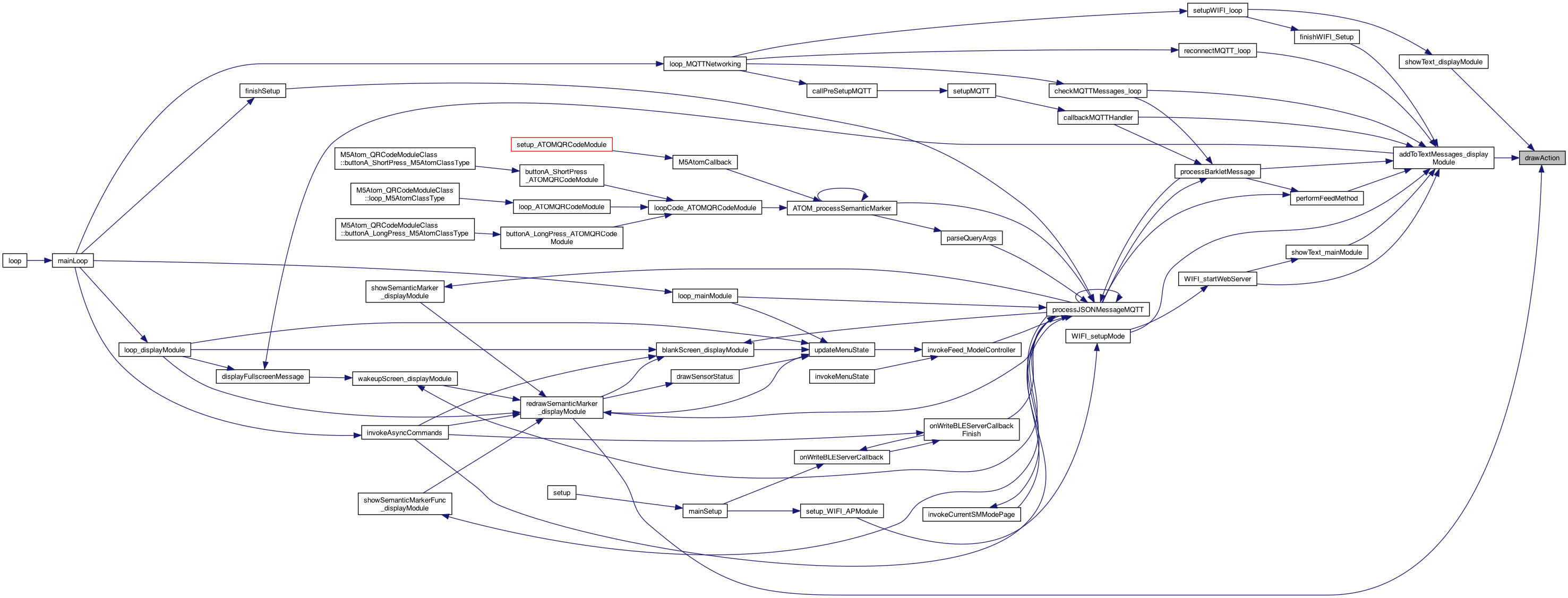
◆ drawAction()
| void drawAction | ( | String | title, |
| int | screenType | ||
| ) |
sets the "ACTION" – The TOP line
setup the position for the Action text
only add the CR on the zoomed
get the color index .. 0..MAX-1, if outside range, pick 0. Use 'mod' == % syntax. This is because the set from the web (MQTT) doesn't know the size.. or have it done here..
different for home screen
print preferences
use the zoomed amount
use the zoomed amount
use the zoomed amount
Definition at line 1015 of file DisplayModule.cpp.
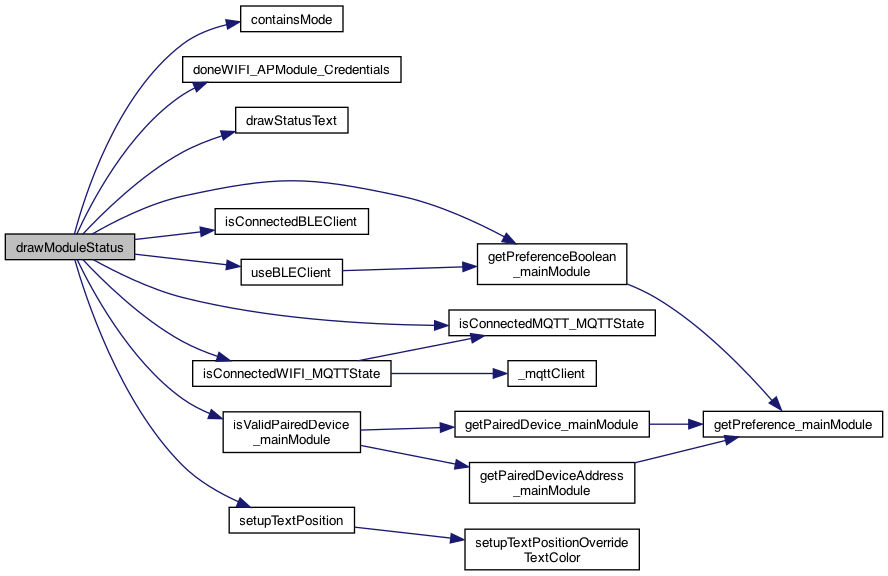
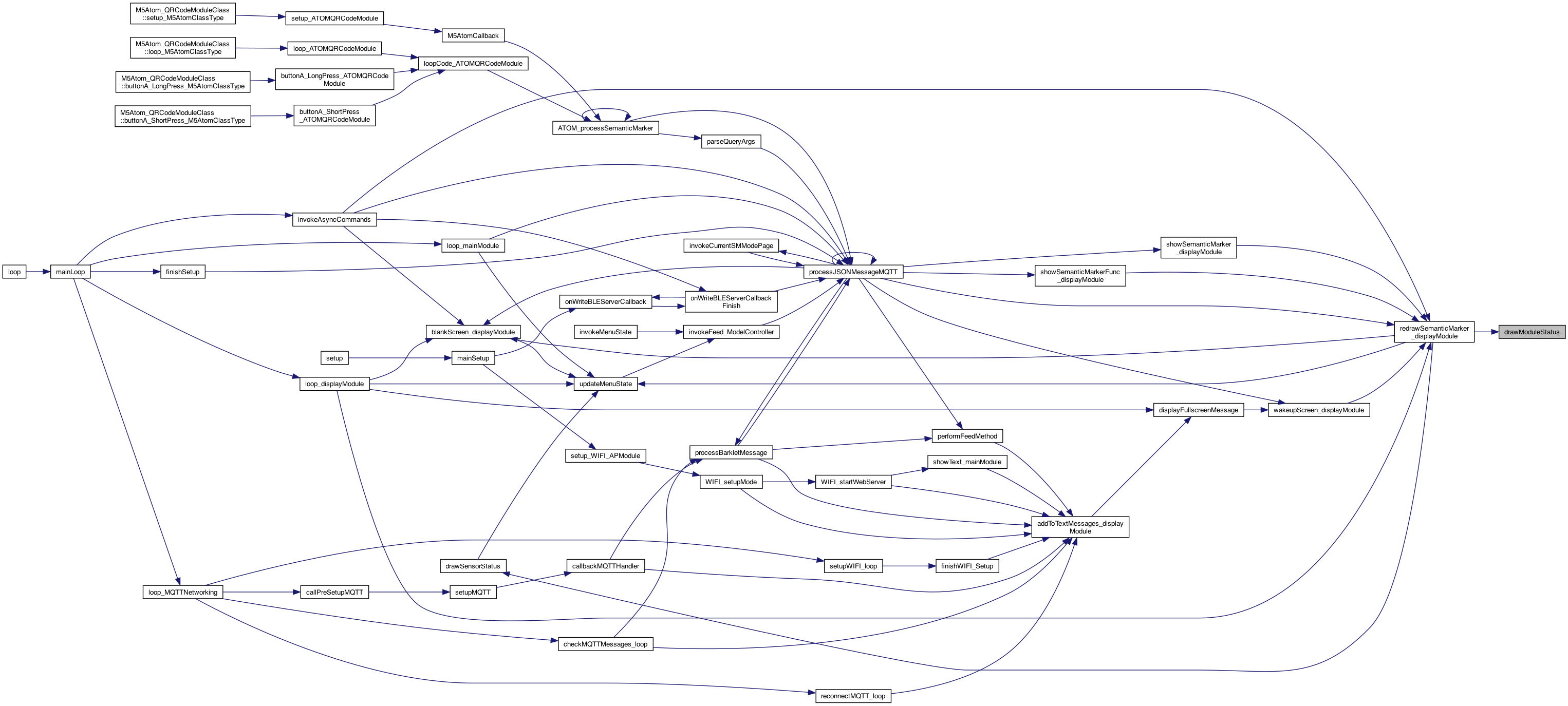
◆ drawModuleStatus()
| void drawModuleStatus | ( | char * | modesDesired | ) |
sets the "Module Status", will show only the modesDesired if non null
setup the position for the SensorStatus
Zoomed .. setup the position for the ModuleStatus
setup the position for the ModuleStatus
value of WIFI connected 8.16.25 MQTT
8.16.25 BLE CLIENT useBLECLient == it's linked in and running (vs not running)
connected == we are connected to another BLEServer
8.16.25 WIFI AP not done is what we look for ..
8.16.25 BLE SERVER
Reset
Reboot
Help
Paired
Definition at line 1286 of file DisplayModule.cpp.
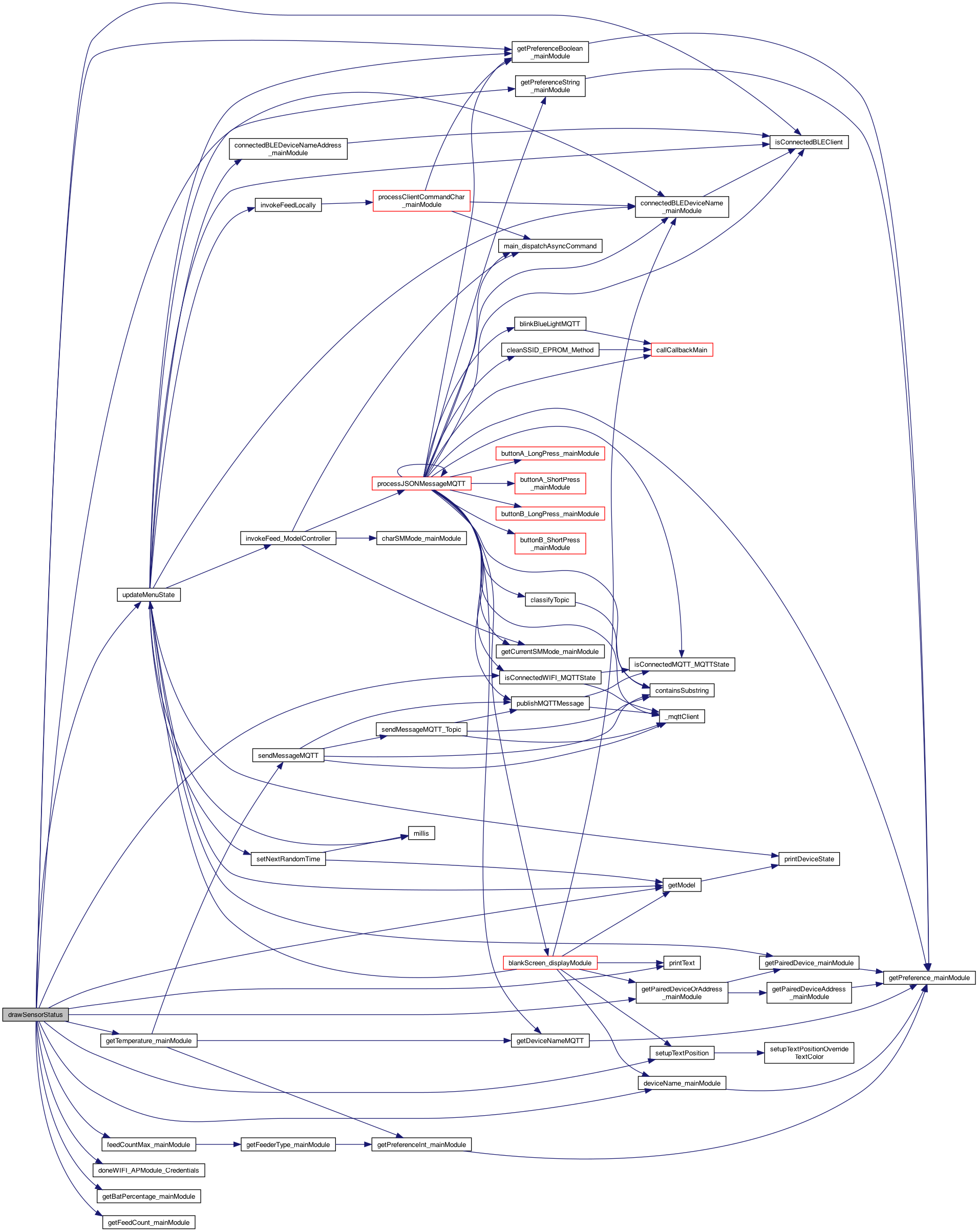
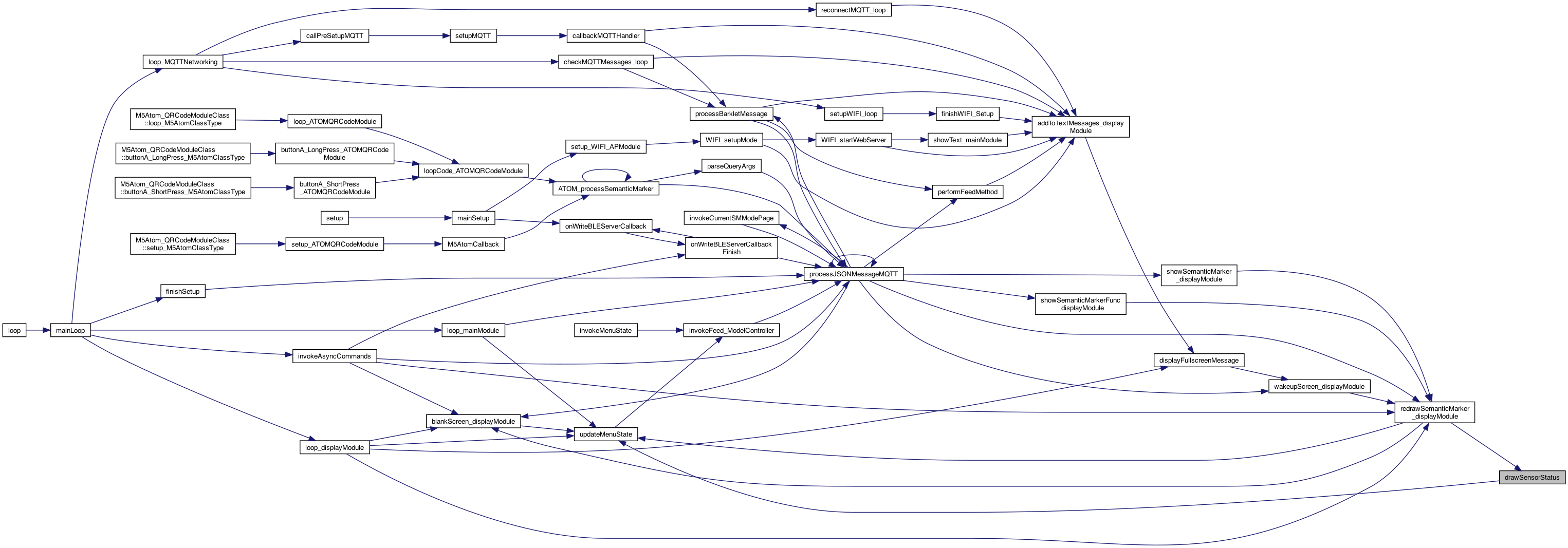
◆ drawSensorStatus()
| void drawSensorStatus | ( | int | screenType | ) |
sets the "Sensor Status"
The "INFO"
8.16.25 BLE CLIENT
add the Gateway status.. Now, if the preference is only GEN3 and not connected, then show a Gx, but if connected then G3, and g if any kind but not connected
Special layout for HELP screen type
8.16.25 MQTT
#issue 136 show the WIFI in the semantic marker, and label for scanning
8.16.25 WIFI AP
update the model for those drawing Dev and Connected Dev
just ask the deviceState...
factory default but not connecte to anything..
could add BUZZER (but it's a distributed issue - it can be sent elsewhere..
could add BUZZER (but it's a distributed issue - it can be sent elsewhere..
setup the position for the SensorStatus .. HELP is always not-zoomed (show semantic marker)
use the zoomed amount
draw the text
Definition at line 1109 of file DisplayModule.cpp.
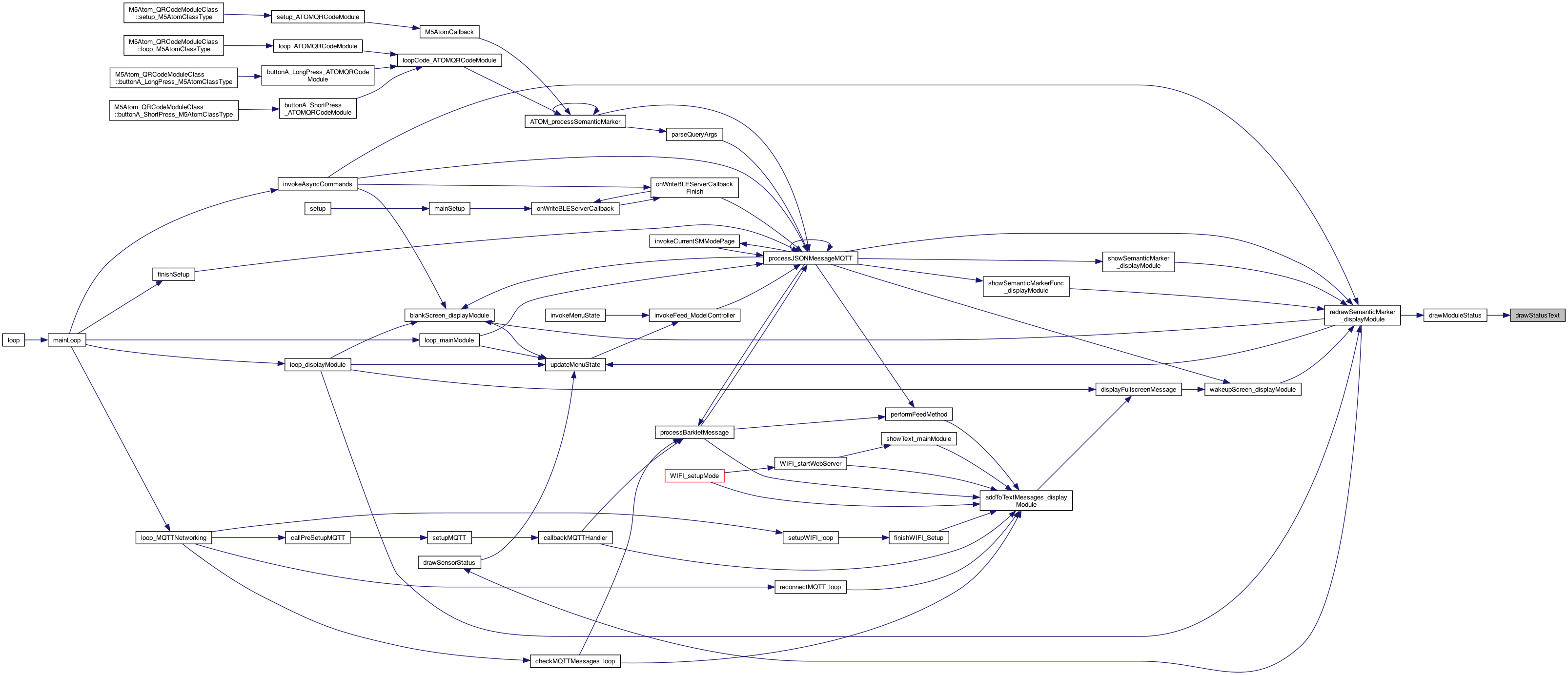
◆ drawStatusText()
| void drawStatusText | ( | String | text, |
| boolean | isOn | ||
| ) |
draws the text and differeent if ON or OFF
Definition at line 1266 of file DisplayModule.cpp.
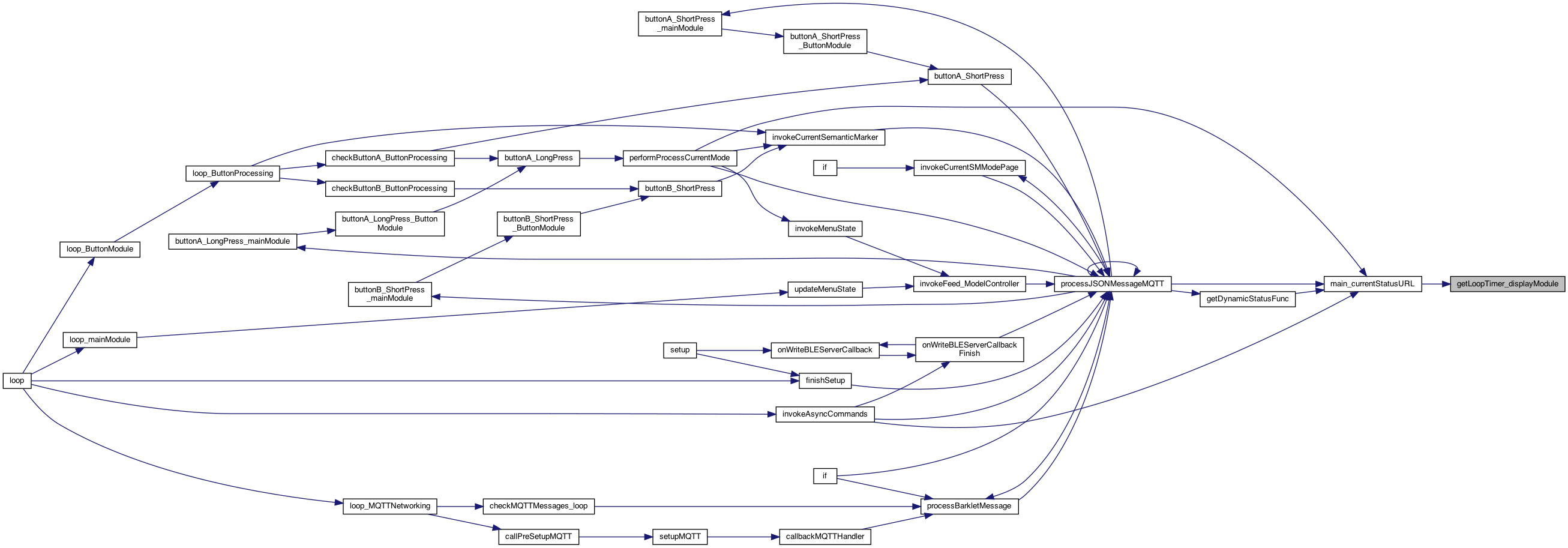
◆ getLoopTimer_displayModule()
| int getLoopTimer_displayModule | ( | ) |
returns the loop timer (just a timer..)
Definition at line 530 of file DisplayModule.cpp.
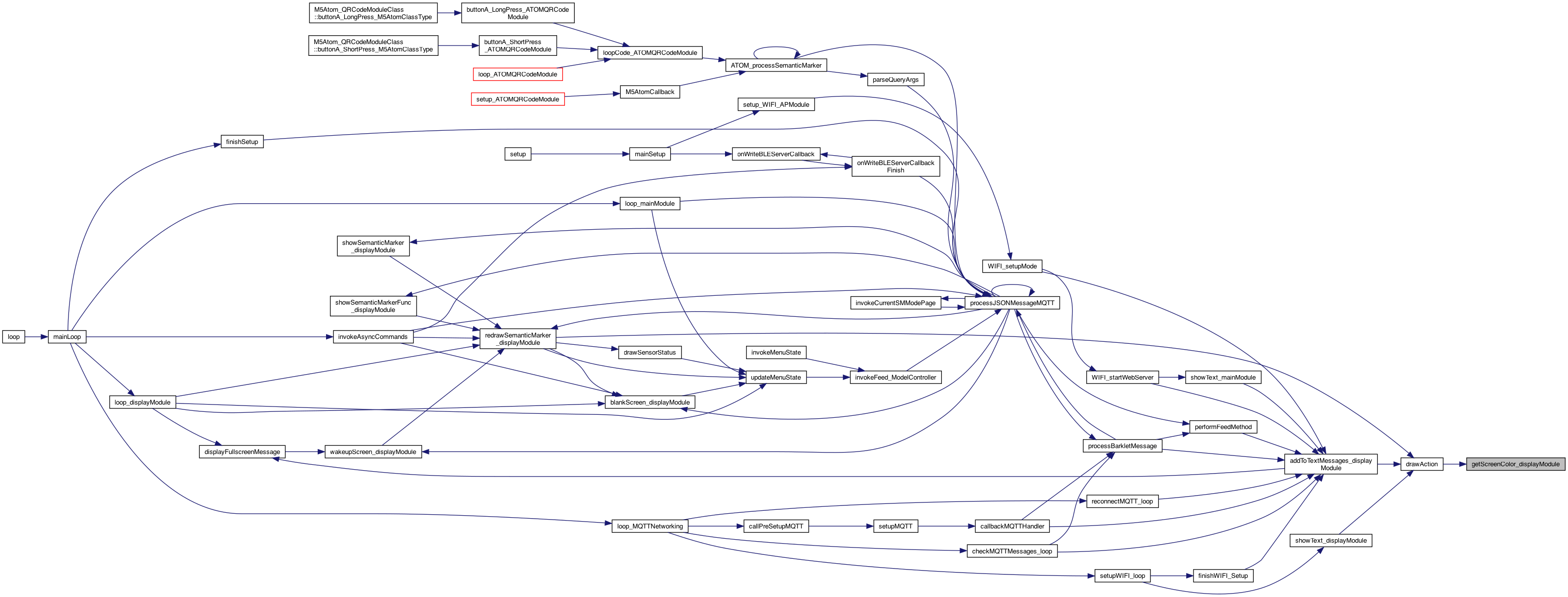
◆ getScreenColor_displayModule()
| int getScreenColor_displayModule | ( | ) |
cache for getting the screen color 0..n. Will reset the cache as well
Definition at line 484 of file DisplayModule.cpp.

◆ inAlternateDisplay_displayModule()
| boolean inAlternateDisplay_displayModule | ( | ) |
https://www.carletonsheets.com/assets/shared/usr/share/doc/doxygen-1.8.5/html/commands.html#cmdlink https://docs.m5stack.com/en/api/stickc/lcd_m5stickc https://github.com/m5stack/M5StickC-Plus https://docs.m5stack.com/en/core/m5stickc_plus https://docs.m5stack.com/en/api/core2/lcd_api (for the Core2) System: M5.begin(); LCD: M5.Lcd.drawPixel(int16_t x, int16_t y, uint16_t color); M5.Lcd.drawLine(int16_t x0, int16_t y0, int16_t x1, int16_t y1, uint16_t color); M5.Lcd.fillRect(int16_t x, int16_t y, int16_t w, int16_t h, uint16_t color); M5.Lcd.fillScreen(uint16_t color); M5.Lcd.drawCircle(int16_t x0, int16_t y0, int16_t r, uint16_t color); M5.Lcd.drawCircleHelper(int16_t x0, int16_t y0, int16_t r, uint8_t cornername,uint16_t color); M5.Lcd.fillCircle(int16_t x0, int16_t y0, int16_t r, uint16_t color); M5.Lcd.fillCircleHelper(int16_t x0, int16_t y0, int16_t r, uint8_t cornername,int16_t delta, uint16_t color); M5.Lcd.drawTriangle(int16_t x0, int16_t y0, int16_t x1, int16_t y1, int16_t x2, int16_t y2, uint16_t color); M5.Lcd.fillTriangle(int16_t x0, int16_t y0, int16_t x1, int16_t y1, int16_t x2, int16_t y2, uint16_t color); M5.Lcd.drawRoundRect(int16_t x0, int16_t y0, int16_t w, int16_t h, int16_t radius, uint16_t color); M5.Lcd.fillRoundRect(int16_t x0, int16_t y0, int16_t w, int16_t h, int16_t radius, uint16_t color); M5.Lcd.drawBitmap(int16_t x, int16_t y, const uint8_t bitmap[], int16_t w, int16_t h, uint16_t color); M5.Lcd.drawRGBBitmap(int16_t x, int16_t y, const uint16_t bitmap[], int16_t w, int16_t h), M5.Lcd.drawChar(uint16_t x, uint16_t y, char c, uint16_t color, uint16_t bg, uint8_t size); M5.Lcd.setCursor(uint16_t x0, uint16_t y0); M5.Lcd.setTextColor(uint16_t color); M5.Lcd.setTextColor(uint16_t color, uint16_t backgroundcolor); M5.Lcd.setTextSize(uint8_t size); M5.Lcd.setTextWrap(boolean w); M5.Lcd.printf(); M5.Lcd.print(); M5.Lcd.println(); M5.Lcd.drawCentreString(const char *string, int dX, int poY, int font); M5.Lcd.drawRightString(const char *string, int dX, int poY, int font); M5.Lcd.drawJpg(const uint8_t *jpg_data, size_t jpg_len, uint16_t x, uint16_t y); M5.Lcd.drawJpgFile(fs::FS &fs, const char *path, uint16_t x, uint16_t y); M5.Lcd.drawBmpFile(fs::FS &fs, const char *path, uint16_t x, uint16_t y); 1.24.24 as alternate display windows are introducted, let others know and don't overright stuff..
Definition at line 81 of file DisplayModule.cpp.

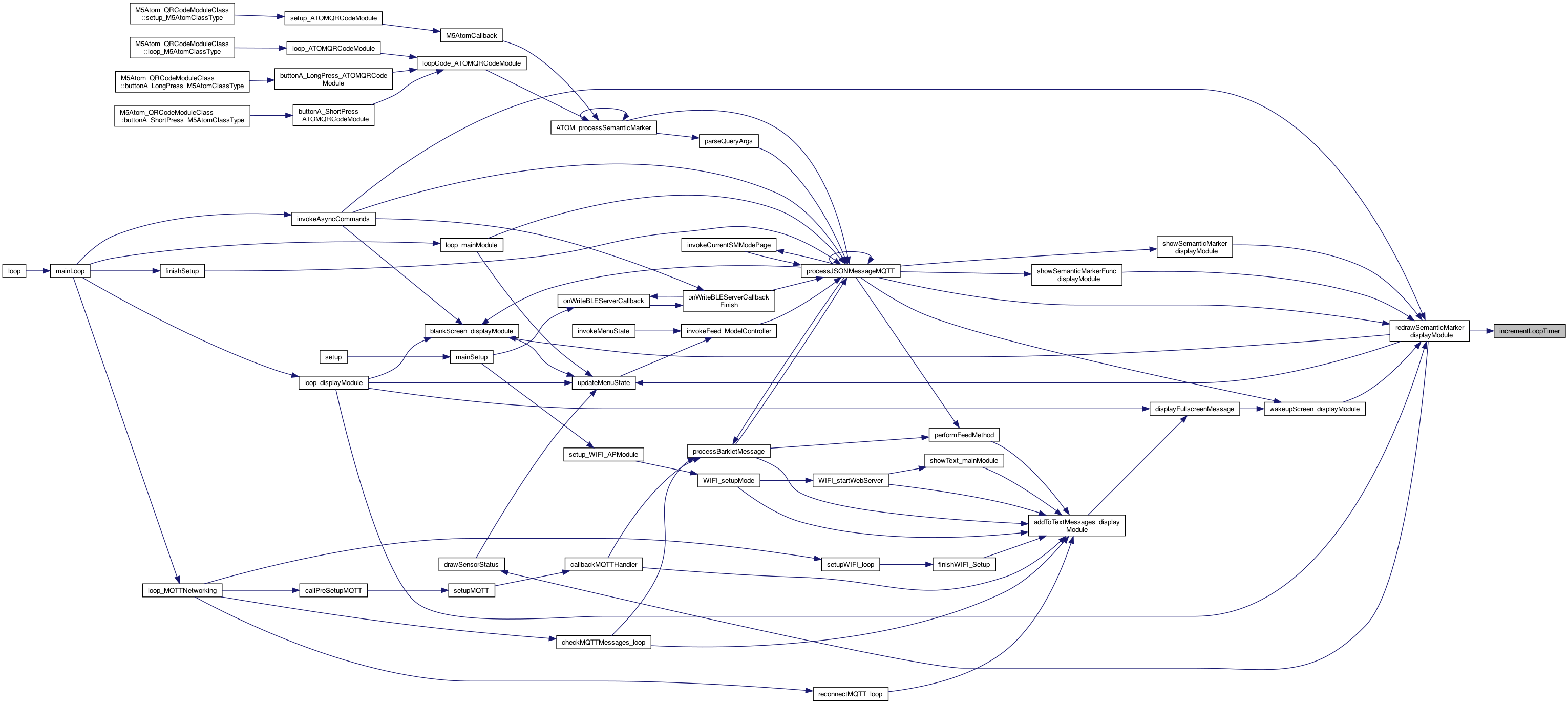
◆ incrementLoopTimer()
| void incrementLoopTimer | ( | ) |
increment the loop timer
Definition at line 520 of file DisplayModule.cpp.
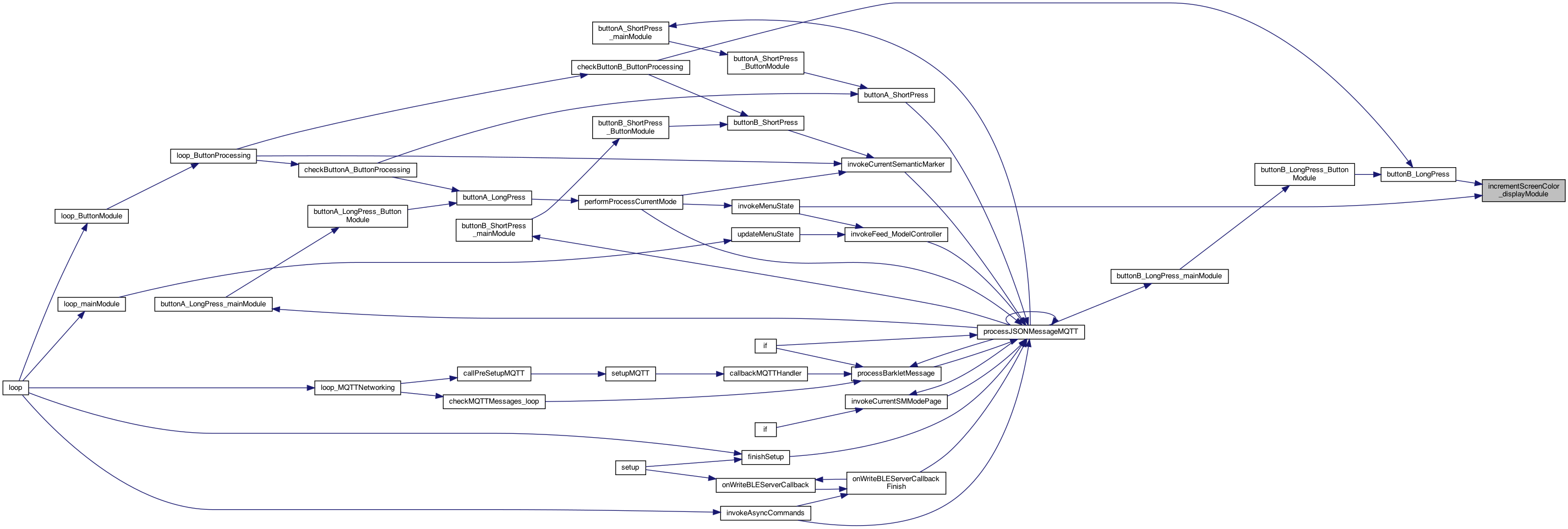
◆ incrementScreenColor_displayModule()
| void incrementScreenColor_displayModule | ( | ) |
SCREEN COLOR Increment the screen color 0..n cache for getting the screen color 0..max (max provided by sender) This is implemented by incrementScreenColor_mainModule() since it knows the MAX value of colors
Definition at line 469 of file DisplayModule.cpp.

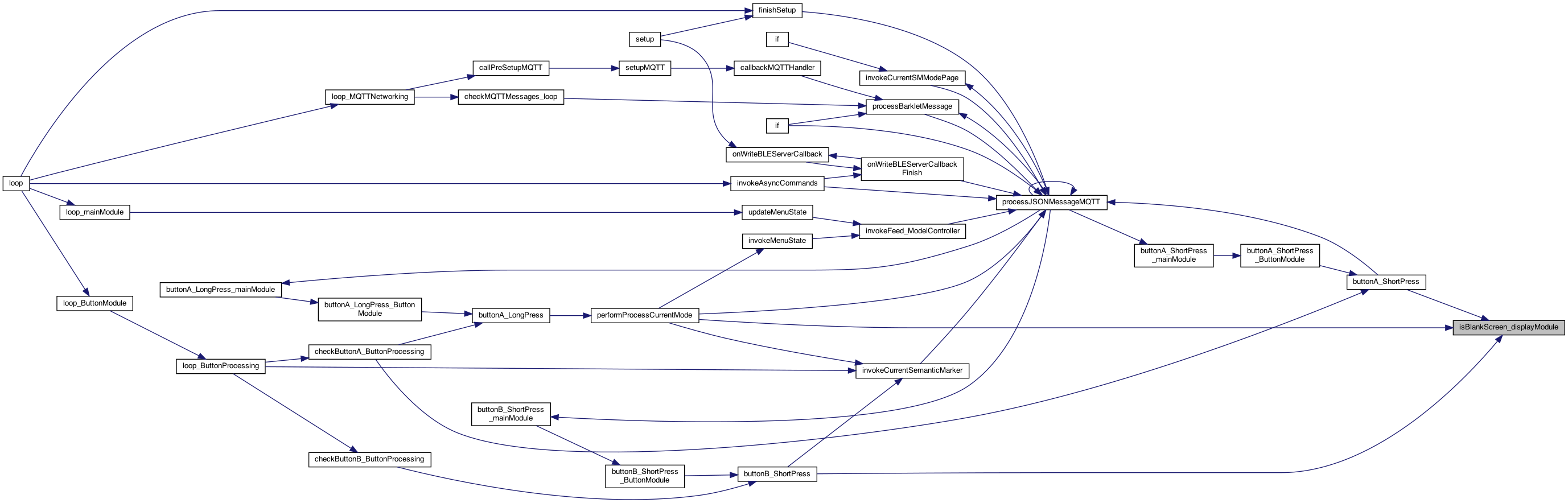
◆ isBlankScreen_displayModule()
| boolean isBlankScreen_displayModule | ( | ) |
whether screen is blank (so the button can be a wake, vs action..)
if the delay is running, then not blanked
Definition at line 769 of file DisplayModule.cpp.

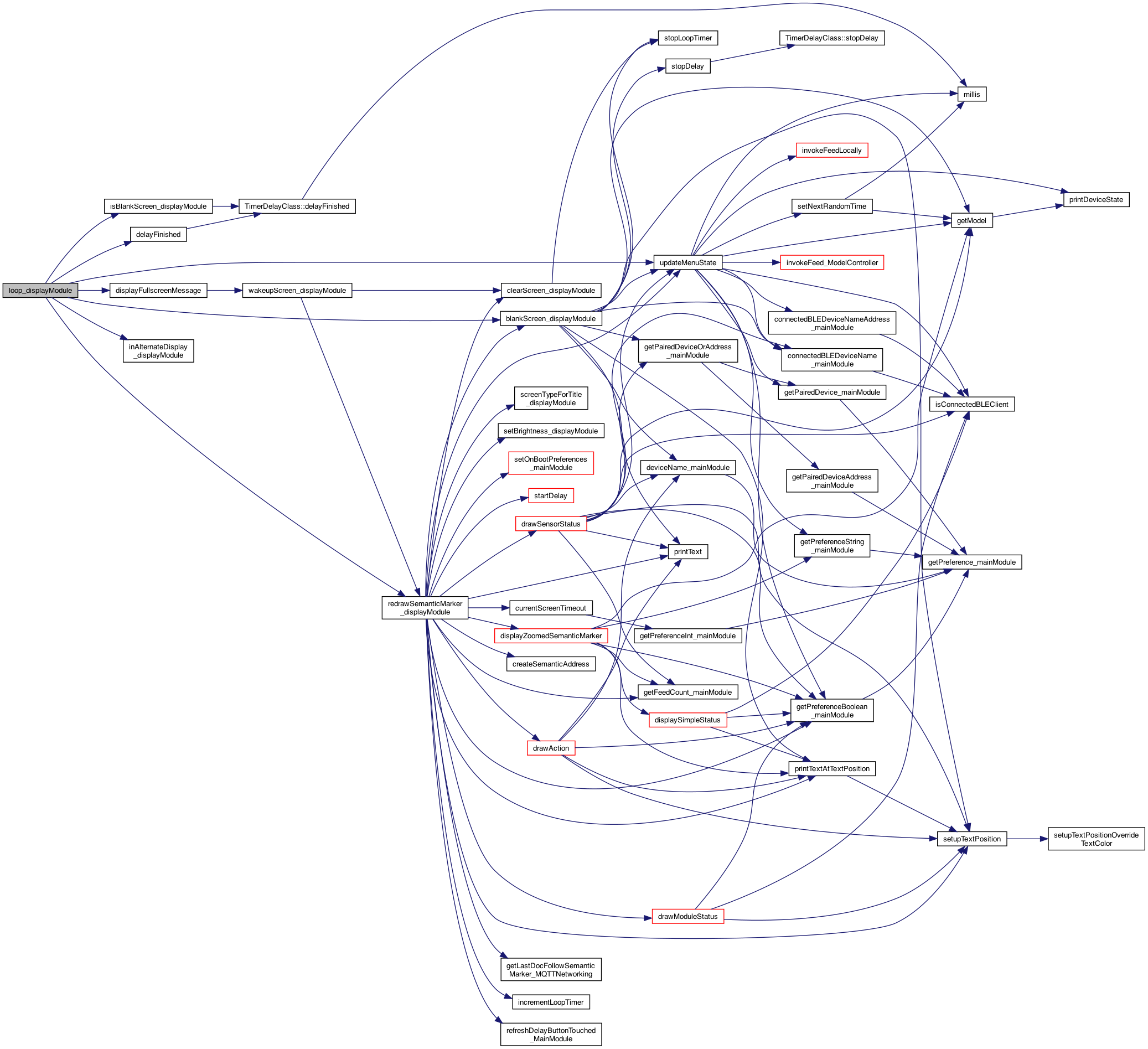
◆ loop_displayModule()
| void loop_displayModule | ( | ) |
called for the loop() of this plugin
set so it can be erased on next loop
check if a delay was running..
9.2.22 new .. update the timer. This is on blank screen as well .. so don't check _semanticMarkerShown
check if a delay was running..
see if this works .. vs too flickering.. (if so we have to slow it down..)
Definition at line 902 of file DisplayModule.cpp.

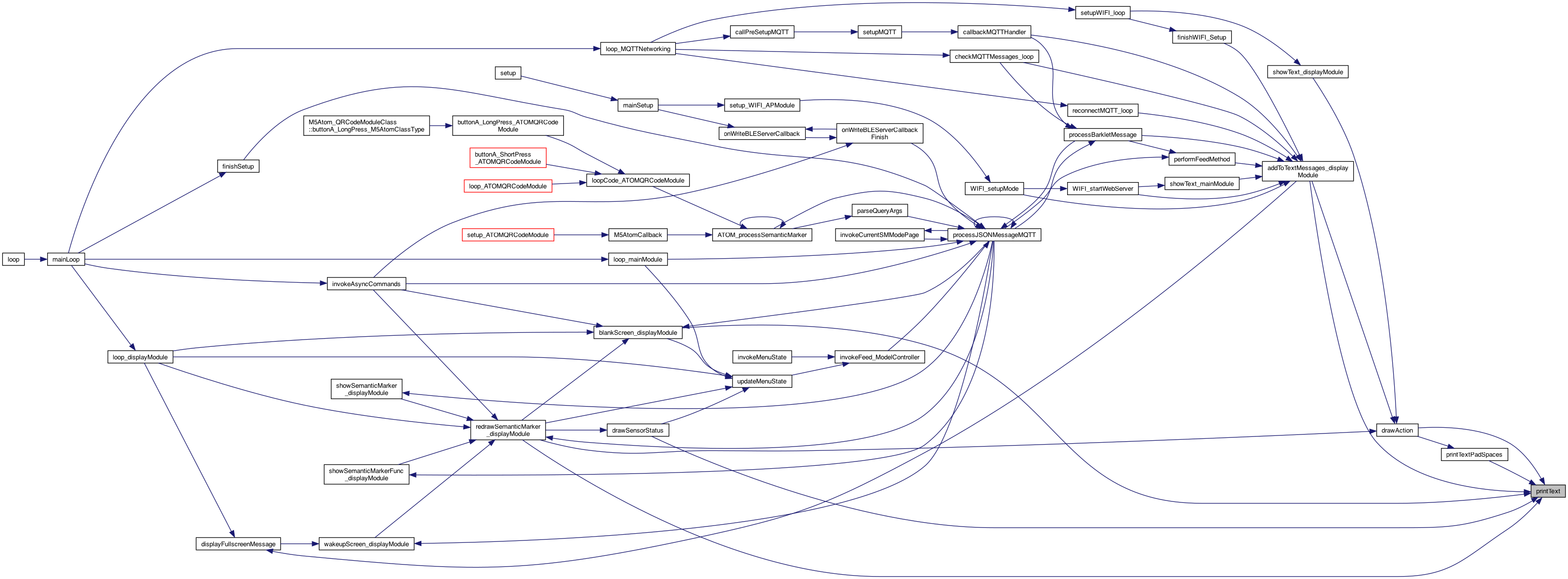
◆ printText()
| void printText | ( | String | text, |
| int | maxLen | ||
| ) |
prints the text up to the maxLen (the setup of position, etc is already done)
Definition at line 982 of file DisplayModule.cpp.
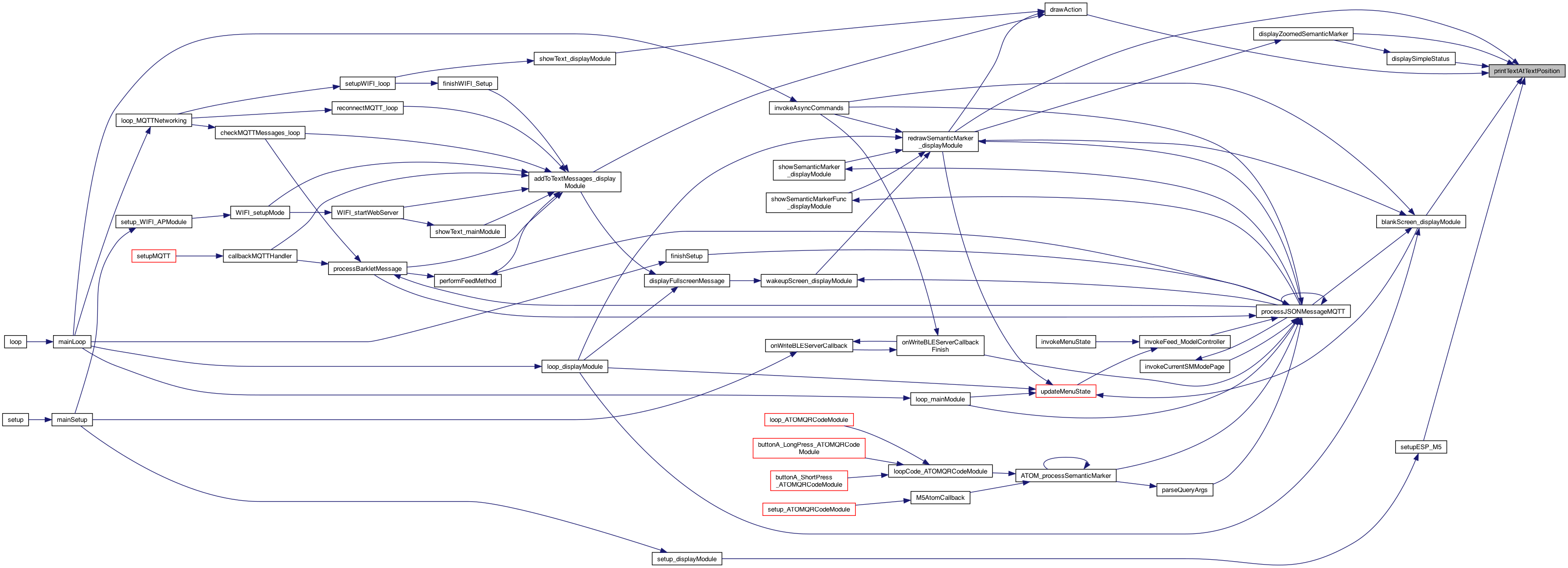
◆ printTextAtTextPosition()
| void printTextAtTextPosition | ( | String | text, |
| TextPositionStruct | textPosition | ||
| ) |
use the textPositionStruct
Definition at line 457 of file DisplayModule.cpp.

◆ printTextAtTextPositionOverrideTextColor()
| void printTextAtTextPositionOverrideTextColor | ( | String | text, |
| TextPositionStruct | textPosition, | ||
| TextPositionStruct | textColor | ||
| ) |
use the textPositionStruct - but override the text color
Definition at line 447 of file DisplayModule.cpp.

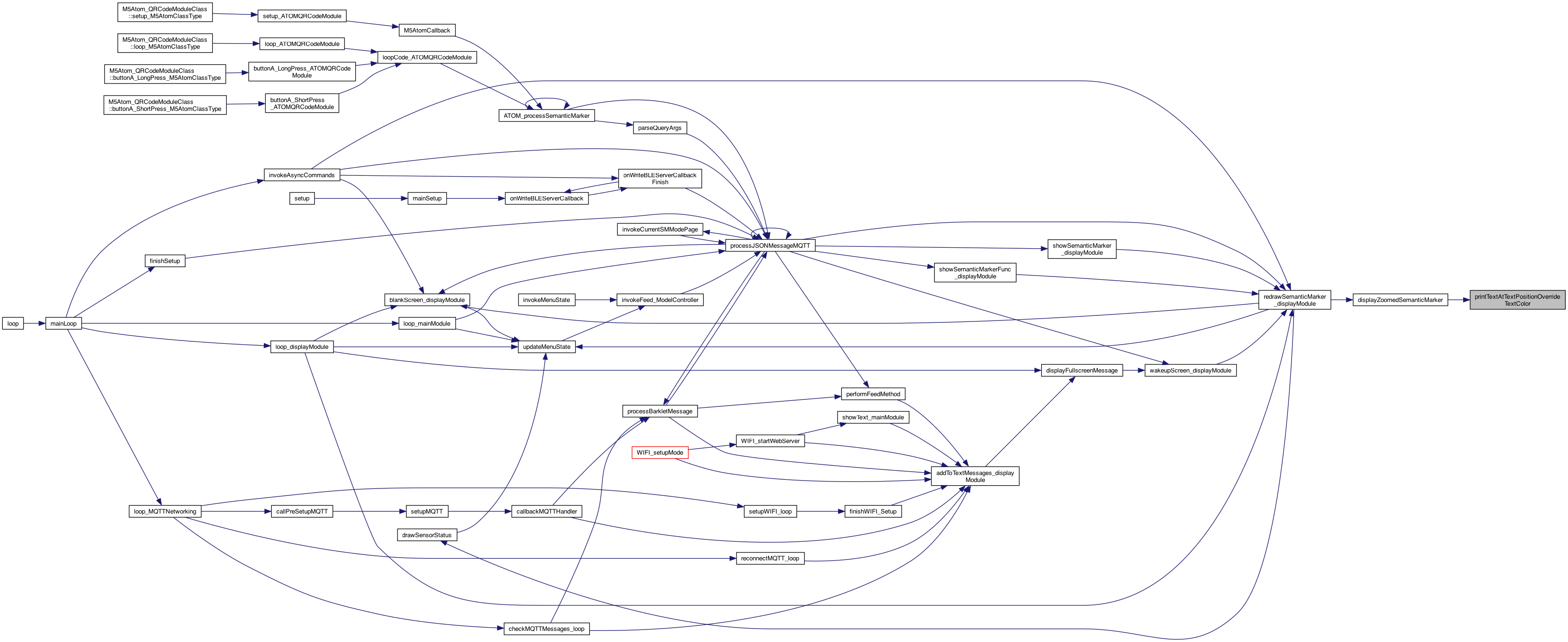
◆ printTextPadSpaces()
| void printTextPadSpaces | ( | String | text, |
| TextPositionStruct | textColor | ||
| ) |
print the text, but pad with background color spaces..
Definition at line 997 of file DisplayModule.cpp.

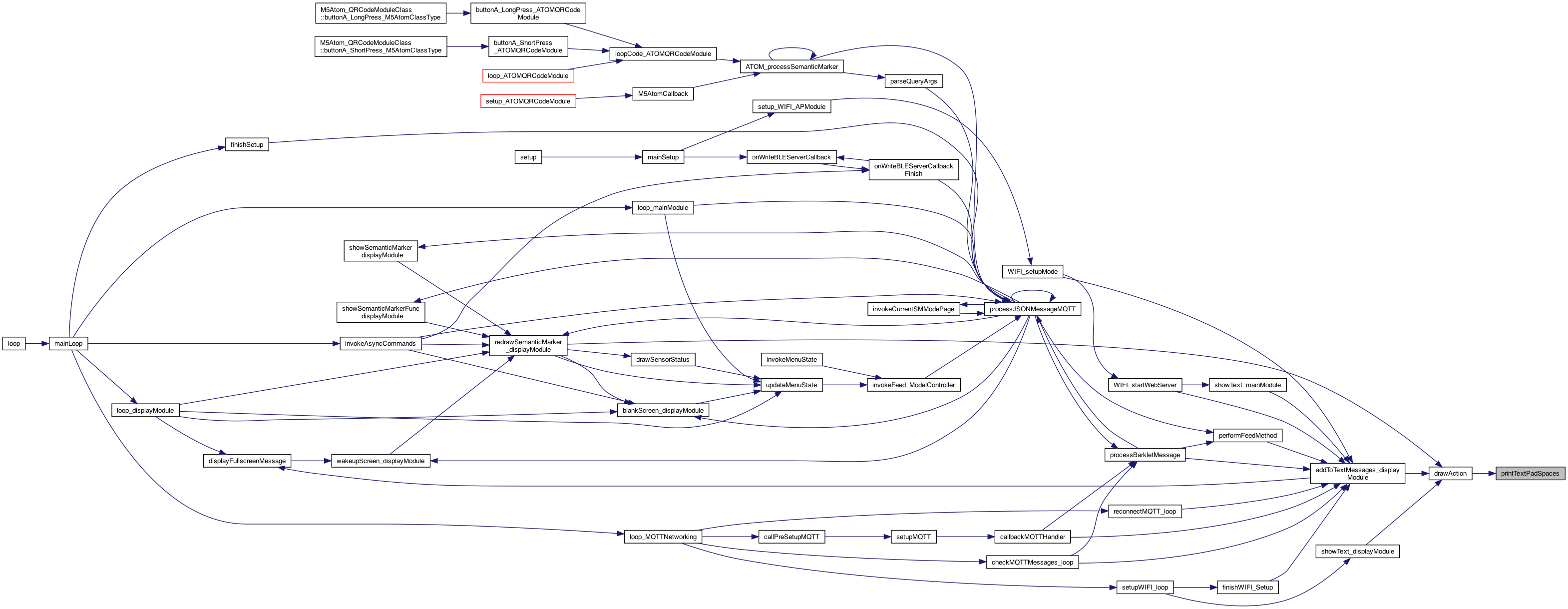
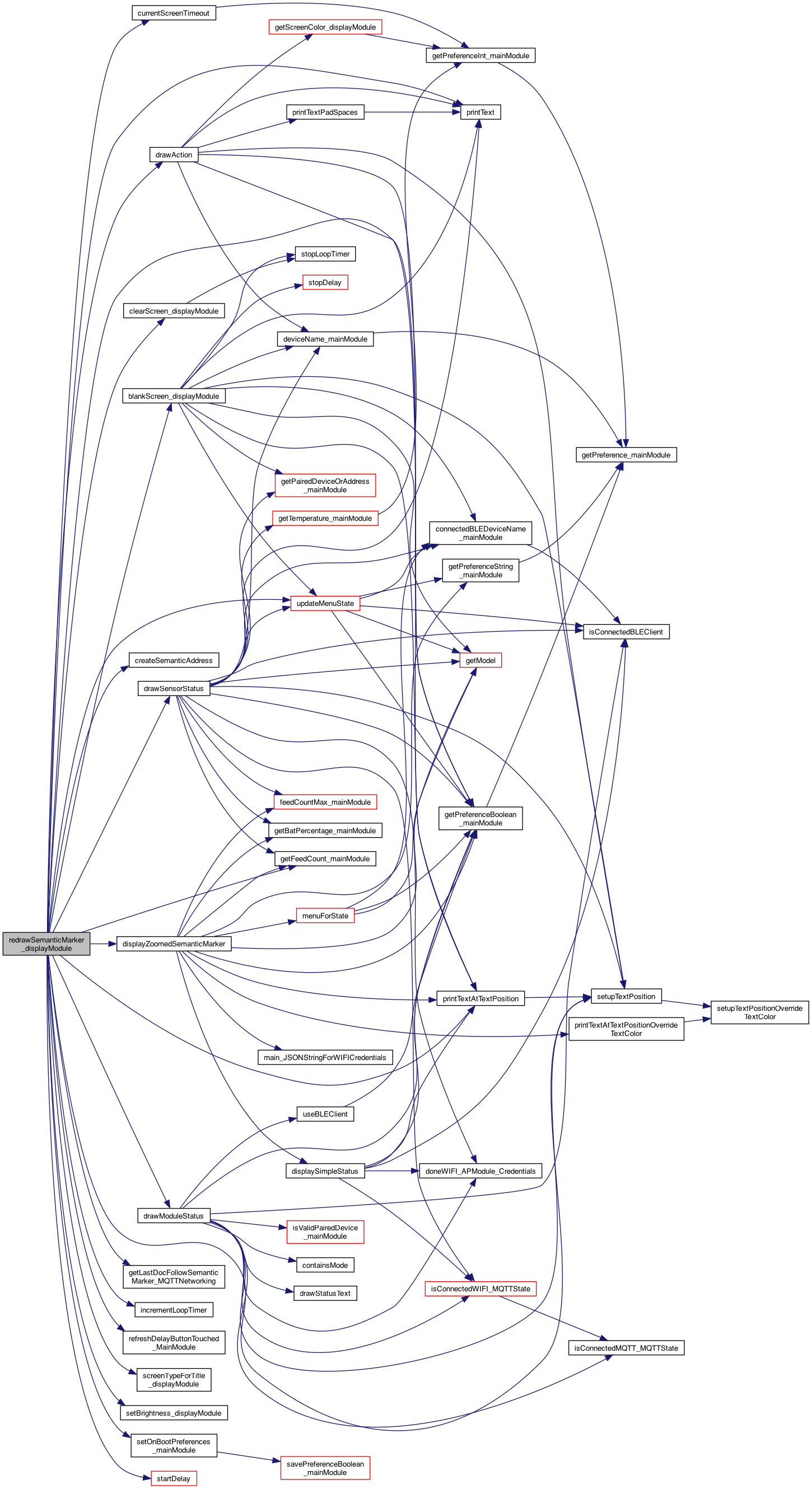
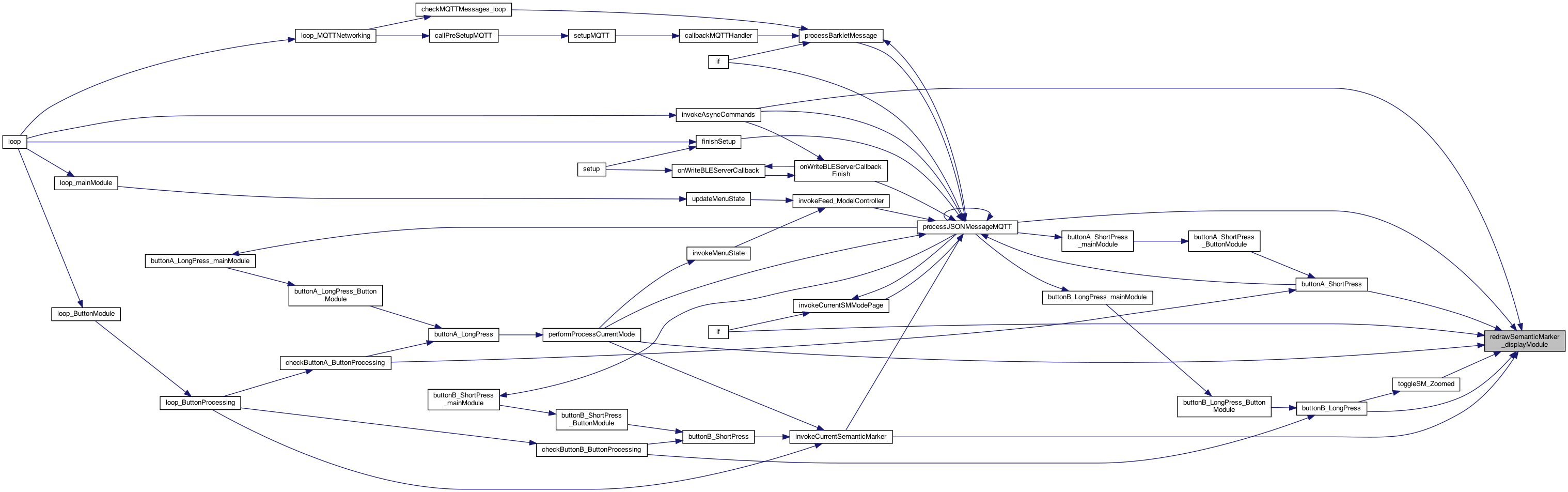
◆ redrawSemanticMarker_displayModule()
| void redrawSemanticMarker_displayModule | ( | boolean | startNew | ) |
redraws the image..
redraws the Semantic Marker image..
resets the preferences so the mini menu is running, and resets other preferences
ADD SCREEN_TYPE_HOME
set some defaults on boot - that override EPROM this can be called on the HOME screen to set back to normal mode..
set some defaults on boot - that override EPROM this can be called on the HOME screen to set back to normal mode..
clears the screen, and resets timer
update the model (ModelController.h) for the type of screen displayed (what model)
upate the model – each loop, before drawing stuff (obviously)
sets flag that being shown..
this re-creates the address (maybe dynamically if the func() callback is defined)
this draws QR but using the lastDocFollowSemanticMarker
only redraw if changed ...
7.11.26 Eagles in nest ..
The "ACTION"
The "SensorStatus", which uses current info..
then which modules to draw for the different screens
ADD SCREEN_TYPE_HOME
Draw FEED in red if the feed count is > 13
The " ModuleStats"
The " ModuleStats"
module status with BUZZ
draw the text
The " ModuleStats"
startNew is that the screen needs new timeout
startDelay(zoomed?25: currentScreenTimeout());
called by the feed operation to say the device is still running.. and count it as a button click. Issue #145 8.8.22
NOTE: this gets called 2 times if buttonB short press .. but not othertimes..
Definition at line 1655 of file DisplayModule.cpp.
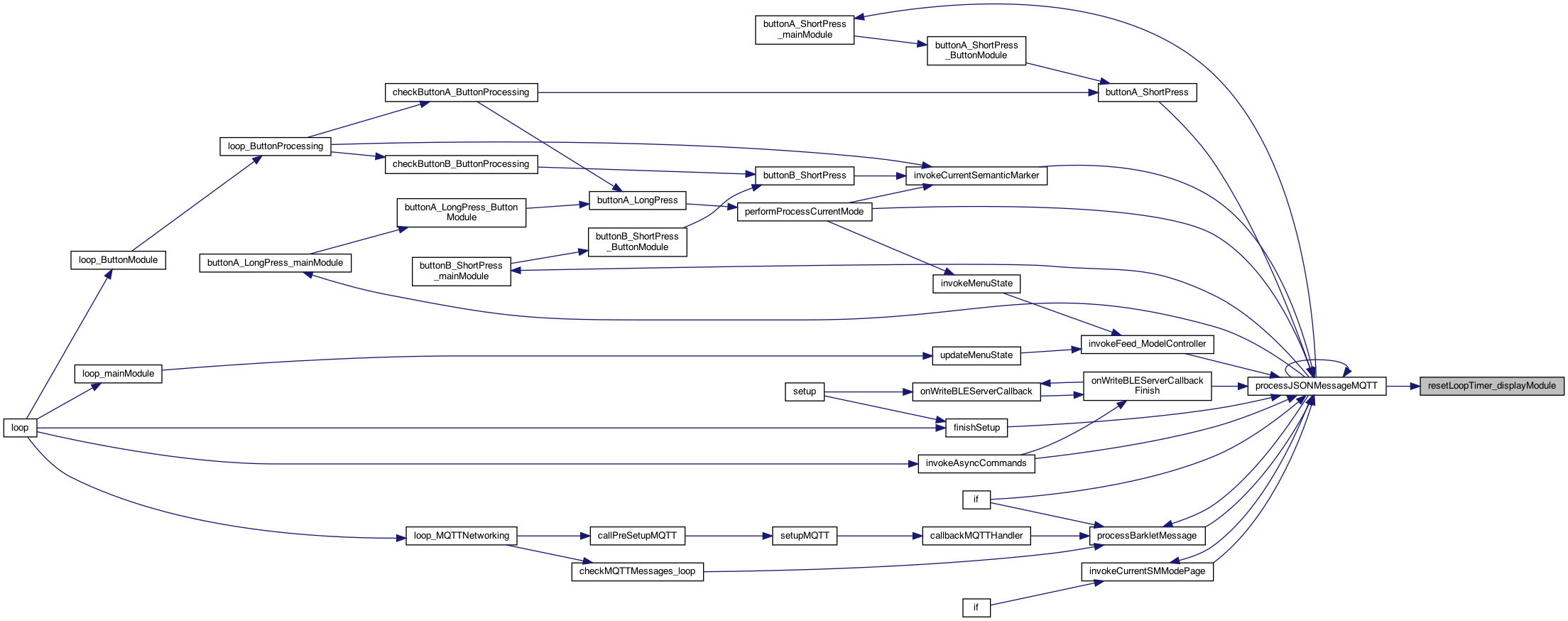
◆ resetLoopTimer_displayModule()
| void resetLoopTimer_displayModule | ( | ) |
reset the loop timer .. useful for testing,
Definition at line 536 of file DisplayModule.cpp.
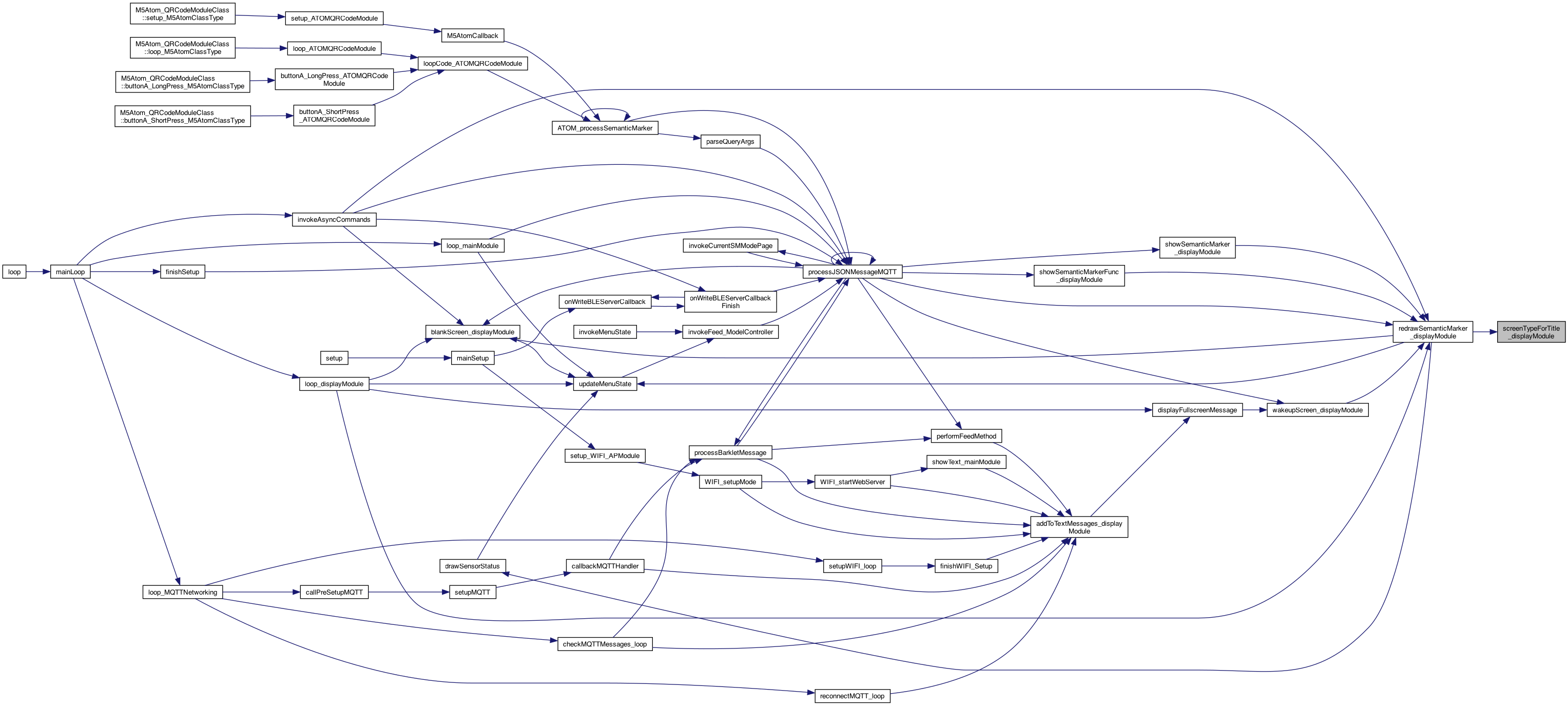
◆ screenTypeForTitle_displayModule()
| int screenTypeForTitle_displayModule | ( | String | title | ) |
returns the screen type (f0..n) for the title (such as HOME) NOTE: if the name changes .. ramifications So they match the MQTTNetwork title strings..
NOTE: All the comparisons are ALL CAPS ...
ADD SCREEN_TYPE_HOME
the "P:" is a special token from the MQTT that denotes this is a pairing feed. The P: is replaced with the paired device
Definition at line 147 of file DisplayModule.cpp.
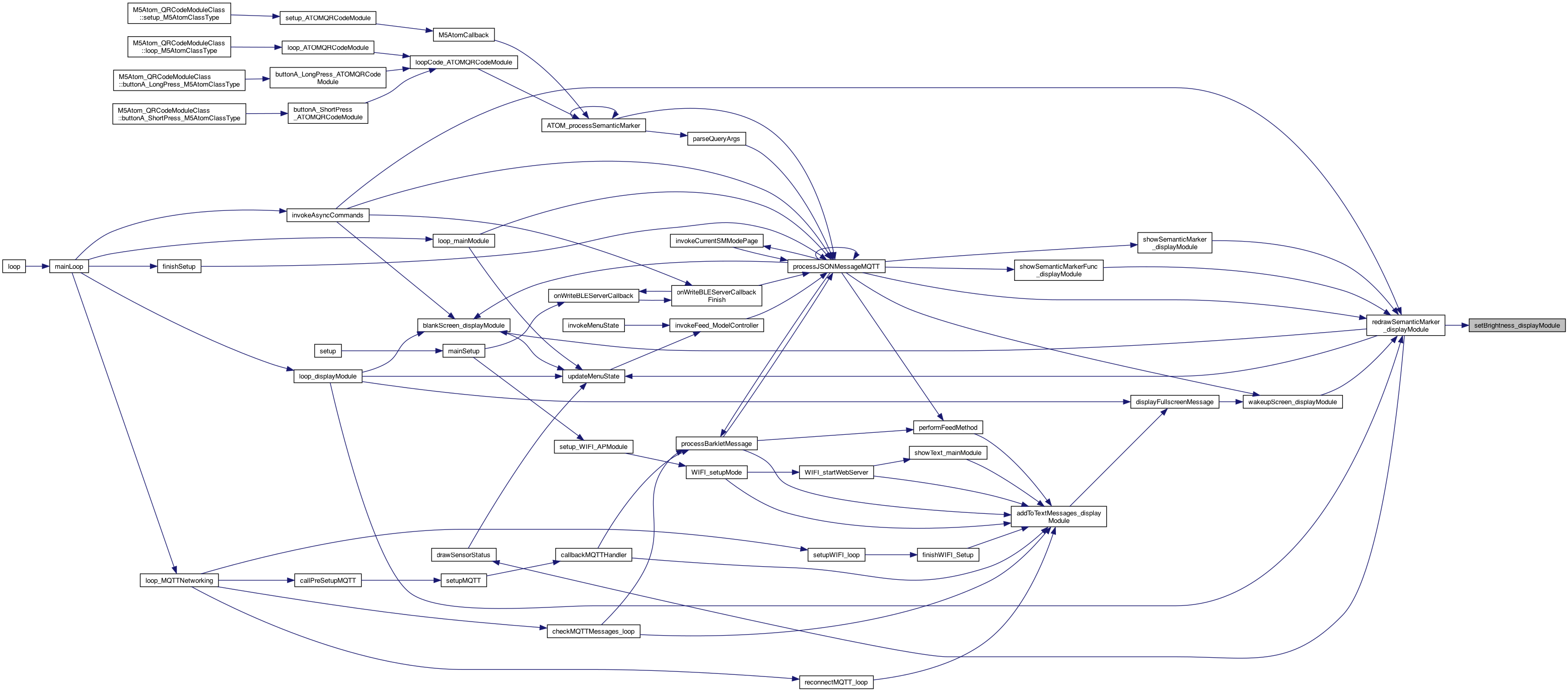
◆ setBrightness_displayModule()
| void setBrightness_displayModule | ( | int | brightness | ) |
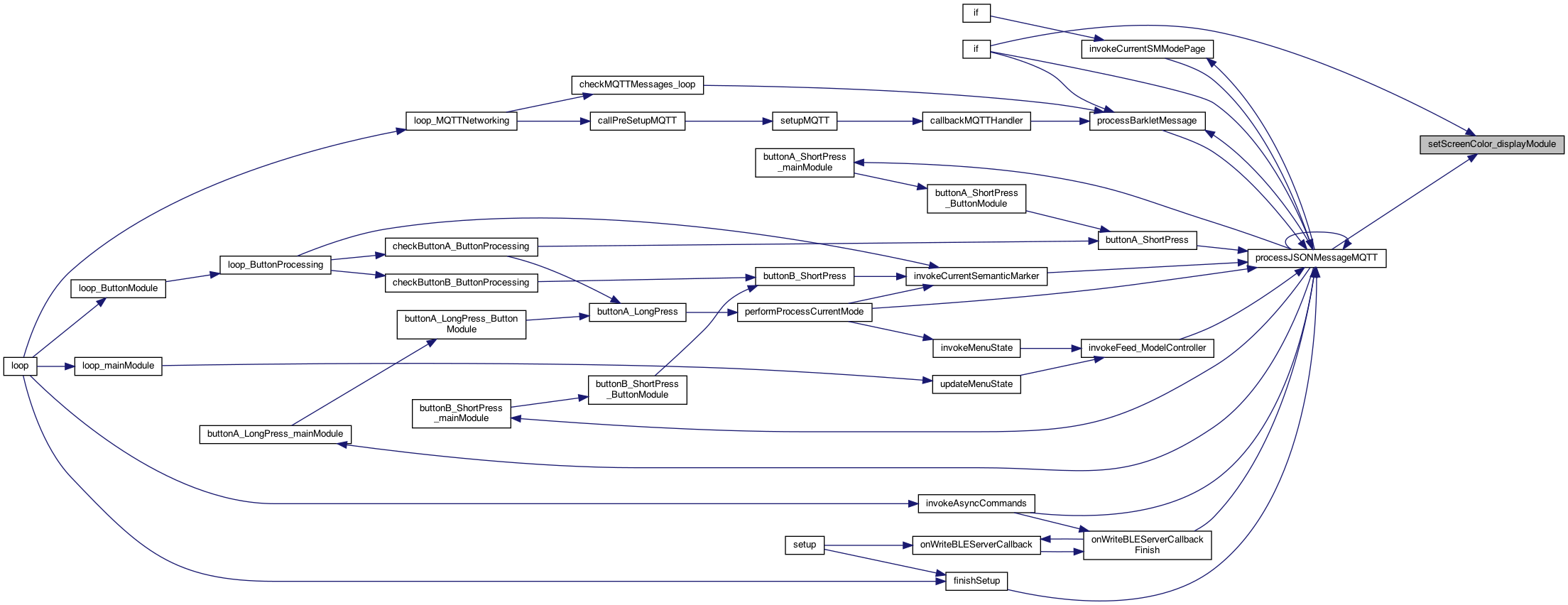
◆ setScreenColor_displayModule()
| void setScreenColor_displayModule | ( | int | screenColor | ) |
cache for getting the screen color 0..n. Will reset the cache as well
Definition at line 500 of file DisplayModule.cpp.

◆ setup_displayModule()
| void setup_displayModule | ( | ) |
for types: String, boolean ..
THIS IS the setup() and loop() but using the "component" name, eg MQTTNetworking() This will perform preference initializtion as well called from the setup()
Definition at line 886 of file DisplayModule.cpp.


◆ setupESP_M5()
| void setupESP_M5 | ( | ) |
setup the Lcd, etc..
Init M5StickC Plus. 初始化 M5StickC Plus
Set font size. Set the font color to yellow. 设置字体颜色为黄色
rotate to landscape (vs vertical) M5.Lcd.setRotation(3);
Rotate the screen. 将屏幕旋转
set the cursor location. 设置光标位置
Set font size.
STARTUP SCREEN showing VERSION
Draws a SemanticMarker™ (using QR code) Create a QR code with a width of 135 QR code at (0, 100). 在(0,0)处创建一个宽为135二维码 Please select the appropriate QR code version according to the number of characters. 请根据字符数量选择合适的二维码版本
Definition at line 799 of file DisplayModule.cpp.


◆ setupTextPosition()
| void setupTextPosition | ( | TextPositionStruct | textP | ) |
init the text
Definition at line 439 of file DisplayModule.cpp.

◆ setupTextPositionOverrideTextColor()
| void setupTextPositionOverrideTextColor | ( | TextPositionStruct | textP, |
| TextPositionStruct | textColor | ||
| ) |
init the text - but override the text color (stil using the textP.blankCOlor
Definition at line 372 of file DisplayModule.cpp.
◆ showOTAUpdatingMessage()
| void showOTAUpdatingMessage | ( | ) |
show an OTA message..
Definition at line 389 of file DisplayModule.cpp.
◆ showSemanticMarker_displayModule()
| void showSemanticMarker_displayModule | ( | String | semanticMarkerAddress, |
| String | title | ||
| ) |
displays the Semantic Marker (a super QR code) on the M5 screen (with an N second display)
displays the Semantic Marker (a super QR code) on the M5 screen (title = to display)
ISSUE: need to re-generate the SemanticAddress but only for "Status". could kluge and use the Title?? == "Status"
NOTE: issue #134 shows that the 'buttonProcessing _currentSMMode isn't getting updated .. Which is only an issue if the message is comming in from outside – versus a button clik.. cache for the redraw()
no function, the addresss is the address provided NOTE: we could add our own function .. TODO .. less of a kluge..
save the marker..
draw a semantic marker (zoomed or not)
Definition at line 1896 of file DisplayModule.cpp.
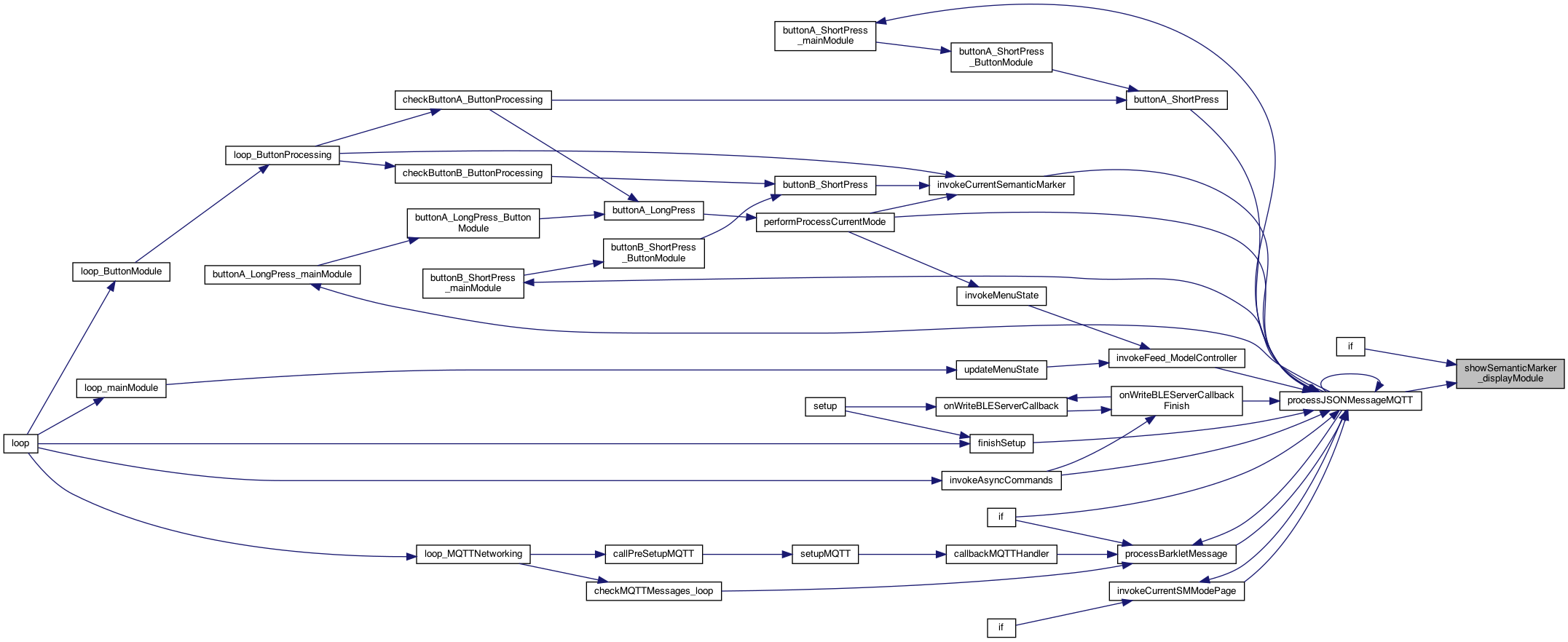
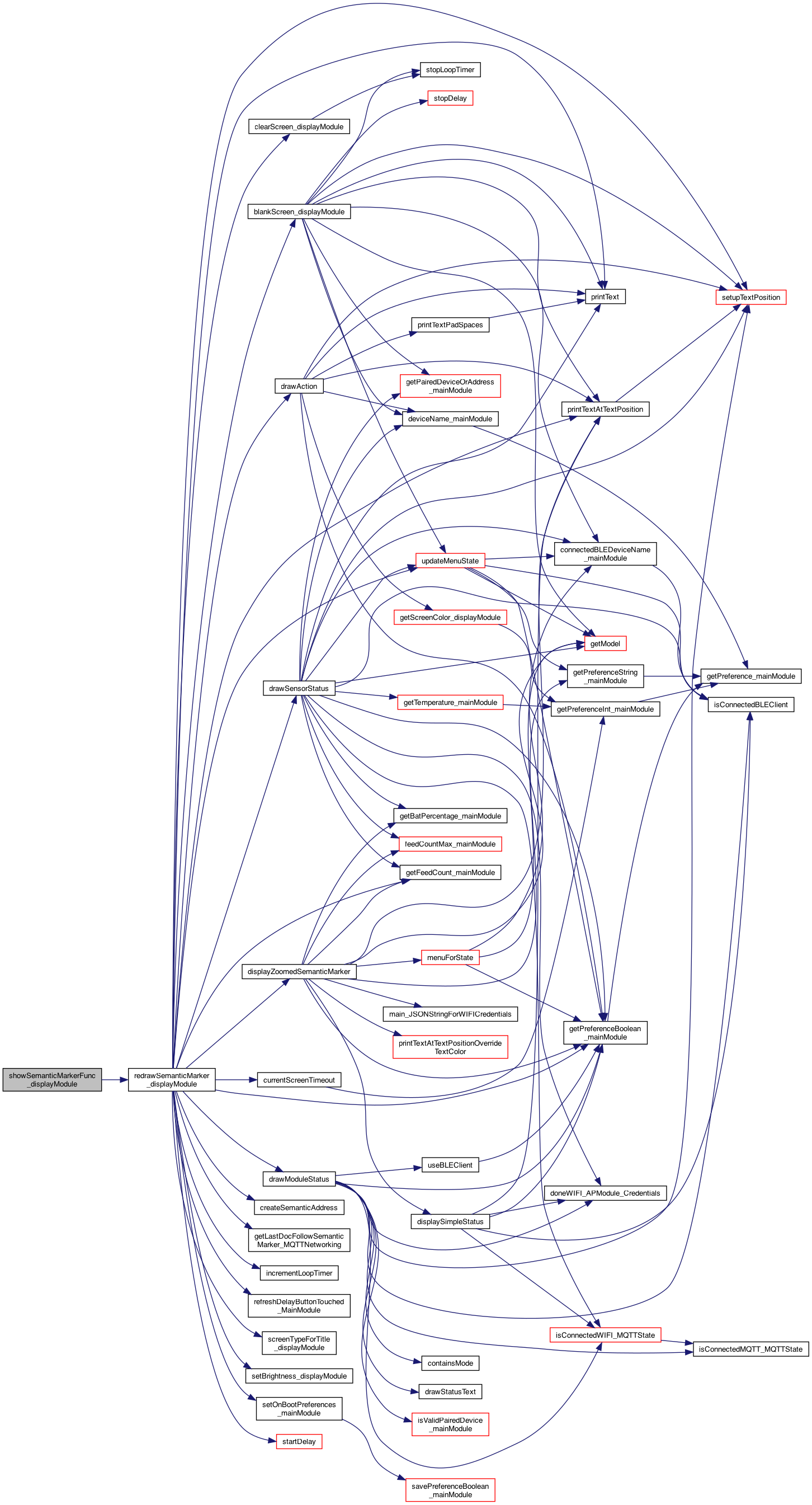
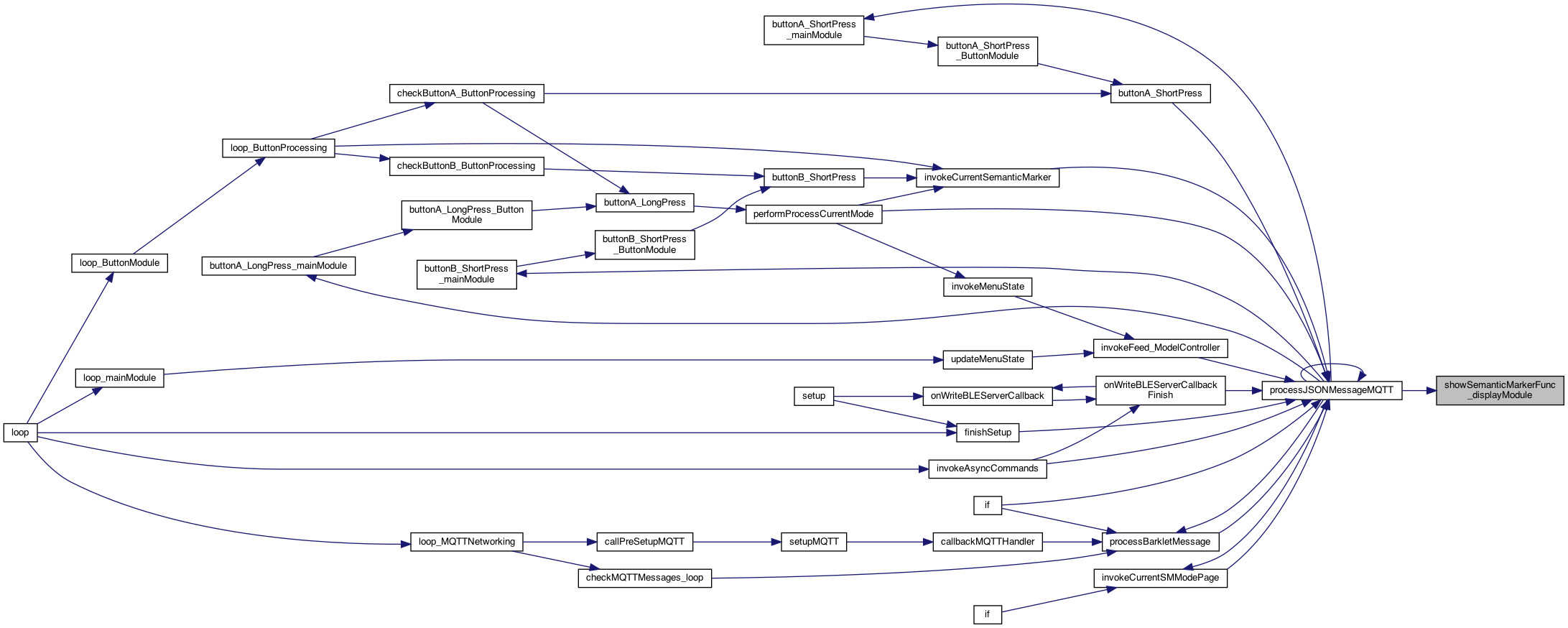
◆ showSemanticMarkerFunc_displayModule()
| void showSemanticMarkerFunc_displayModule | ( | String | semanticMarkerAddressBase, |
| String | title, | ||
| const char *(*)(void) | getStatusFunc | ||
| ) |
finish the address after calling the function provided, called from MQTT for STATUS
the function to call to get the 'status', return char*
save for use on redraw..
Definition at line 1928 of file DisplayModule.cpp.
◆ showText_displayModule()
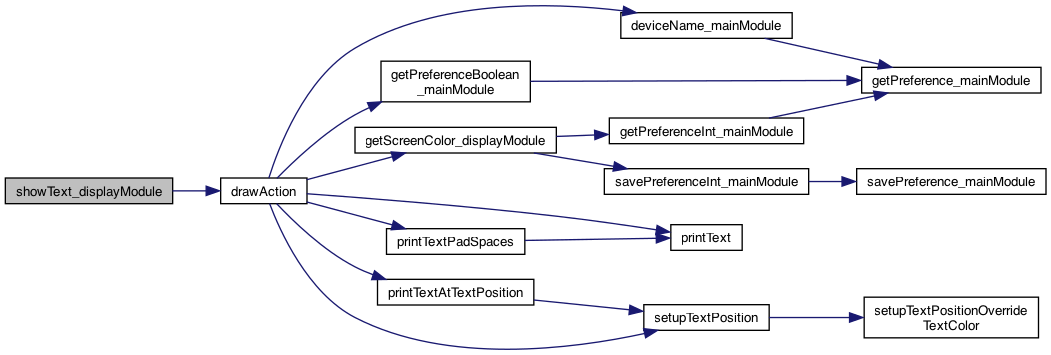
| void showText_displayModule | ( | String | text | ) |
shows a FEED (or whatever) then blanks the screen after N seconds
Definition at line 1952 of file DisplayModule.cpp.
◆ startDelay()
| void startDelay | ( | int | seconds | ) |
Definition at line 584 of file DisplayModule.cpp.

◆ stopDelay()
| void stopDelay | ( | ) |
Definition at line 592 of file DisplayModule.cpp.

◆ stopLoopTimer()
| void stopLoopTimer | ( | ) |
stop the loop timer
Definition at line 525 of file DisplayModule.cpp.
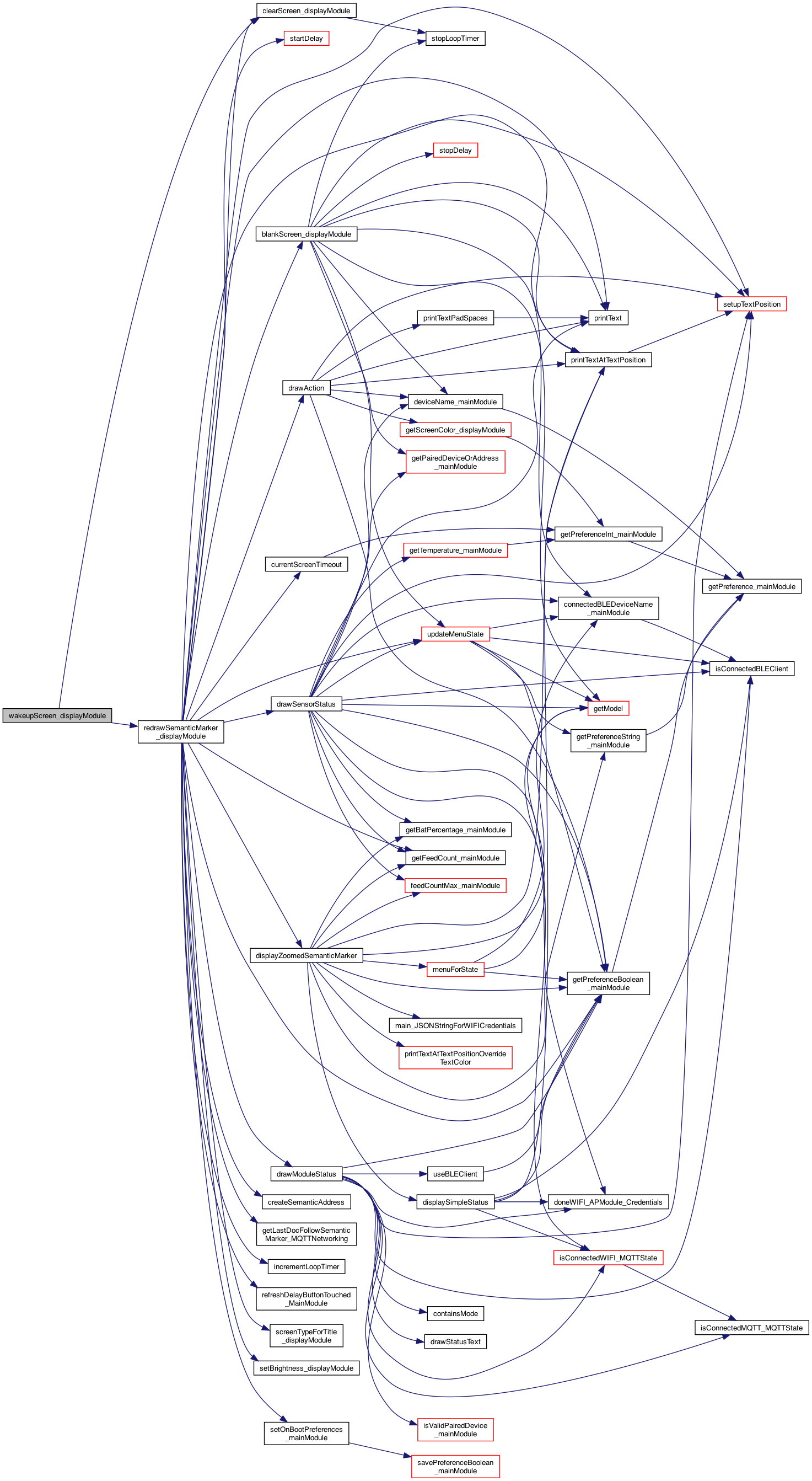
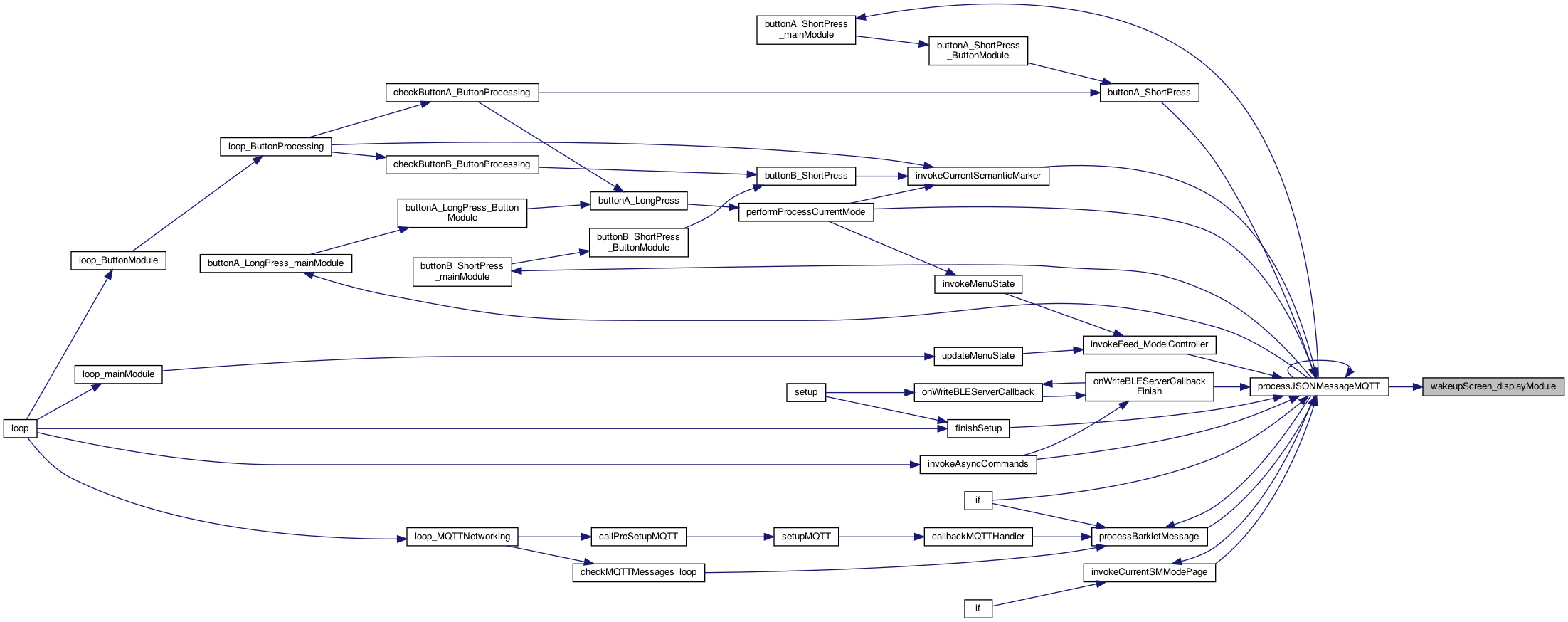
◆ wakeupScreen_displayModule()
| void wakeupScreen_displayModule | ( | ) |
wakes up the screen
see if this works .. vs too flickering.. (if so we have to slow it down..)
Definition at line 735 of file DisplayModule.cpp.
Variable Documentation
◆ _actionTextHomePositionZoomed
| TextPositionStruct _actionTextHomePositionZoomed = {0,2,WIDTH,HEIGHT_3_2LINE,FONT_3,ORANGE,BLACK,BLACK,ROTATE_0,14} |
Definition at line 288 of file DisplayModule.cpp.
◆ _actionTextHomeSimpleColor
| TextPositionStruct _actionTextHomeSimpleColor[MAX_ACTION_TEXT_HOME_COLORS] |
Definition at line 298 of file DisplayModule.cpp.
◆ _actionTextHomeSimplePositionZoomed
| TextPositionStruct _actionTextHomeSimplePositionZoomed = {0,2,WIDTH,HEIGHT_3_2LINE,FONT_3,YELLOW,BLUE,BLACK,ROTATE_0,15} |
Definition at line 290 of file DisplayModule.cpp.
◆ _actionTextHomeSimplePositionZoomed_1
| TextPositionStruct _actionTextHomeSimplePositionZoomed_1 = {0,2,WIDTH,HEIGHT_3_2LINE,FONT_3,BLUE,YELLOW,BLACK,ROTATE_0,15} |
Definition at line 291 of file DisplayModule.cpp.
◆ _actionTextHomeSimplePositionZoomed_2
| TextPositionStruct _actionTextHomeSimplePositionZoomed_2 = {0,2,WIDTH,HEIGHT_3_2LINE,FONT_3,BLACK,GREEN,BLACK,ROTATE_0,15} |
Definition at line 292 of file DisplayModule.cpp.
◆ _actionTextHomeSimplePositionZoomed_3
| TextPositionStruct _actionTextHomeSimplePositionZoomed_3 = {0,2,WIDTH,HEIGHT_3_2LINE,FONT_3,BLACK,WHITE,BLACK,ROTATE_0,15} |
Definition at line 293 of file DisplayModule.cpp.
◆ _actionTextHomeSimplePositionZoomed_4
| TextPositionStruct _actionTextHomeSimplePositionZoomed_4 = {0,2,WIDTH,HEIGHT_3_2LINE,FONT_3,WHITE,RED,BLACK,ROTATE_0,15} |
Definition at line 294 of file DisplayModule.cpp.
◆ _actionTextPosition
| TextPositionStruct _actionTextPosition = {0,2,WIDTH,HEIGHT_2,FONT_2,BLUE,WHITE,BLACK,ROTATE_0,11} |
EG: #actMe (M5) { ksjdfkdsjfk Feed Guest based on text size 3
Definition at line 286 of file DisplayModule.cpp.
◆ _actionTextPositionZoomed
| TextPositionStruct _actionTextPositionZoomed = {0,2,WIDTH,HEIGHT_3_2LINE,FONT_3,BLUE,WHITE,BLACK,ROTATE_0,14} |
Definition at line 287 of file DisplayModule.cpp.
◆ _connectedStatusTextPositionZoomed
| TextPositionStruct _connectedStatusTextPositionZoomed = {0,213,WIDTH,HEIGHT_2,FONT_2,WHITE,BLACK,BLACK,ROTATE_0,11} |
the position of "connected" at the bottom on the first 3 screens..
Definition at line 331 of file DisplayModule.cpp.
◆ _currentScreenType
| int _currentScreenType = SCREEN_TYPE_NORMAL |
the current screen type (a side effect of asking for it)
Definition at line 143 of file DisplayModule.cpp.
◆ _currentSemanticMarkerAddress
| String _currentSemanticMarkerAddress ="https://iDogWatch.com" |
default semantic marker (or the current one)
Definition at line 95 of file DisplayModule.cpp.
◆ _currentSemanticMarkerAddressBase
| String _currentSemanticMarkerAddressBase = "https://iDogWatch.com" |
base http address of semantic markers
Definition at line 108 of file DisplayModule.cpp.
◆ _fullscreenLoopCount
| int _fullscreenLoopCount = 0 |
used to create a mini
Definition at line 899 of file DisplayModule.cpp.
◆ _fullScreenMessageDisplayed
| boolean _fullScreenMessageDisplayed = false |
set so it can be erased on next loop
Definition at line 402 of file DisplayModule.cpp.
◆ _getStatusFunc
| const char *(* _getStatusFunc) (void) | ( | void | ) | = NULL |
stores the statusFunc (it's a pointer to a function)
Definition at line 110 of file DisplayModule.cpp.
◆ _helpStatusTextPosition
| TextPositionStruct _helpStatusTextPosition |
Definition at line 311 of file DisplayModule.cpp.
◆ _homeSimpleStatusTextPositionZoomed
| TextPositionStruct _homeSimpleStatusTextPositionZoomed = {0,105,WIDTH,HEIGHT_3,FONT_3,ORANGE,BLACK,BLACK,ROTATE_0,7} |
new for the SM_HOME_SIMPLE
Definition at line 326 of file DisplayModule.cpp.
◆ _homeSimpleStatusTextPositionZoomedRED
| TextPositionStruct _homeSimpleStatusTextPositionZoomedRED = {0,105,WIDTH,HEIGHT_3,FONT_3,RED,BLACK,BLACK,ROTATE_0,7} |
new for the SM_HOME_SIMPLE - draws FEED as red if over 13 feeds..
Definition at line 328 of file DisplayModule.cpp.
◆ _lastSemanticMarkerAddress
| String _lastSemanticMarkerAddress = "" |
Definition at line 104 of file DisplayModule.cpp.
◆ _loopTimer
| int _loopTimer = 0 |
ticks.. when it rest? (show to blank screen)
Definition at line 518 of file DisplayModule.cpp.
◆ _markerTimer
| int _markerTimer = 0 |
markerTimer is a semi timer for the number of times before doing anything. Kinda a kludge.
Definition at line 516 of file DisplayModule.cpp.
◆ _menuTextPositionZoomed_4less
| TextPositionStruct _menuTextPositionZoomed_4less = {0,105,WIDTH,HEIGHT_3,FONT_3,ORANGE,BLACK,BLACK,ROTATE_0,7} |
new Menu selection (if 4 ..)
Definition at line 334 of file DisplayModule.cpp.
◆ _menuTextPositionZoomed_4plus
| TextPositionStruct _menuTextPositionZoomed_4plus = {0,105,WIDTH,HEIGHT_2,FONT_2,ORANGE,BLACK,BLACK,ROTATE_0,22} |
Definition at line 335 of file DisplayModule.cpp.
◆ _moduleStatusTextPosition
| TextPositionStruct _moduleStatusTextPosition = {0,67,WIDTH,HEIGHT_3,FONT_3,YELLOW,BLUE,BLACK,ROTATE_0,7} |
status are the state modules (WIFI ON/off, etc)
Definition at line 322 of file DisplayModule.cpp.
◆ _moduleStatusTextPositionZoomed
| TextPositionStruct _moduleStatusTextPositionZoomed = {0,105,WIDTH,HEIGHT_3,FONT_3,YELLOW,BLUE,BLACK,ROTATE_0,7} |
Definition at line 323 of file DisplayModule.cpp.
◆ _multilineStatusTextPosition
| TextPositionStruct _multilineStatusTextPosition = {0,27,WIDTH,HEIGHT_4,FONT_2,WHITE,BLACK,BLACK,ROTATE_0,40} |
Help.
Definition at line 314 of file DisplayModule.cpp.
◆ _multilineStatusTextPositionZoomed
| TextPositionStruct _multilineStatusTextPositionZoomed = {0,65,WIDTH,HEIGHT_4,FONT_2,WHITE,BLACK,BLACK,ROTATE_0,40} |
Definition at line 315 of file DisplayModule.cpp.
◆ _semanticMarkerShown
| boolean _semanticMarkerShown = false |
if blank, then only show something after a click (not a message)
Definition at line 113 of file DisplayModule.cpp.
◆ _semanticTitle
| String _semanticTitle = "M5 Clicker" |
default semantic title
Definition at line 106 of file DisplayModule.cpp.
◆ _sensorStatusTextPosition
| TextPositionStruct _sensorStatusTextPosition = {0,27,WIDTH,HEIGHT_2,FONT_2,WHITE,BLACK,BLACK,ROTATE_0,22} |
mode is the status of sensors .
Definition at line 308 of file DisplayModule.cpp.
◆ _sensorStatusTextPositionZoomed
| TextPositionStruct _sensorStatusTextPositionZoomed = {0,65,WIDTH,HEIGHT_3,FONT_2,WHITE,BLACK,BLACK,ROTATE_0,22} |
Definition at line 309 of file DisplayModule.cpp.
◆ _timerDelayClass_DisplayModule
| TimerDelayClass* _timerDelayClass_DisplayModule = new TimerDelayClass(1.0) |
3.29.25 RaiiiinIeeeeR Beer movie
Definition at line 583 of file DisplayModule.cpp.
◆ _zoomedTextPositions
| TextPositionStruct _zoomedTextPositions[MAX_ACTIONS] |
Definition at line 348 of file DisplayModule.cpp.