#include "../../Defines.h"
Go to the source code of this file.
Macros | |
| #define | START_NEW true |
| #define | KEEP_SAME false |
Functions | |
| void | setup_displayModule () |
| for types: String, boolean .. More... | |
| void | loop_displayModule () |
| called for the loop() of this plugin More... | |
| void | showText_displayModule (String text) |
| void | addToTextMessages_displayModule (String text) |
| void | blankScreen_displayModule () |
| blanks the screen More... | |
| void | wakeupScreen_displayModule () |
| wakes up the screen More... | |
| boolean | isBlankScreen_displayModule () |
| whether screen is blank (so the button can be a wake, vs action..) More... | |
| void | clearScreen_displayModule () |
| clears the screen More... | |
| void | showSemanticMarker_displayModule (String semanticMarkerAddress, String title) |
| displays the Semantic Marker (a super QR code) on the M5 screen (title = to display) More... | |
| const char * | currentSemanticMarkerAddress_displayModule () |
| returns the current semantic marker (eg. guest page) More... | |
| void | showSemanticMarkerFunc_displayModule (String semanticMarkerAddressBase, String title, const char *(*getStatusFunc)(void)) |
| the function to call to get the 'status', return char* More... | |
| void | redrawSemanticMarker_displayModule (boolean startNew) |
| redraws the Semantic Marker image.. More... | |
| int | getLoopTimer_displayModule () |
| returns the loop timer (just a timer..) More... | |
| void | resetLoopTimer_displayModule () |
| reset the loop timer .. useful for testing, More... | |
| void | incrementScreenColor_displayModule () |
| void | setScreenColor_displayModule (int screenColor) |
| cache for getting the screen color 0..n. Will reset the cache as well More... | |
| void | showOTAUpdatingMessage () |
| show an OTA message.. More... | |
Macro Definition Documentation
◆ KEEP_SAME
| #define KEEP_SAME false |
Definition at line 54 of file DisplayModule.h.
◆ START_NEW
| #define START_NEW true |
Definition at line 53 of file DisplayModule.h.
Function Documentation
◆ addToTextMessages_displayModule()
| void addToTextMessages_displayModule | ( | String | text | ) |
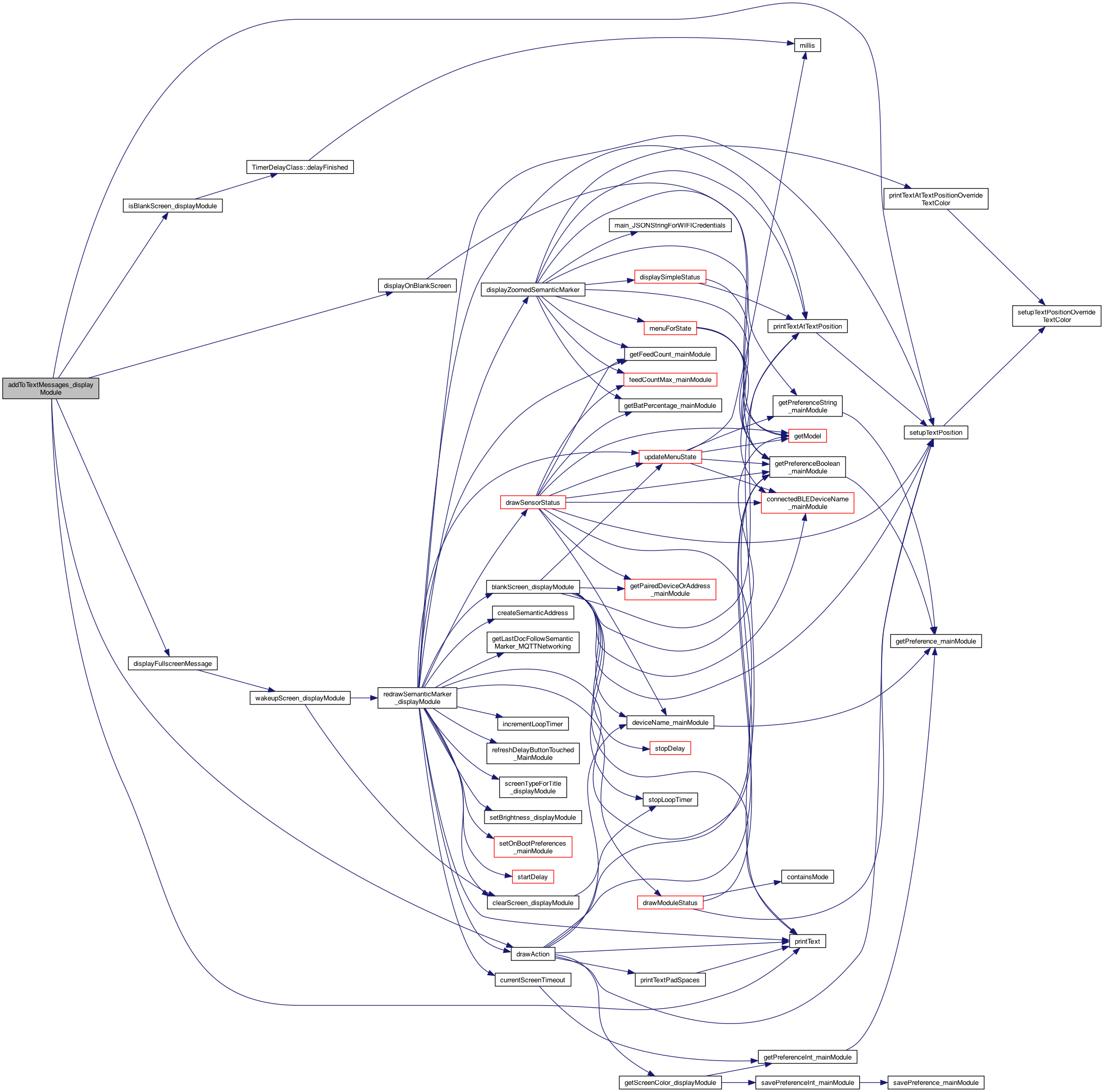
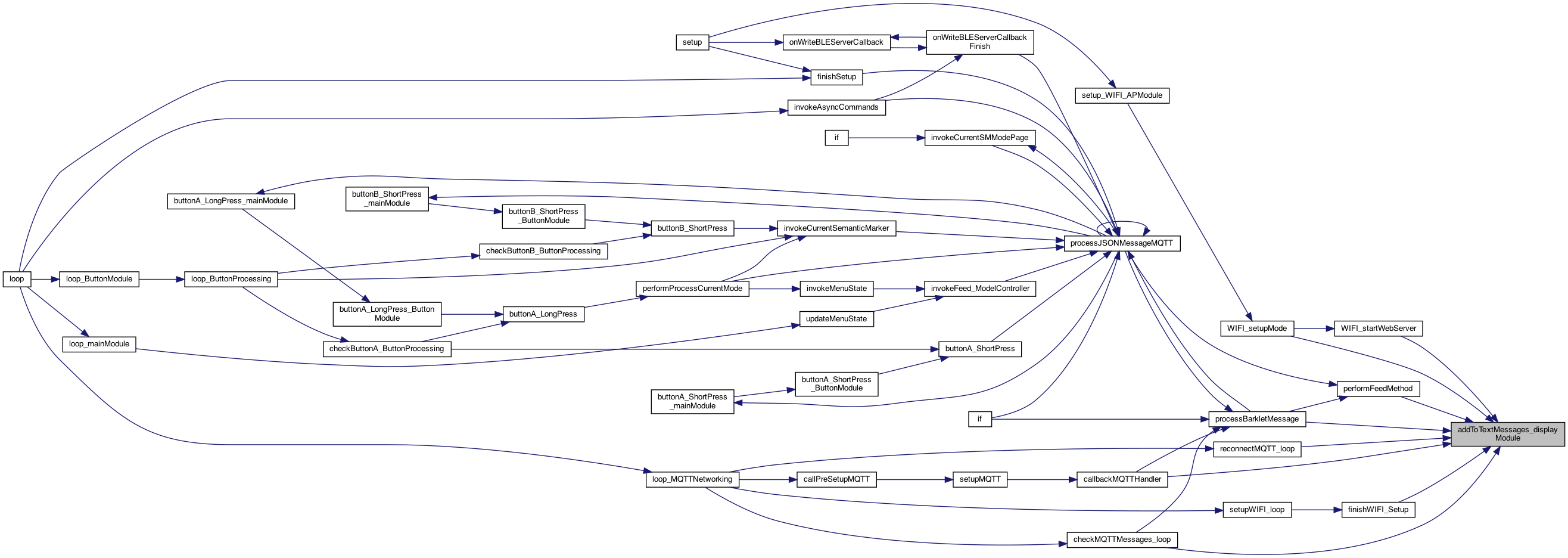
adds messages that aren't shown unless in message window mode. NOTE: This will be a scrolling text as sometime ..
whether screen is blank (so the button can be a wake, vs action..)
different for home screen
ADD SCREEN_TYPE_HOME
use the zoomed amount
draw the text
testing 4.3.24 for large text
Definition at line 1964 of file DisplayModule.cpp.
◆ blankScreen_displayModule()
| void blankScreen_displayModule | ( | ) |
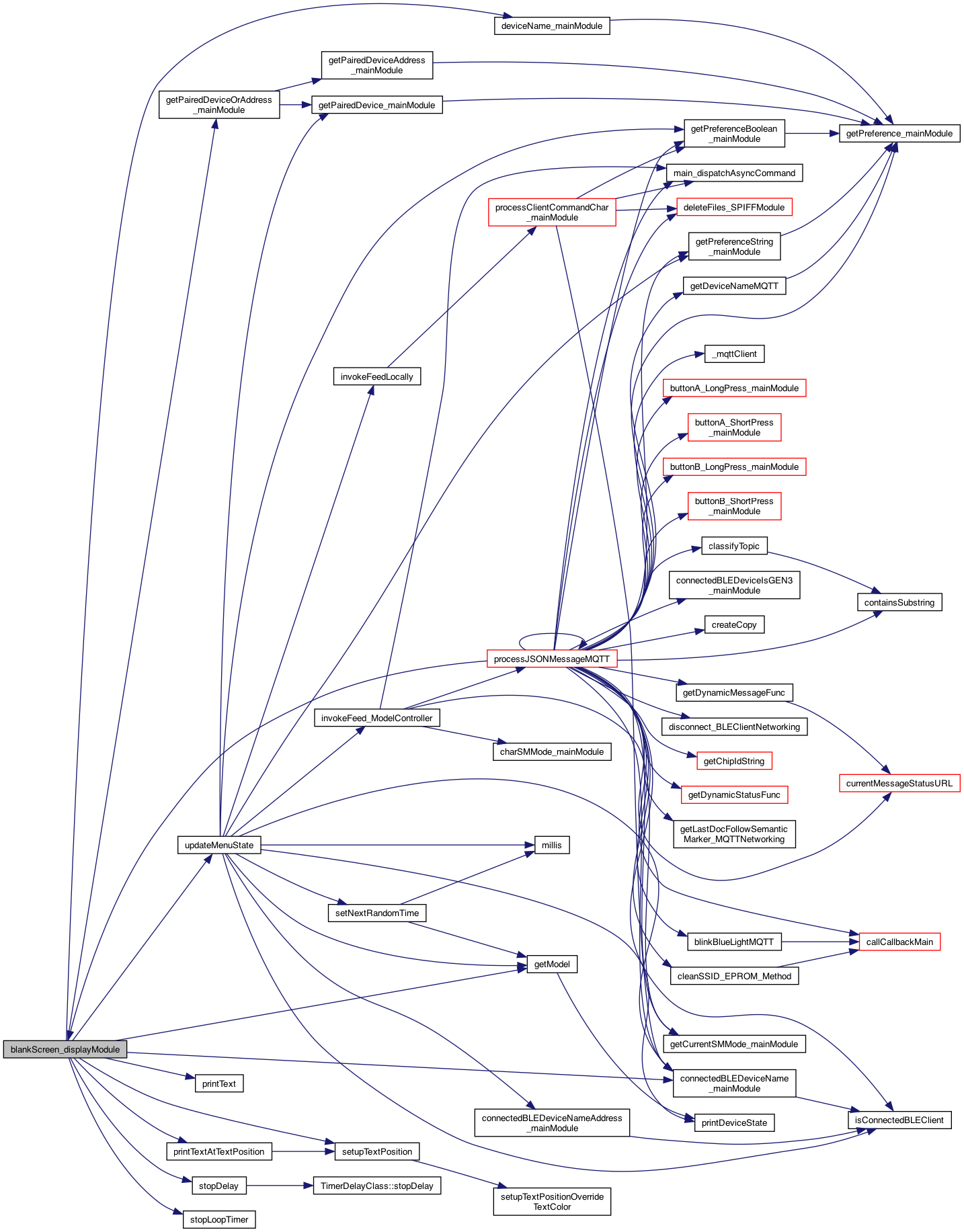
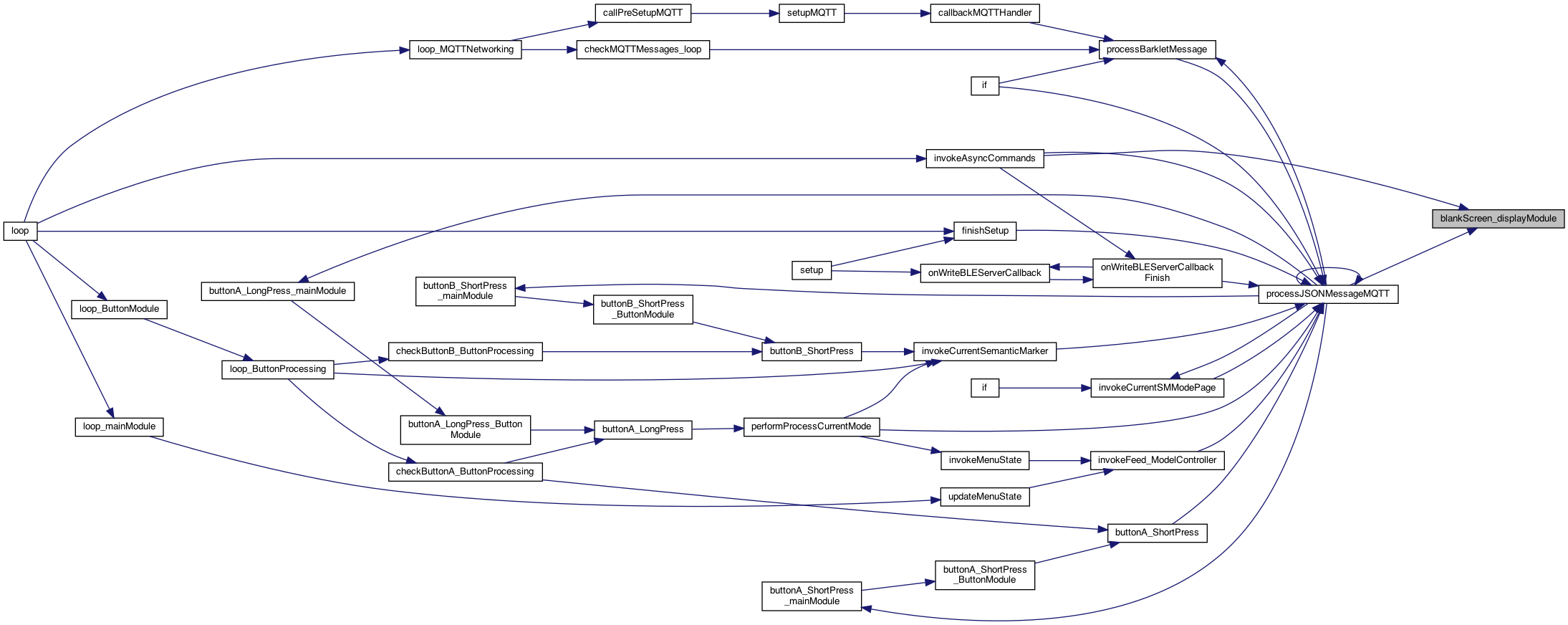
blanks the screen
stop the delay which says delay finished .. so don't show anything.. 8.9.22
update the model for those drawing Dev and Connected Dev
just ask the deviceState...
factory default but not connecte to anything..
use the zoomed amount
draw the text
Definition at line 653 of file DisplayModule.cpp.
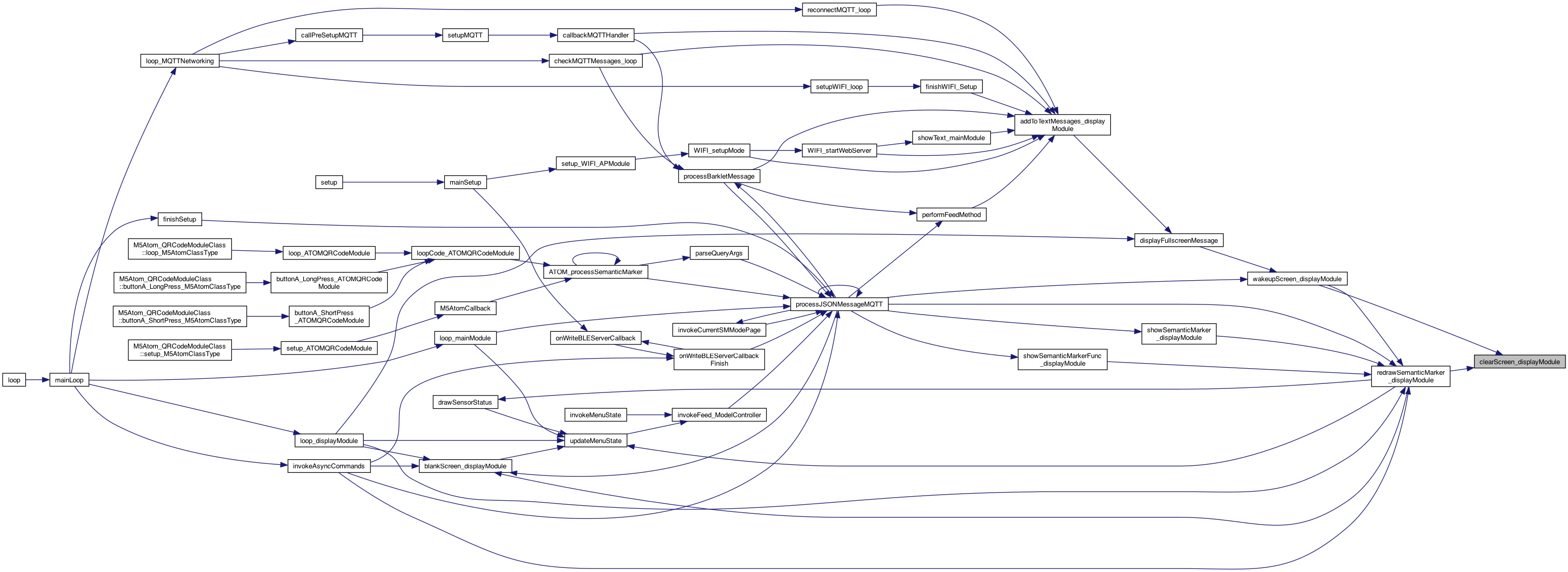
◆ clearScreen_displayModule()
| void clearScreen_displayModule | ( | ) |
clears the screen
clears the screen
Definition at line 750 of file DisplayModule.cpp.

◆ currentSemanticMarkerAddress_displayModule()
| const char * currentSemanticMarkerAddress_displayModule | ( | ) |
returns the current semantic marker (eg. guest page)
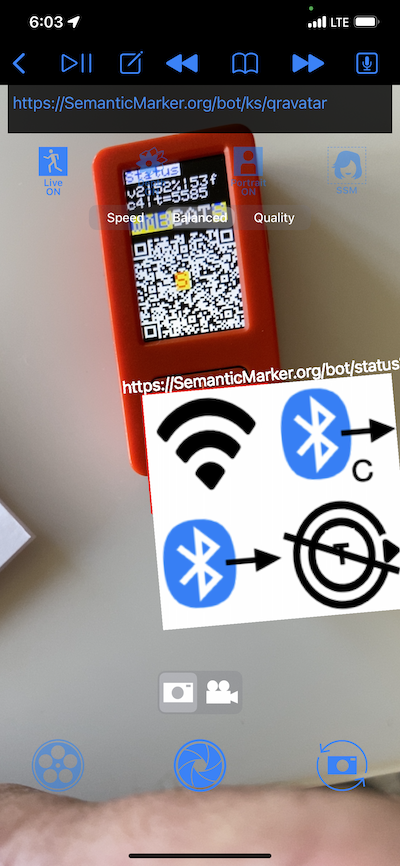
Definition at line 100 of file DisplayModule.cpp.
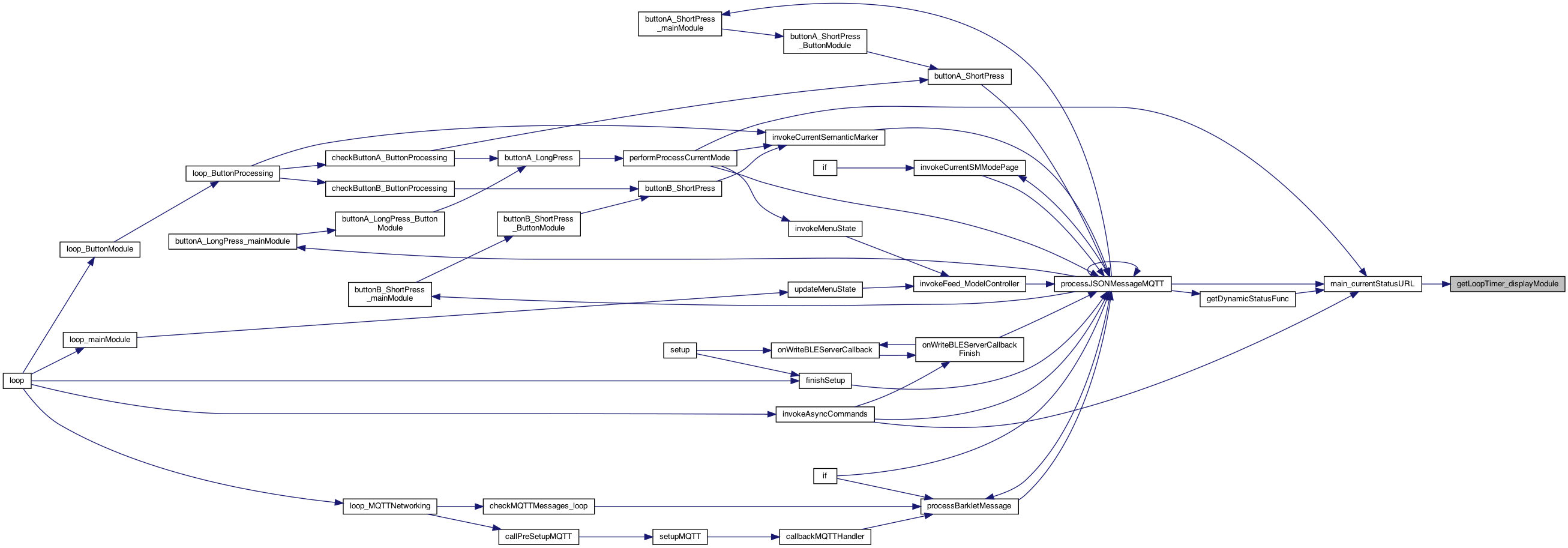
◆ getLoopTimer_displayModule()
| int getLoopTimer_displayModule | ( | ) |
returns the loop timer (just a timer..)
Definition at line 530 of file DisplayModule.cpp.
◆ incrementScreenColor_displayModule()
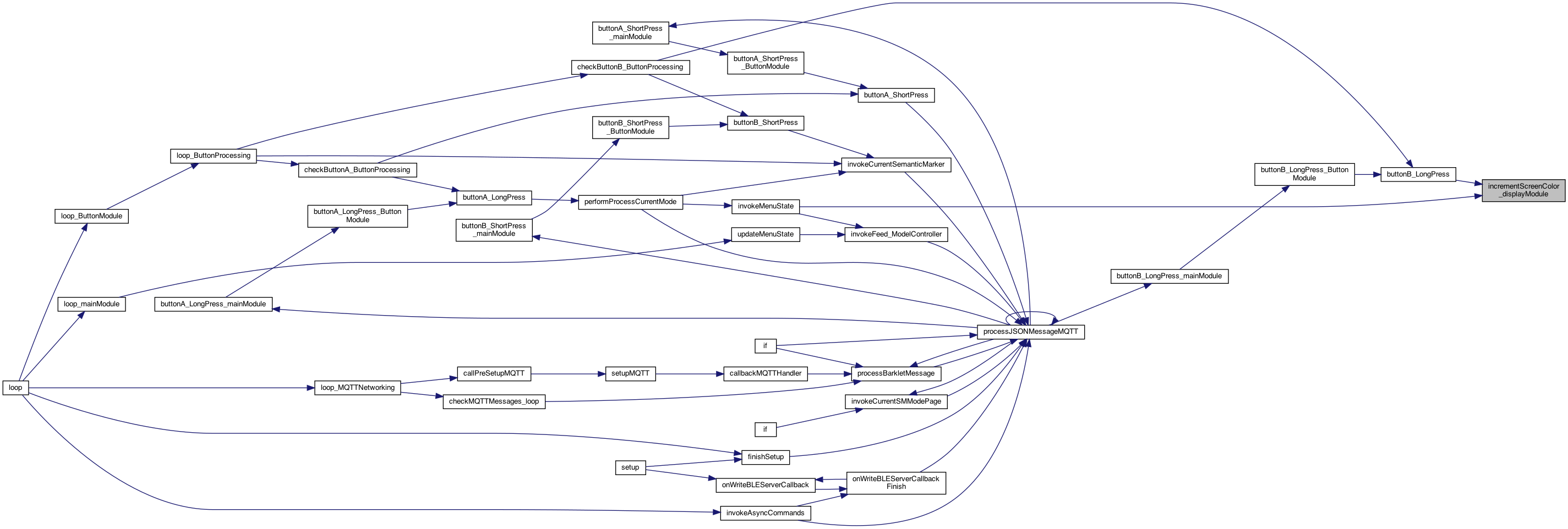
| void incrementScreenColor_displayModule | ( | ) |
Increment the screen color 0..n cache for getting the screen color 0..max (max provided by sender) This is implemented by incrementScreenColor_mainModule() since it knows the MAX value of colors
SCREEN COLOR Increment the screen color 0..n cache for getting the screen color 0..max (max provided by sender) This is implemented by incrementScreenColor_mainModule() since it knows the MAX value of colors
Definition at line 469 of file DisplayModule.cpp.

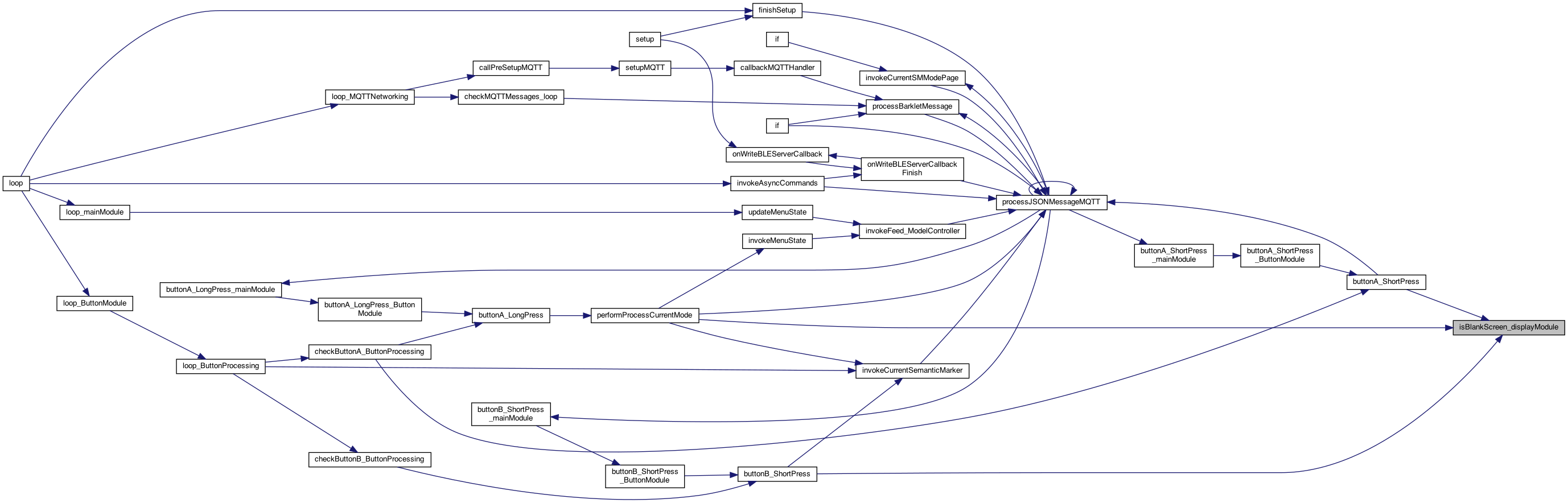
◆ isBlankScreen_displayModule()
| boolean isBlankScreen_displayModule | ( | ) |
whether screen is blank (so the button can be a wake, vs action..)
if the delay is running, then not blanked
Definition at line 769 of file DisplayModule.cpp.

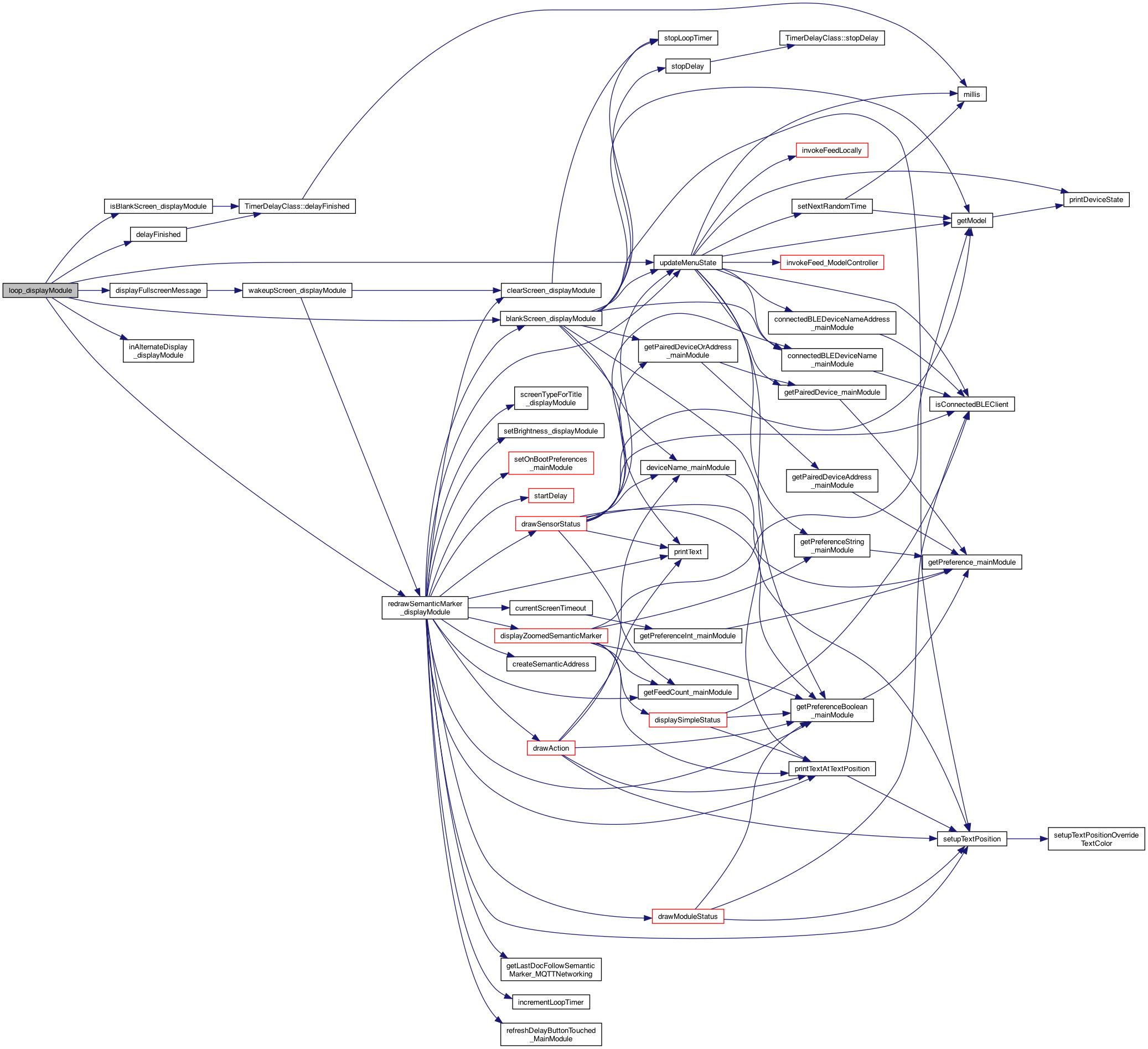
◆ loop_displayModule()
| void loop_displayModule | ( | ) |
called for the loop() of this plugin
set so it can be erased on next loop
check if a delay was running..
9.2.22 new .. update the timer. This is on blank screen as well .. so don't check _semanticMarkerShown
check if a delay was running..
see if this works .. vs too flickering.. (if so we have to slow it down..)
Definition at line 902 of file DisplayModule.cpp.

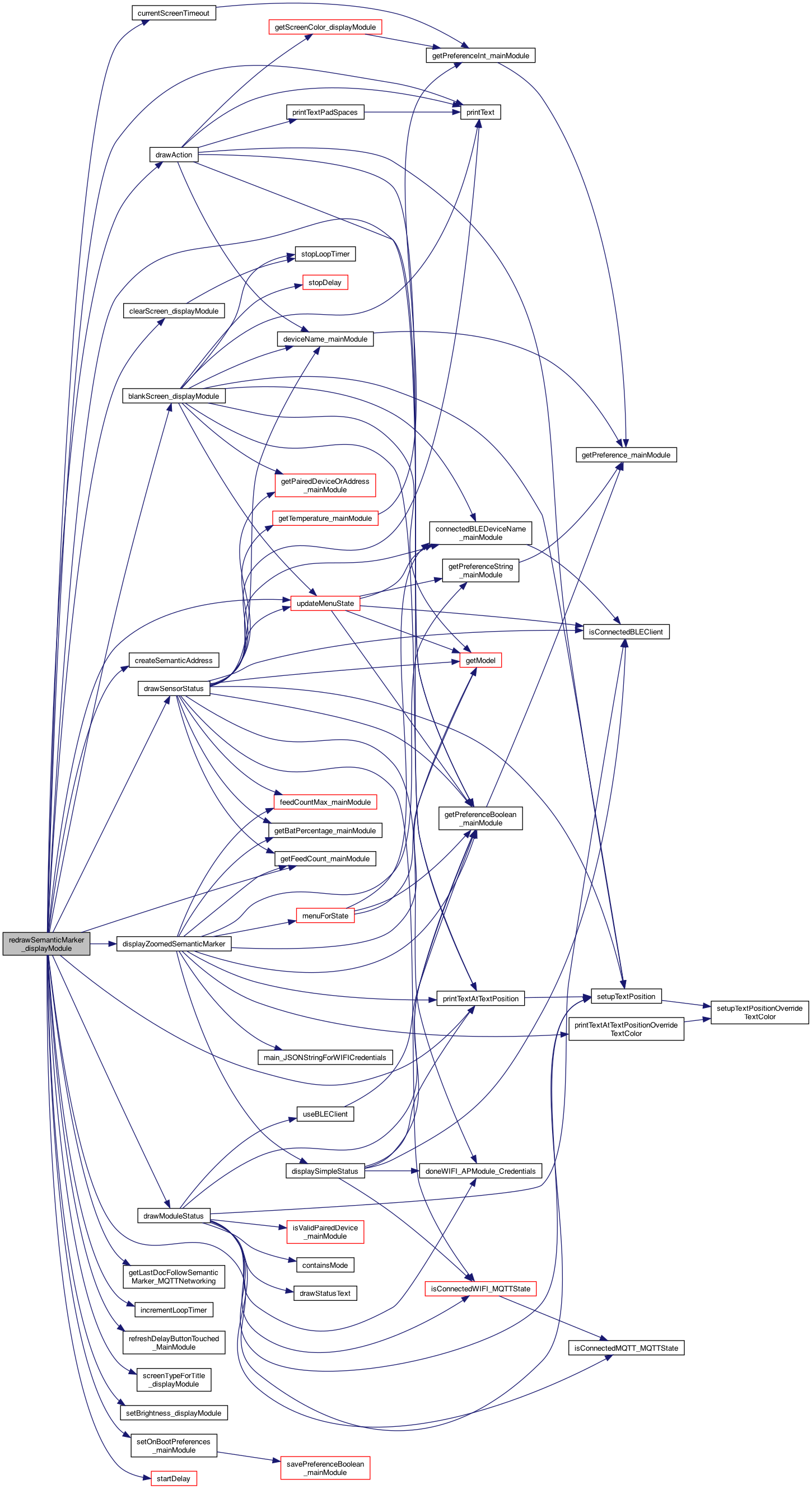
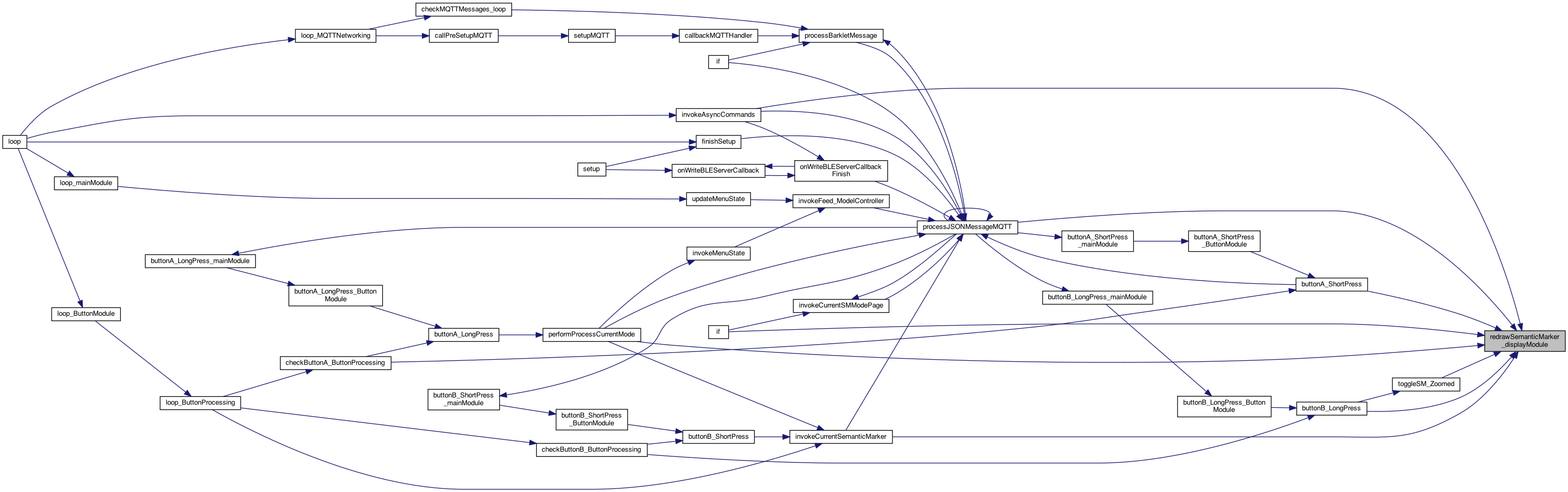
◆ redrawSemanticMarker_displayModule()
| void redrawSemanticMarker_displayModule | ( | boolean | startNew | ) |
redraws the Semantic Marker image..
redraws the Semantic Marker image..
resets the preferences so the mini menu is running, and resets other preferences
ADD SCREEN_TYPE_HOME
set some defaults on boot - that override EPROM this can be called on the HOME screen to set back to normal mode..
set some defaults on boot - that override EPROM this can be called on the HOME screen to set back to normal mode..
clears the screen, and resets timer
update the model (ModelController.h) for the type of screen displayed (what model)
upate the model – each loop, before drawing stuff (obviously)
sets flag that being shown..
this re-creates the address (maybe dynamically if the func() callback is defined)
this draws QR but using the lastDocFollowSemanticMarker
only redraw if changed ...
7.11.26 Eagles in nest ..
The "ACTION"
The "SensorStatus", which uses current info..
then which modules to draw for the different screens
ADD SCREEN_TYPE_HOME
Draw FEED in red if the feed count is > 13
The " ModuleStats"
The " ModuleStats"
module status with BUZZ
draw the text
The " ModuleStats"
startNew is that the screen needs new timeout
startDelay(zoomed?25: currentScreenTimeout());
called by the feed operation to say the device is still running.. and count it as a button click. Issue #145 8.8.22
NOTE: this gets called 2 times if buttonB short press .. but not othertimes..
Definition at line 1655 of file DisplayModule.cpp.
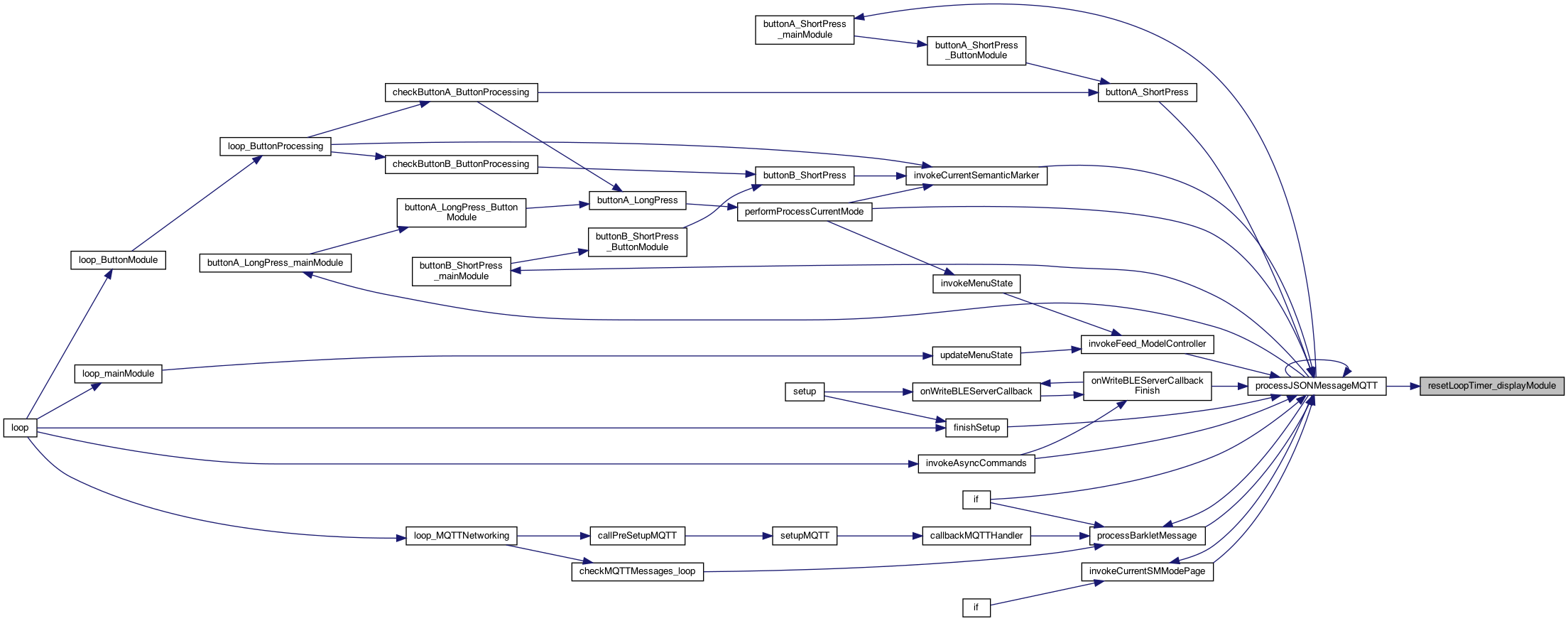
◆ resetLoopTimer_displayModule()
| void resetLoopTimer_displayModule | ( | ) |
reset the loop timer .. useful for testing,
Definition at line 536 of file DisplayModule.cpp.
◆ setScreenColor_displayModule()
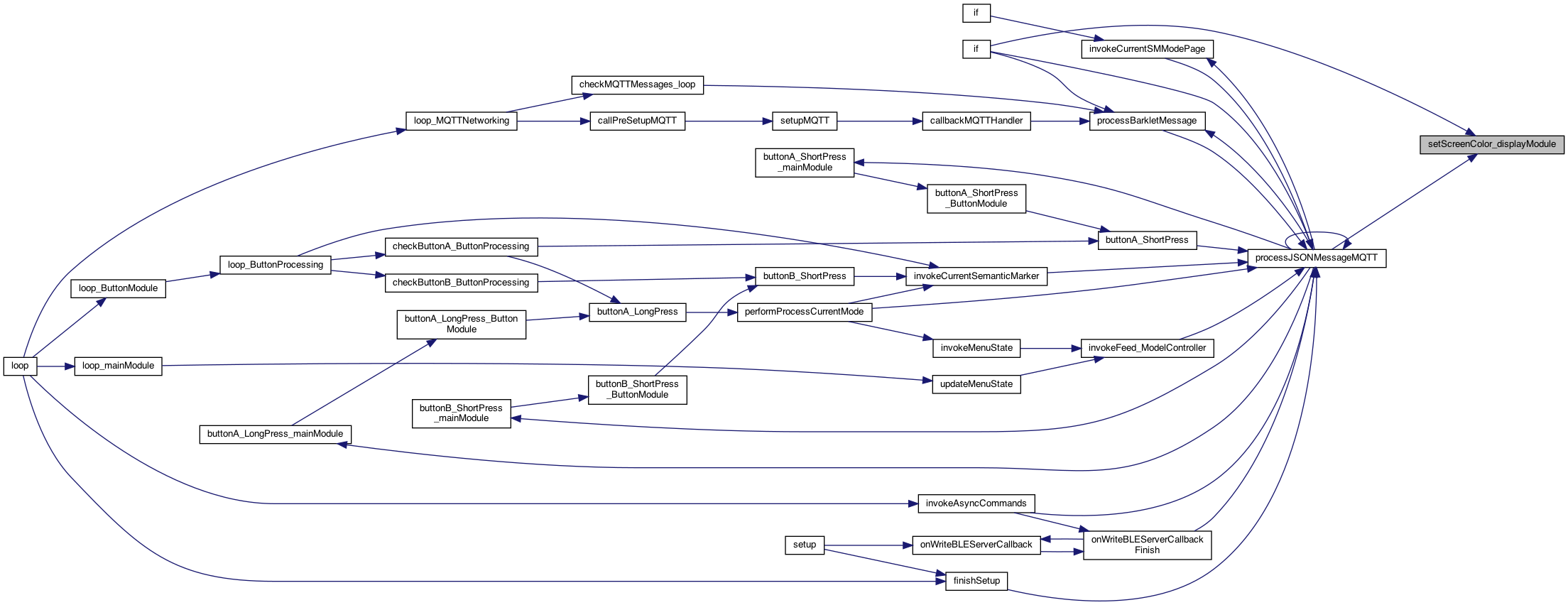
| void setScreenColor_displayModule | ( | int | screenColor | ) |
cache for getting the screen color 0..n. Will reset the cache as well
Definition at line 500 of file DisplayModule.cpp.

◆ setup_displayModule()
| void setup_displayModule | ( | ) |
for types: String, boolean ..
M5 Display with SemanticMarker™
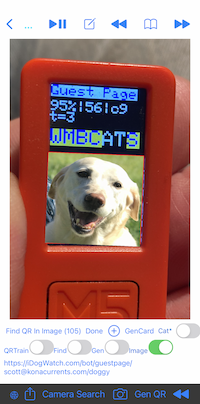
THIS IS the setup() and loop() but using the "component" name, eg MQTTNetworking() This will perform preference initializtion as well called from the setup()
THIS IS the setup() and loop() but using the "component" name, eg MQTTNetworking() This will perform preference initializtion as well called from the setup()
Definition at line 886 of file DisplayModule.cpp.


◆ showOTAUpdatingMessage()
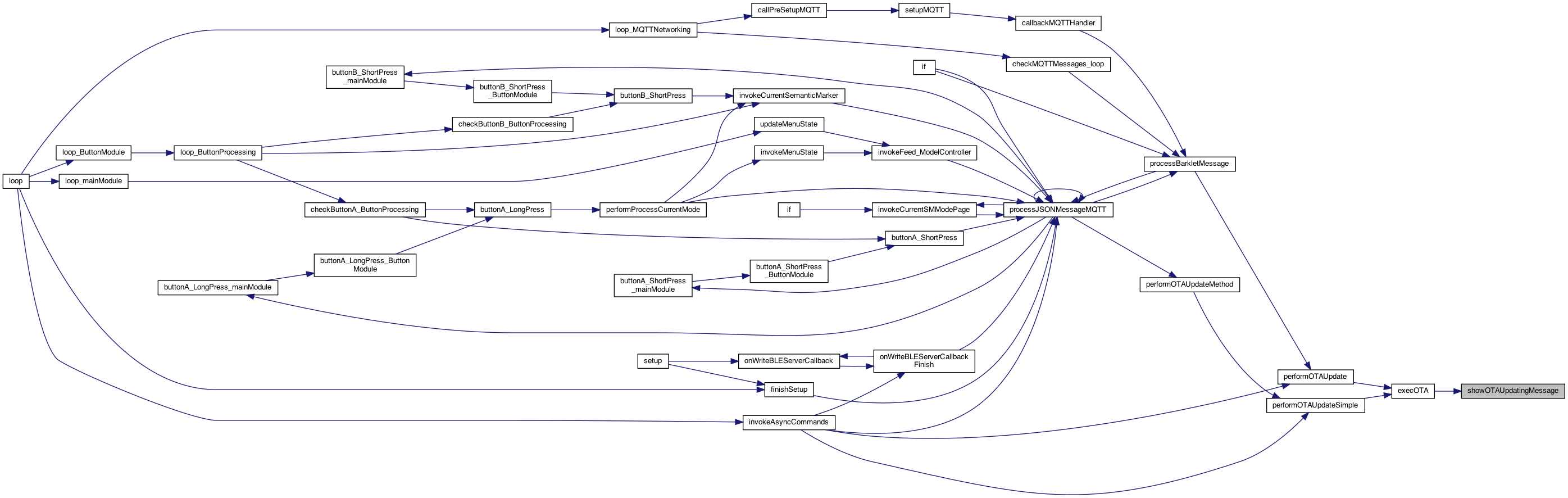
| void showOTAUpdatingMessage | ( | ) |
show an OTA message..
Definition at line 389 of file DisplayModule.cpp.
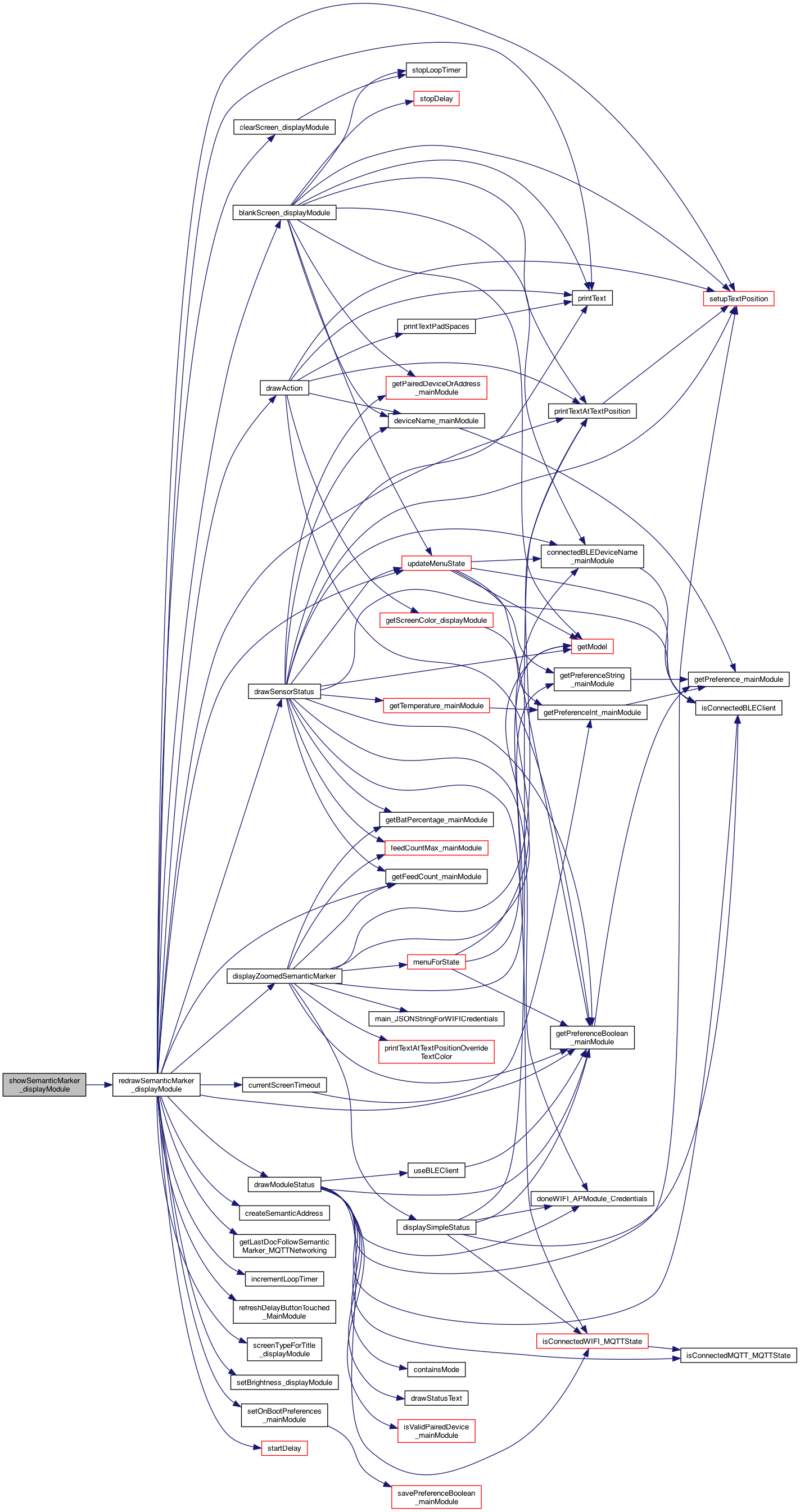
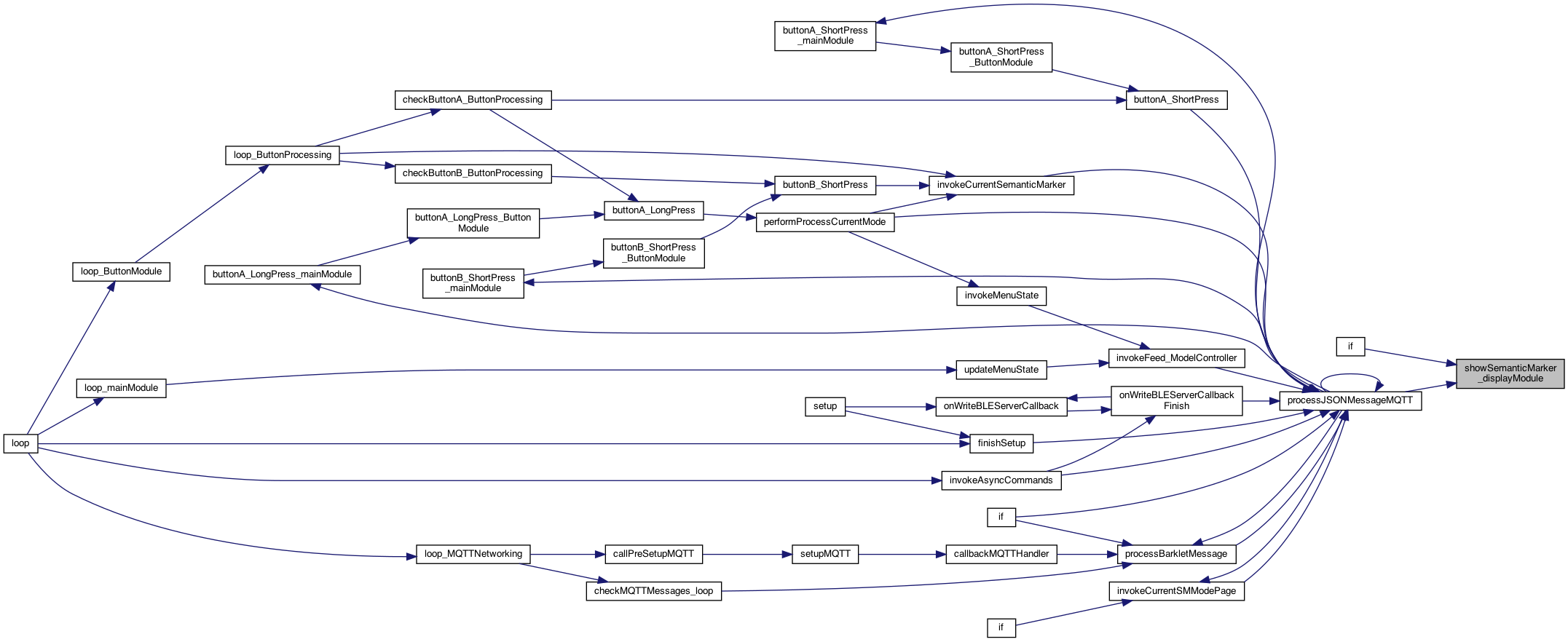
◆ showSemanticMarker_displayModule()
| void showSemanticMarker_displayModule | ( | String | semanticMarkerAddress, |
| String | title | ||
| ) |
displays the Semantic Marker (a super QR code) on the M5 screen (title = to display)
displays the Semantic Marker (a super QR code) on the M5 screen (title = to display)
ISSUE: need to re-generate the SemanticAddress but only for "Status". could kluge and use the Title?? == "Status"
NOTE: issue #134 shows that the 'buttonProcessing _currentSMMode isn't getting updated .. Which is only an issue if the message is comming in from outside – versus a button clik.. cache for the redraw()
no function, the addresss is the address provided NOTE: we could add our own function .. TODO .. less of a kluge..
save the marker..
draw a semantic marker (zoomed or not)
Definition at line 1896 of file DisplayModule.cpp.
◆ showSemanticMarkerFunc_displayModule()
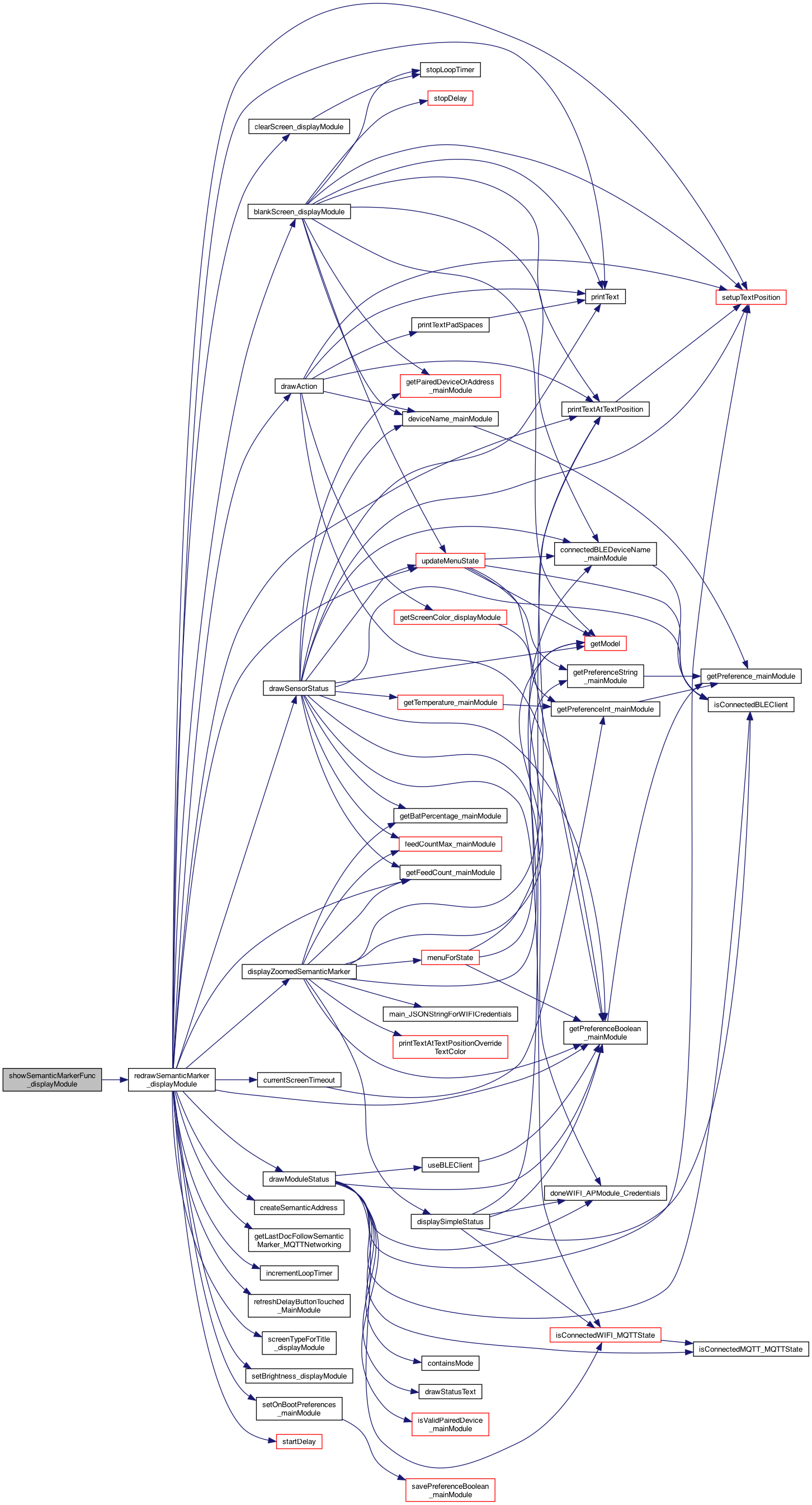
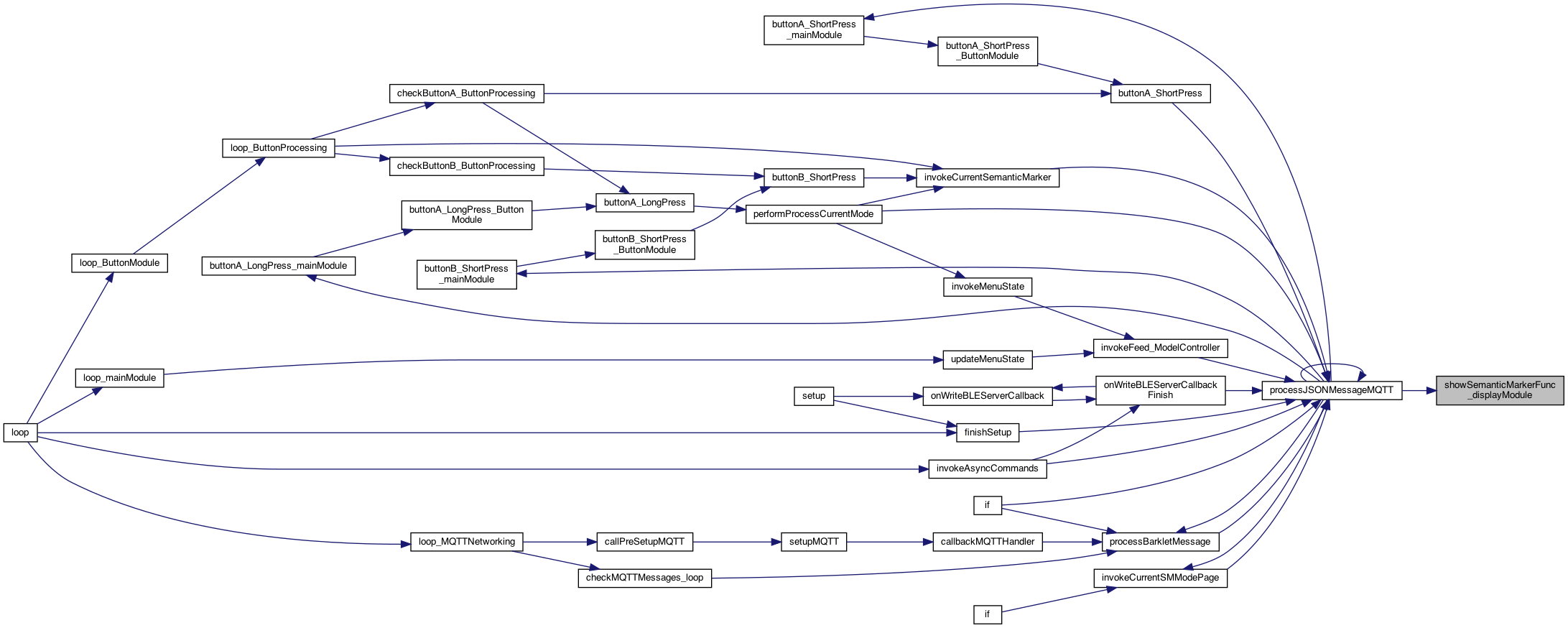
| void showSemanticMarkerFunc_displayModule | ( | String | semanticMarkerAddressBase, |
| String | title, | ||
| const char *(*)(void) | getStatusFunc | ||
| ) |
the function to call to get the 'status', return char*
displays the Semantic Marker (a super QR code) on the M5 screen (title = to display)
the function to call to get the 'status', return char*
save for use on redraw..
Definition at line 1928 of file DisplayModule.cpp.
◆ showText_displayModule()
| void showText_displayModule | ( | String | text | ) |
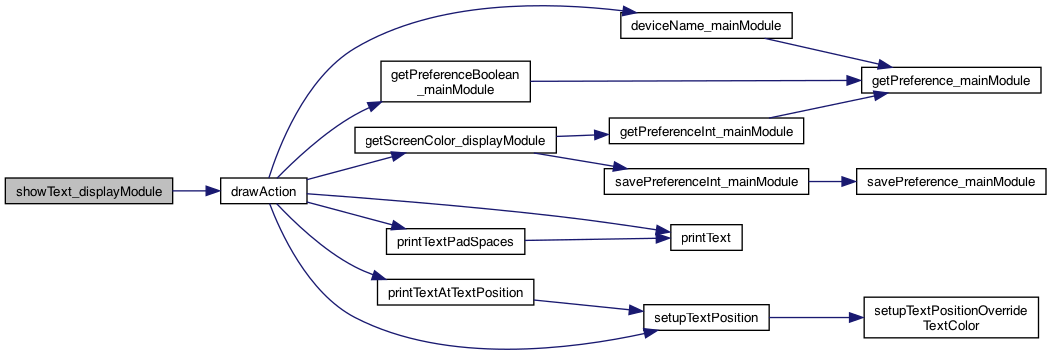
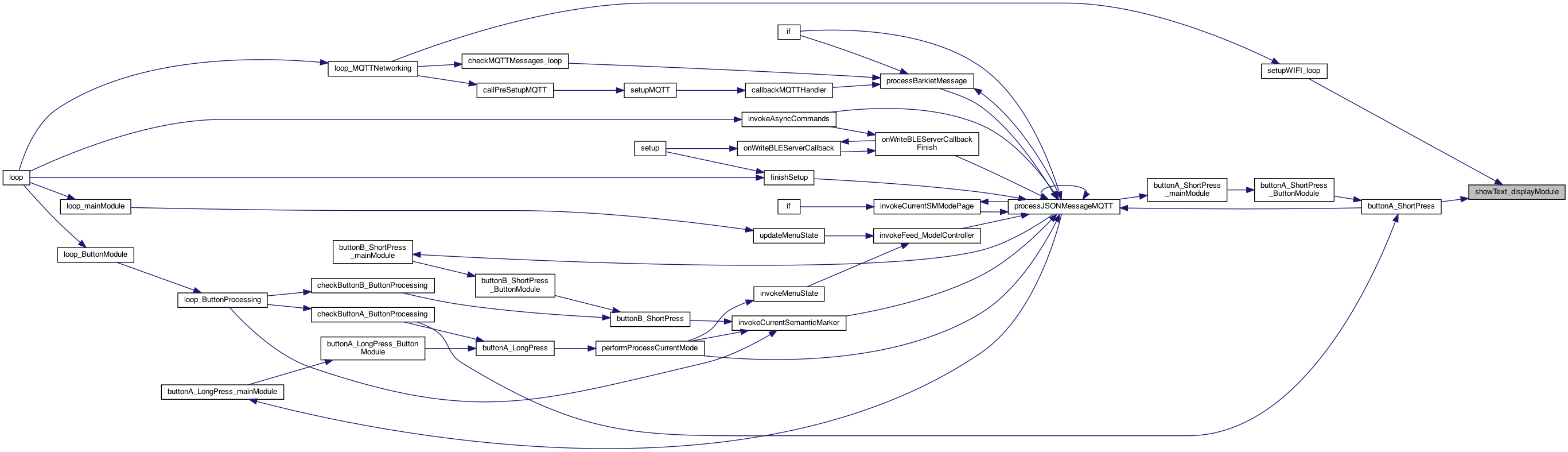
shows a FEED (or whatever) then blanks the screen after N seconds NOTE: This will be a scrolling text as sometime ..
shows a FEED (or whatever) then blanks the screen after N seconds
Definition at line 1952 of file DisplayModule.cpp.
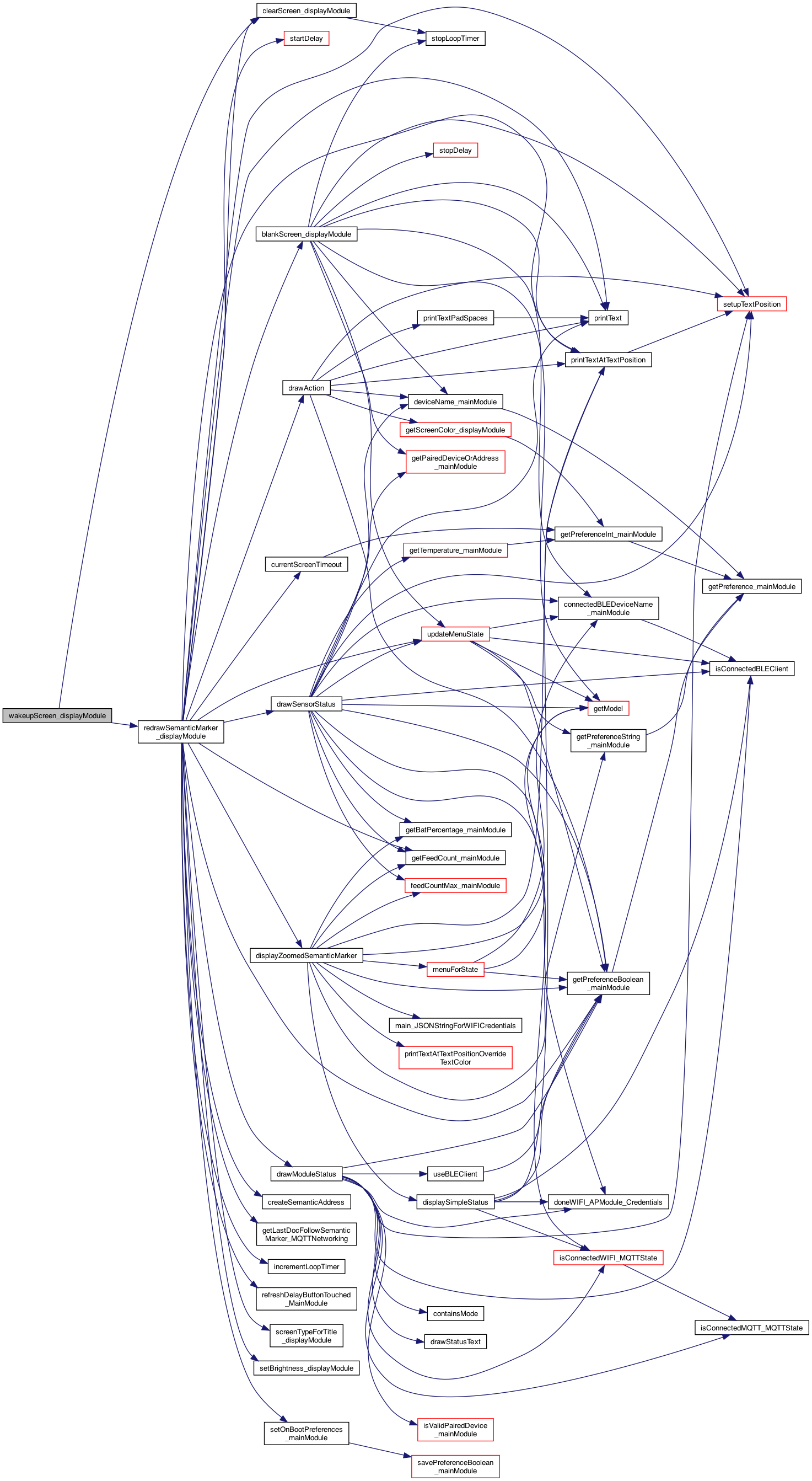
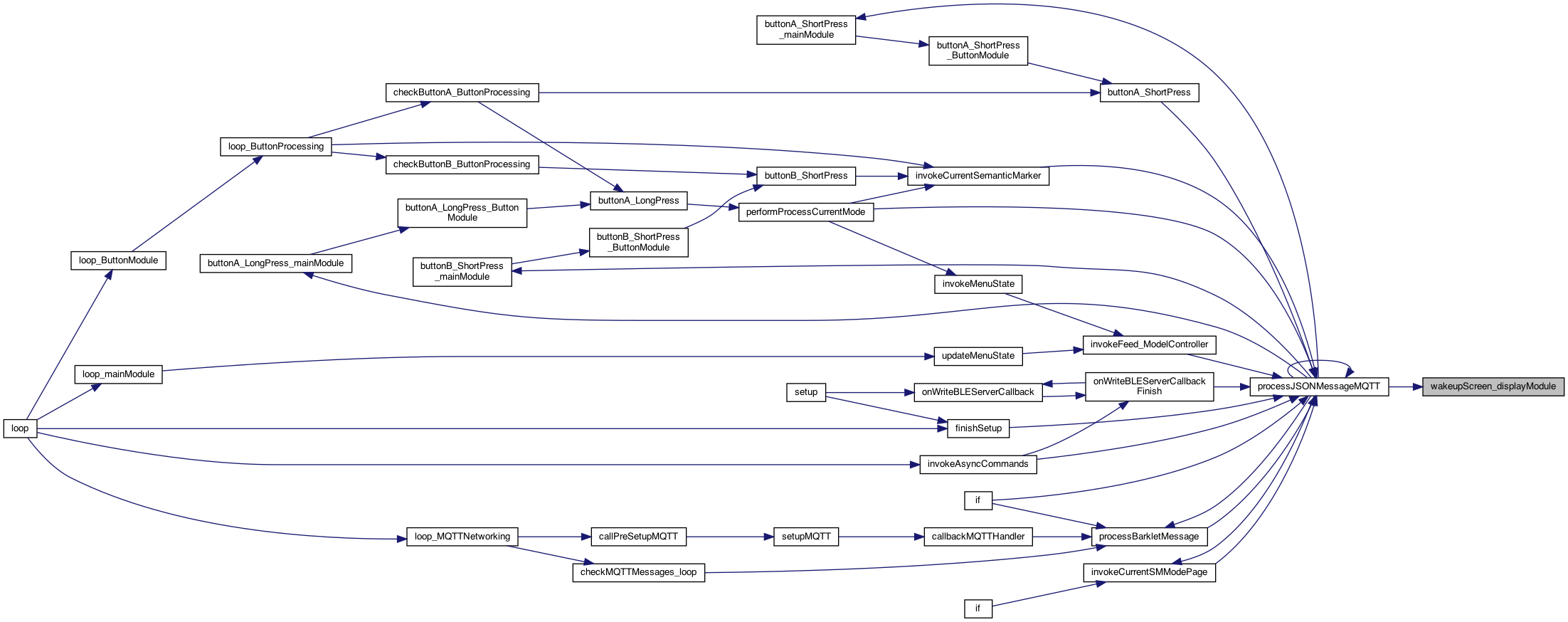
◆ wakeupScreen_displayModule()
| void wakeupScreen_displayModule | ( | ) |
wakes up the screen
see if this works .. vs too flickering.. (if so we have to slow it down..)
Definition at line 735 of file DisplayModule.cpp.