Go to the source code of this file.
◆ buttonA_LongLongPress_M5Core2Module()
| void buttonA_LongLongPress_M5Core2Module |
( |
| ) |
|
long press on buttonA (top button)
◆ buttonA_LongPress_M5Core2Module()
| void buttonA_LongPress_M5Core2Module |
( |
| ) |
|
long press on buttonA (top button)
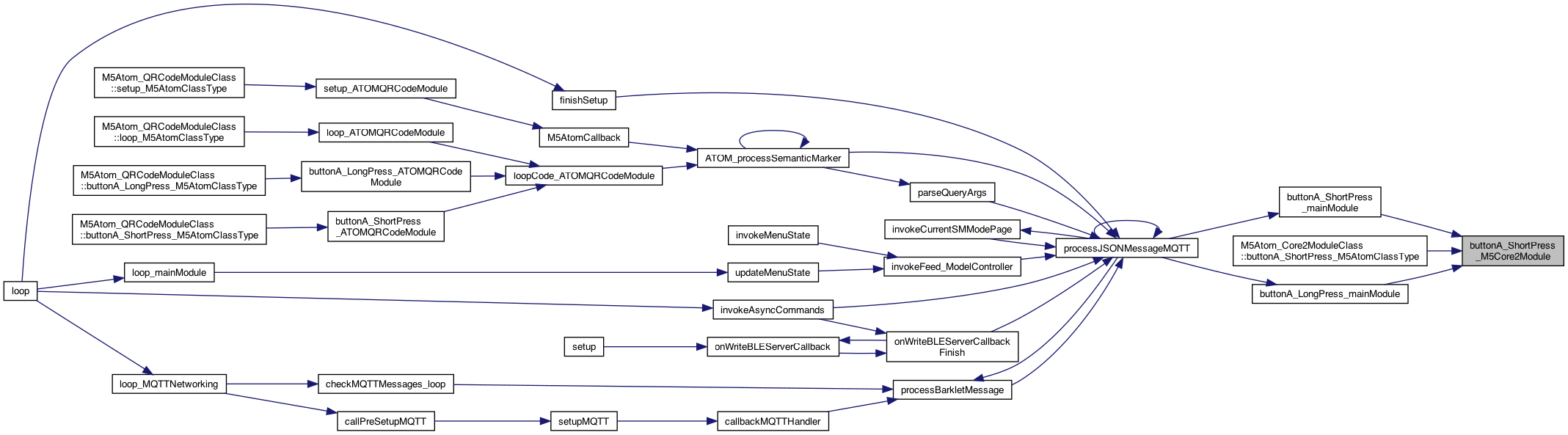
◆ buttonA_ShortPress_M5Core2Module()
| void buttonA_ShortPress_M5Core2Module |
( |
| ) |
|
BUTTON PROCESSING abstraction short press on buttonA (top button)
◆ buttonB_LongPress_M5Core2Module()
| void buttonB_LongPress_M5Core2Module |
( |
| ) |
|
long press on buttonA (top button)
◆ buttonB_ShortPress_M5Core2Module()
| void buttonB_ShortPress_M5Core2Module |
( |
| ) |
|
BUTTON PROCESSING abstraction short press on buttonA (top button)
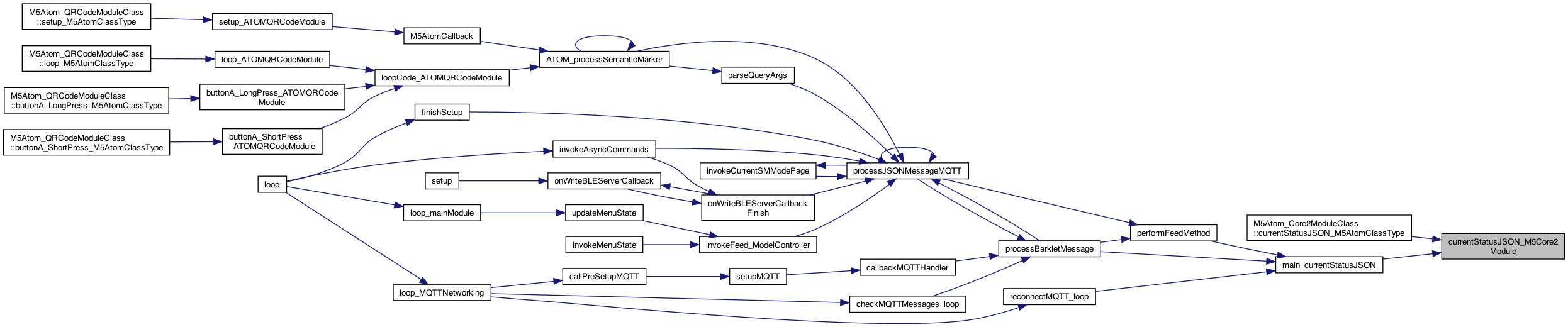
◆ currentStatusJSON_M5Core2Module()
| char * currentStatusJSON_M5Core2Module |
( |
| ) |
|
returns a string in in JSON so: status&battery=84'&buzzon='off' } .. etc starts with "&"*
◆ currentStatusURL_M5Core2Module()
| char * currentStatusURL_M5Core2Module |
( |
| ) |
|
returns a string in in URL so: status&battery=84'&buzzon='off' } .. etc //!starts with "&"*
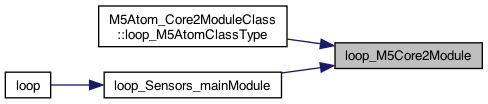
◆ loop_M5Core2Module()
| void loop_M5Core2Module |
( |
| ) |
|
called for the loop() of this plugin
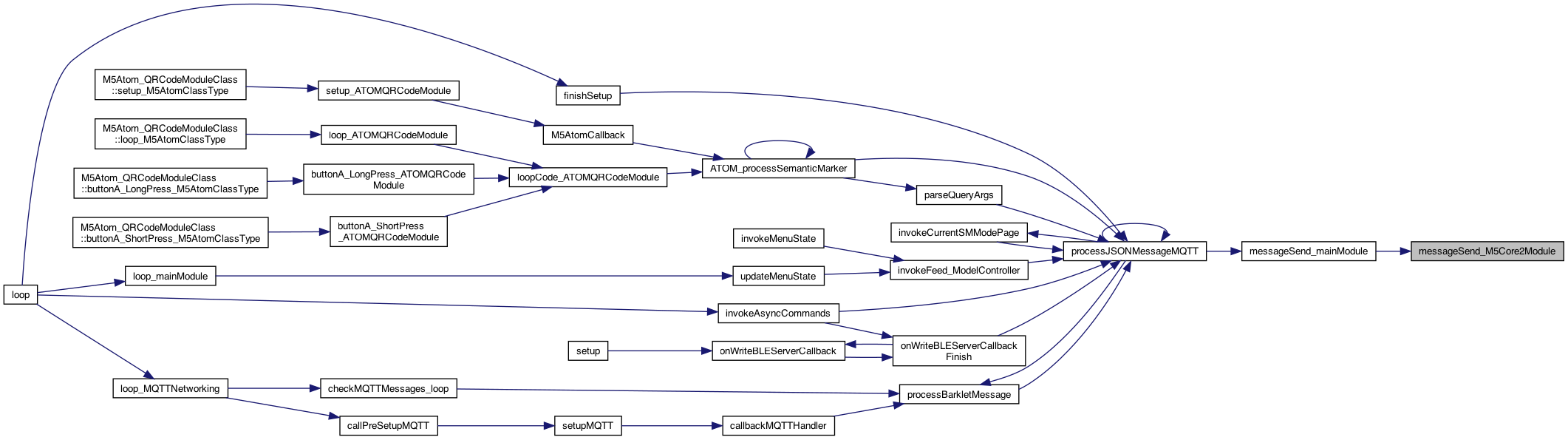
◆ messageSend_M5Core2Module()
| void messageSend_M5Core2Module |
( |
char * |
sendValue | ) |
|
8.28.23 Adding a way for others to get informed on messages that arrive for the set,val
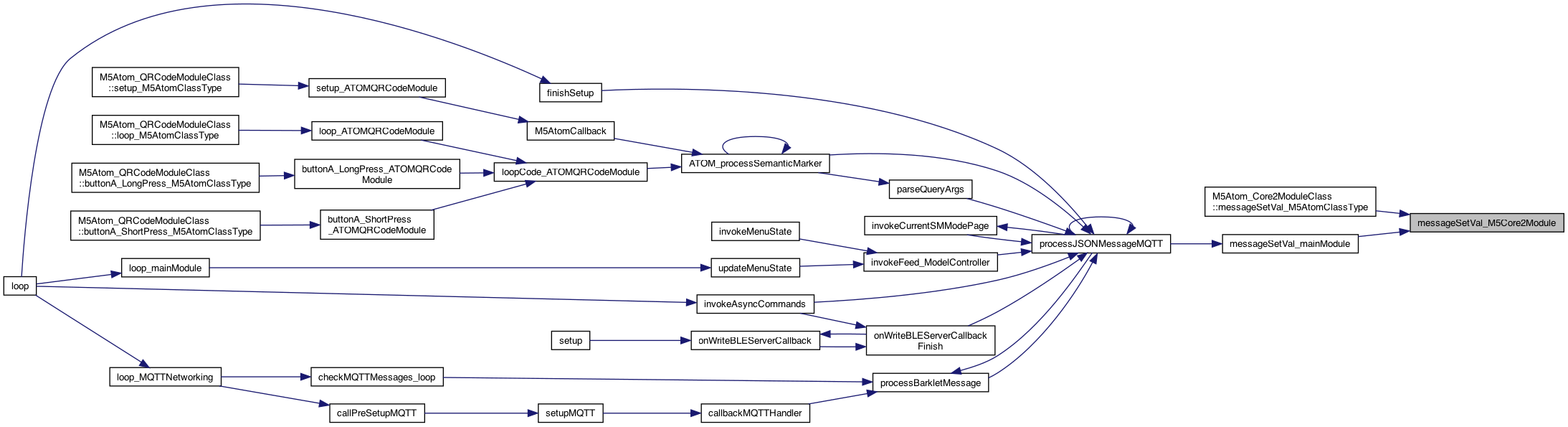
◆ messageSetVal_M5Core2Module()
| void messageSetVal_M5Core2Module |
( |
char * |
setName, |
|
|
char * |
valValue, |
|
|
boolean |
deviceNameSpecified |
|
) |
| |
8.28.23 Adding a way for others to get informed on messages that arrive for the set,val 1.10.24 if deviceNameSpecified then this matches this device, otherwise for all. It's up to the receiver to decide if it has to be specified
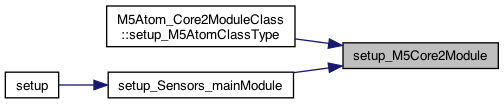
◆ setup_M5Core2Module()
| void setup_M5Core2Module |
( |
| ) |
|
THIS IS the setup() and loop() but using the "component" name, eg AudioModule() This will perform preference initializtion as well called from the setup() Pass in the method to call on a loud (over a threshhold. The parameter for value will be sent